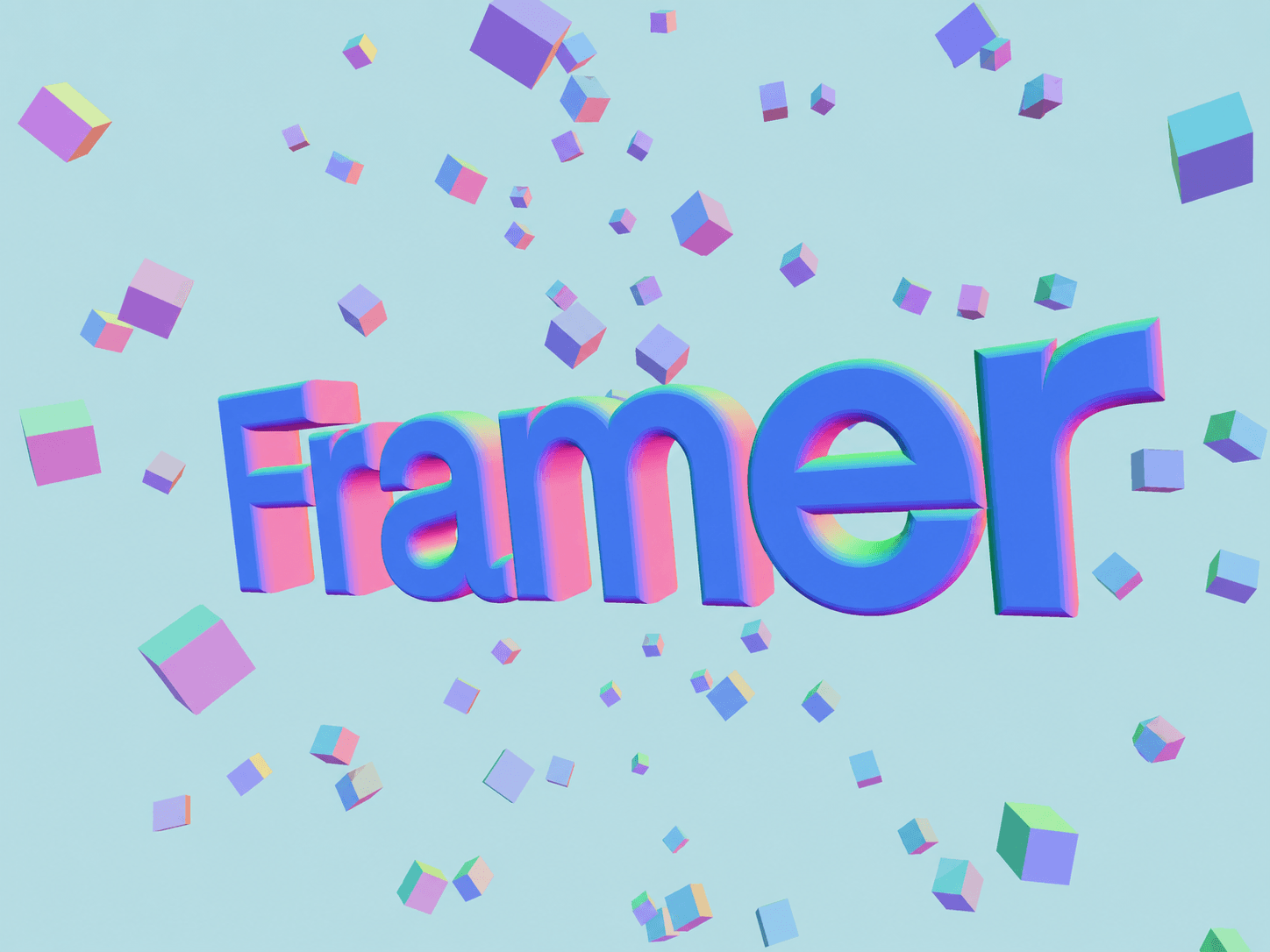
Your headlines have spent enough time lying flat.
Floatype turns editable text into an interactive 3D scene surrounded by floating cubes. Everything is controlled directly inside Framer: text, colors, depth, bevel, cube density, transparency, background, and interaction style.
Choose Float for spatial movement or Zoom for a centered depth effect. It works with mouse and touch, adapts to its container, and includes a static rendering mode for the Framer Canvas.
No code editing. Just add the component, type something worth floating, and let gravity resign.
→ Try Floating 3D Typography in Framer.