About Morphing Dock Navbar
Inspired by https://shwn.design/
About
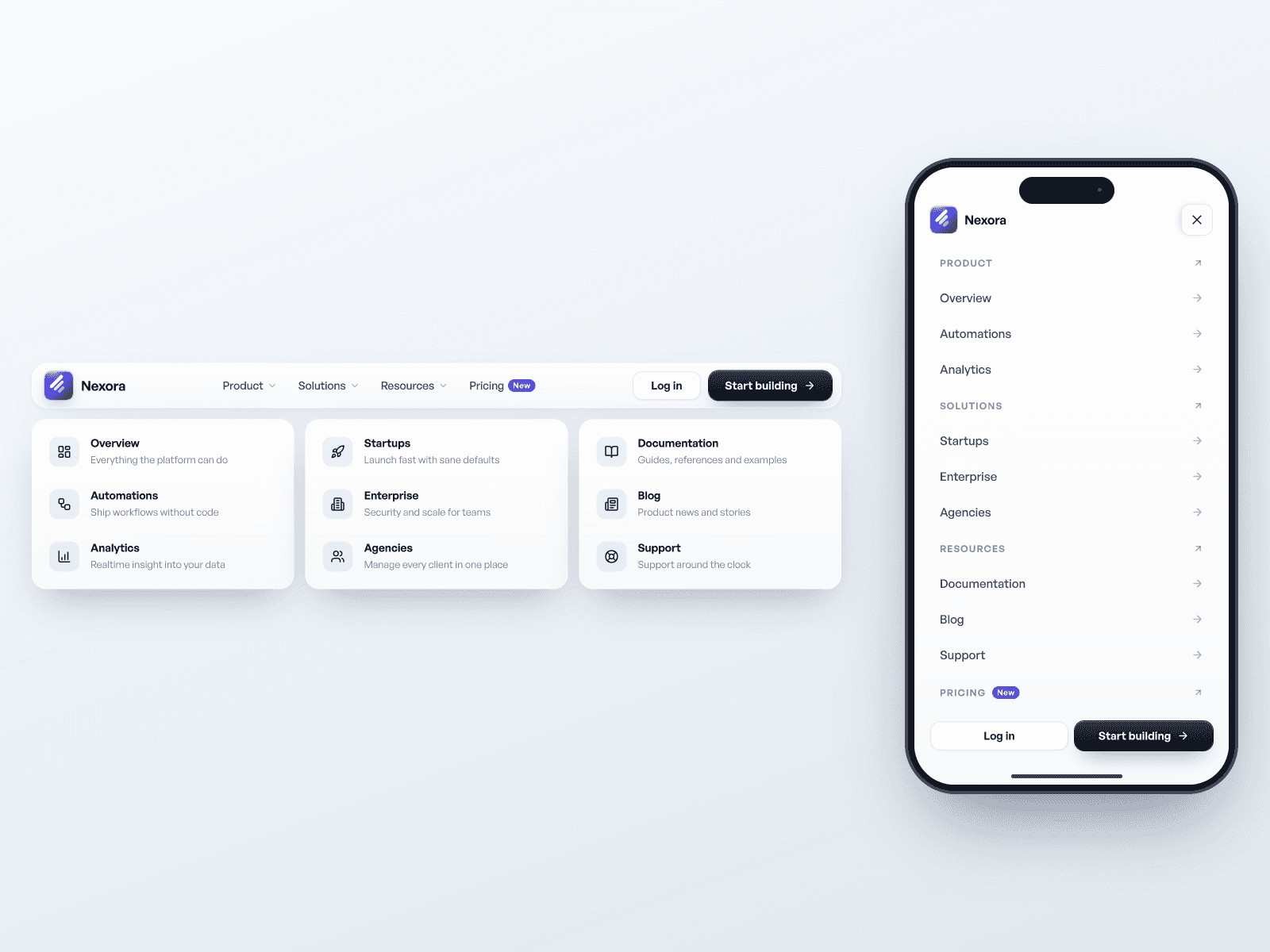
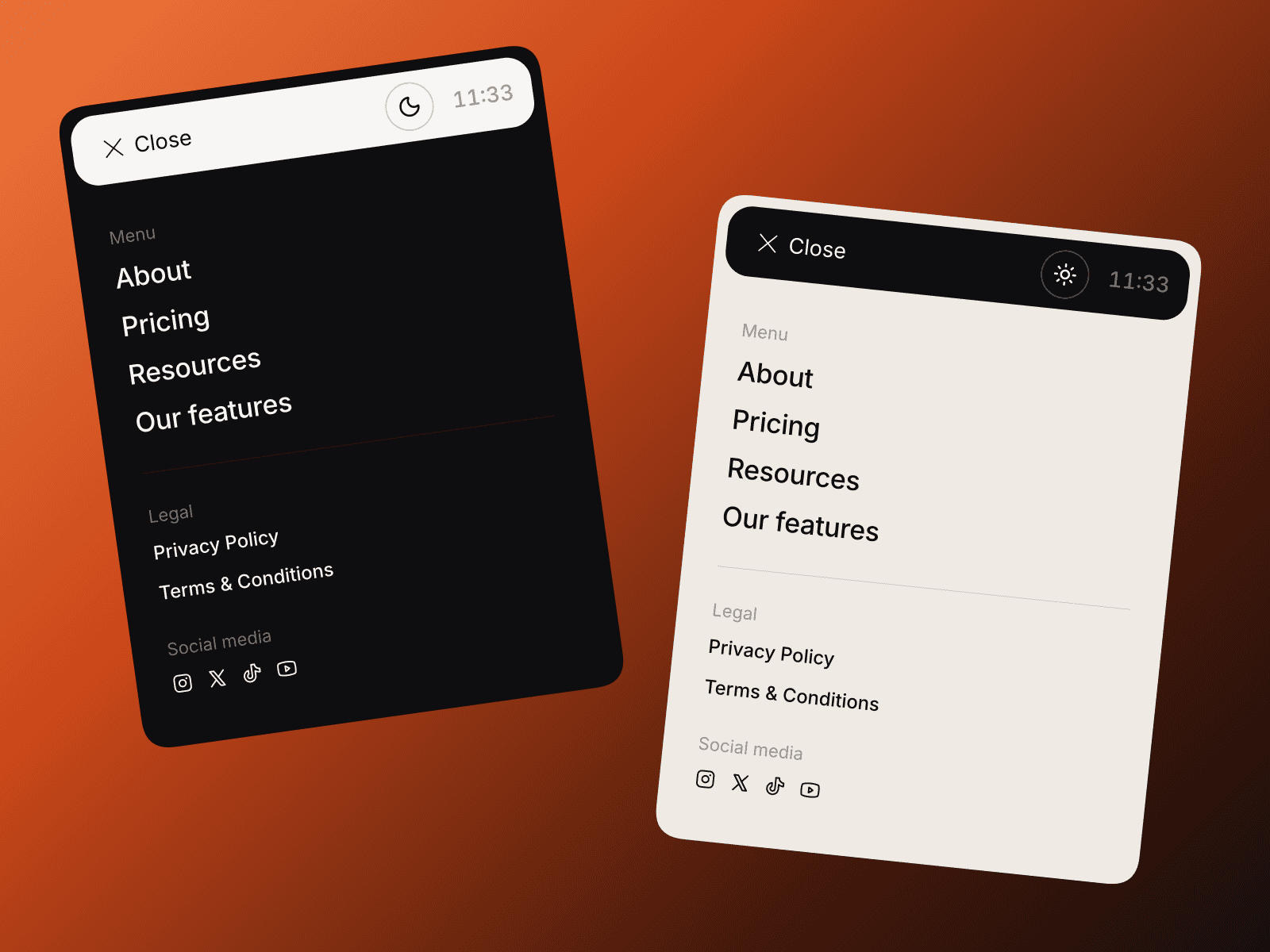
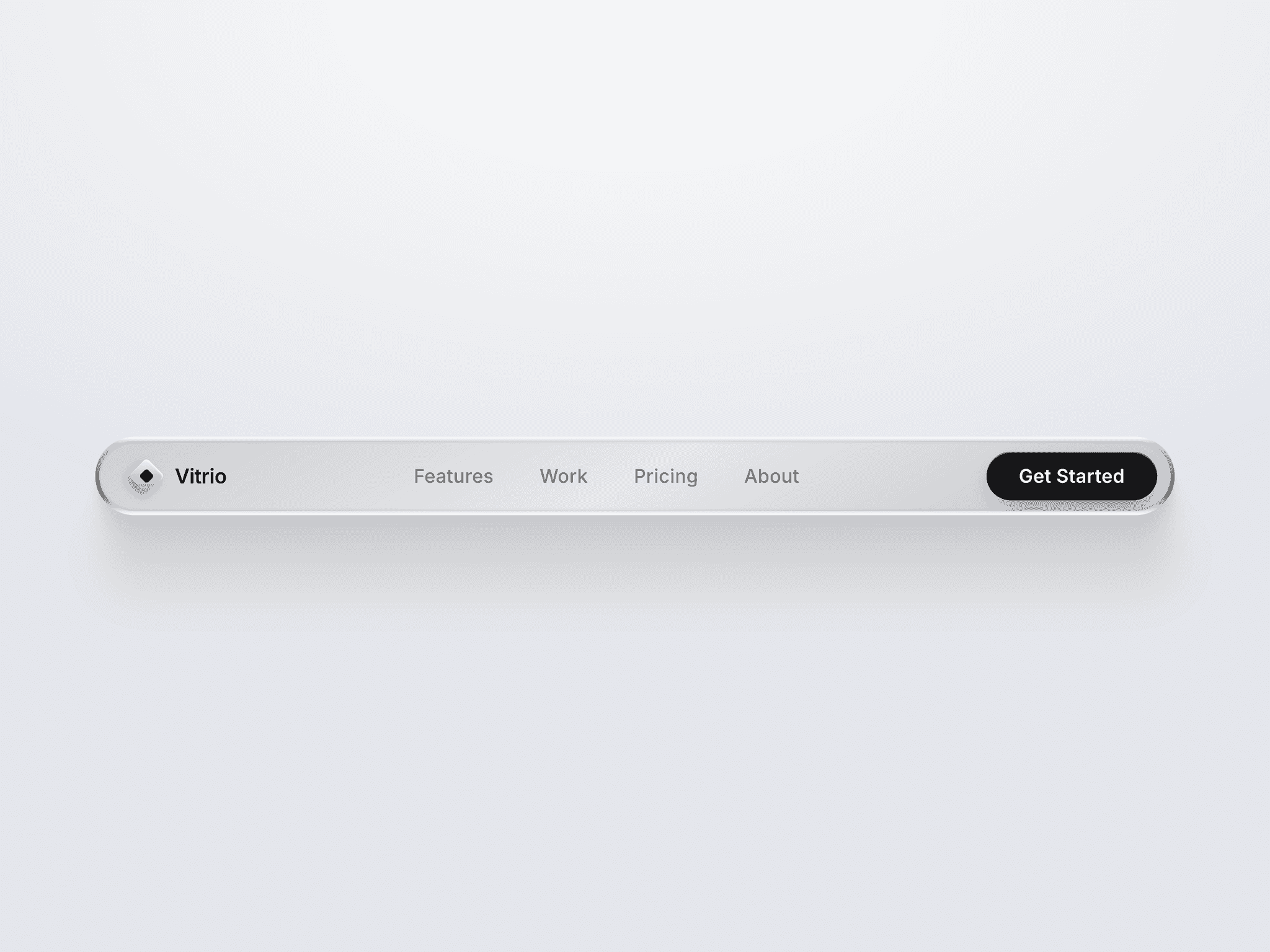
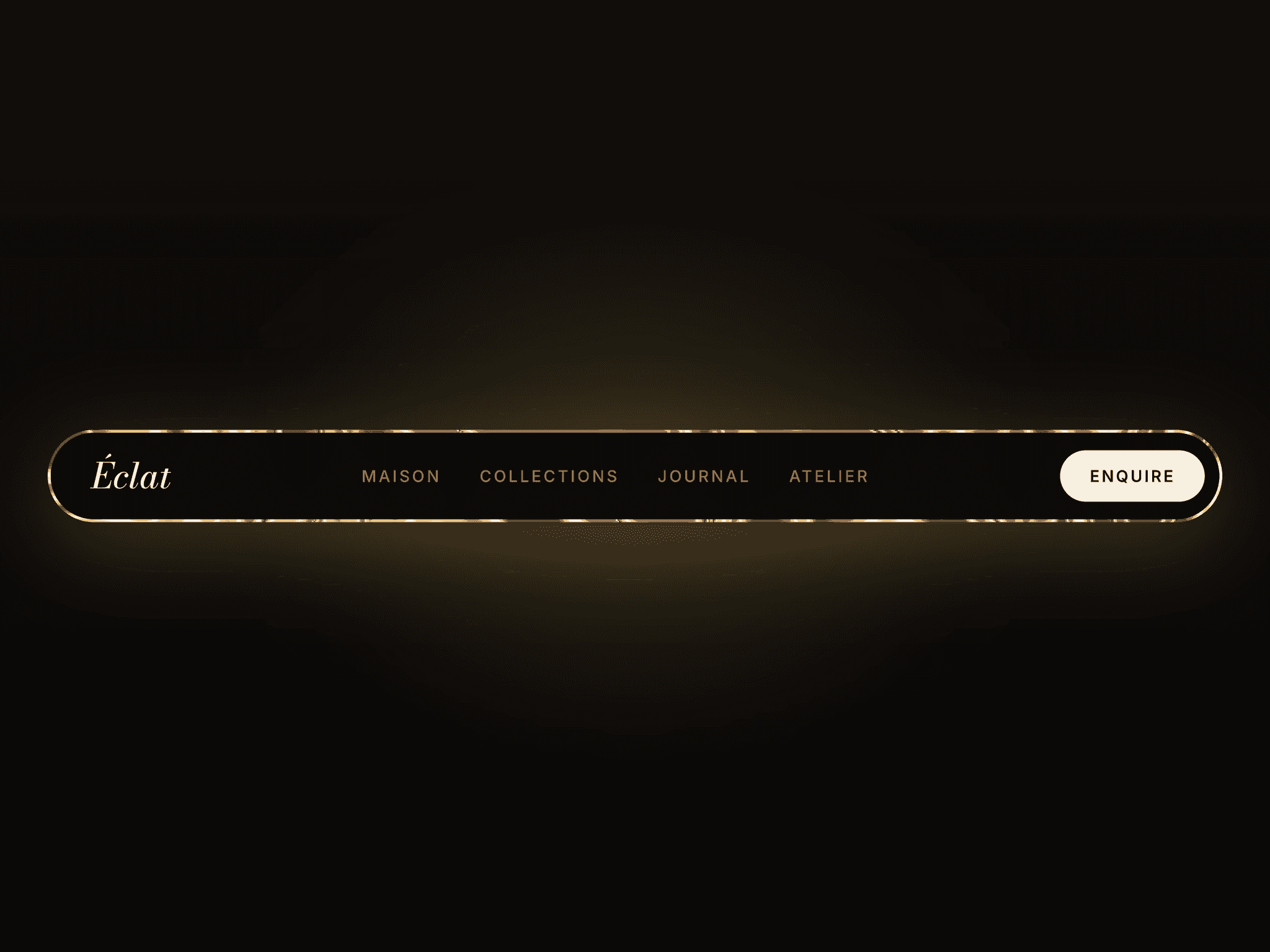
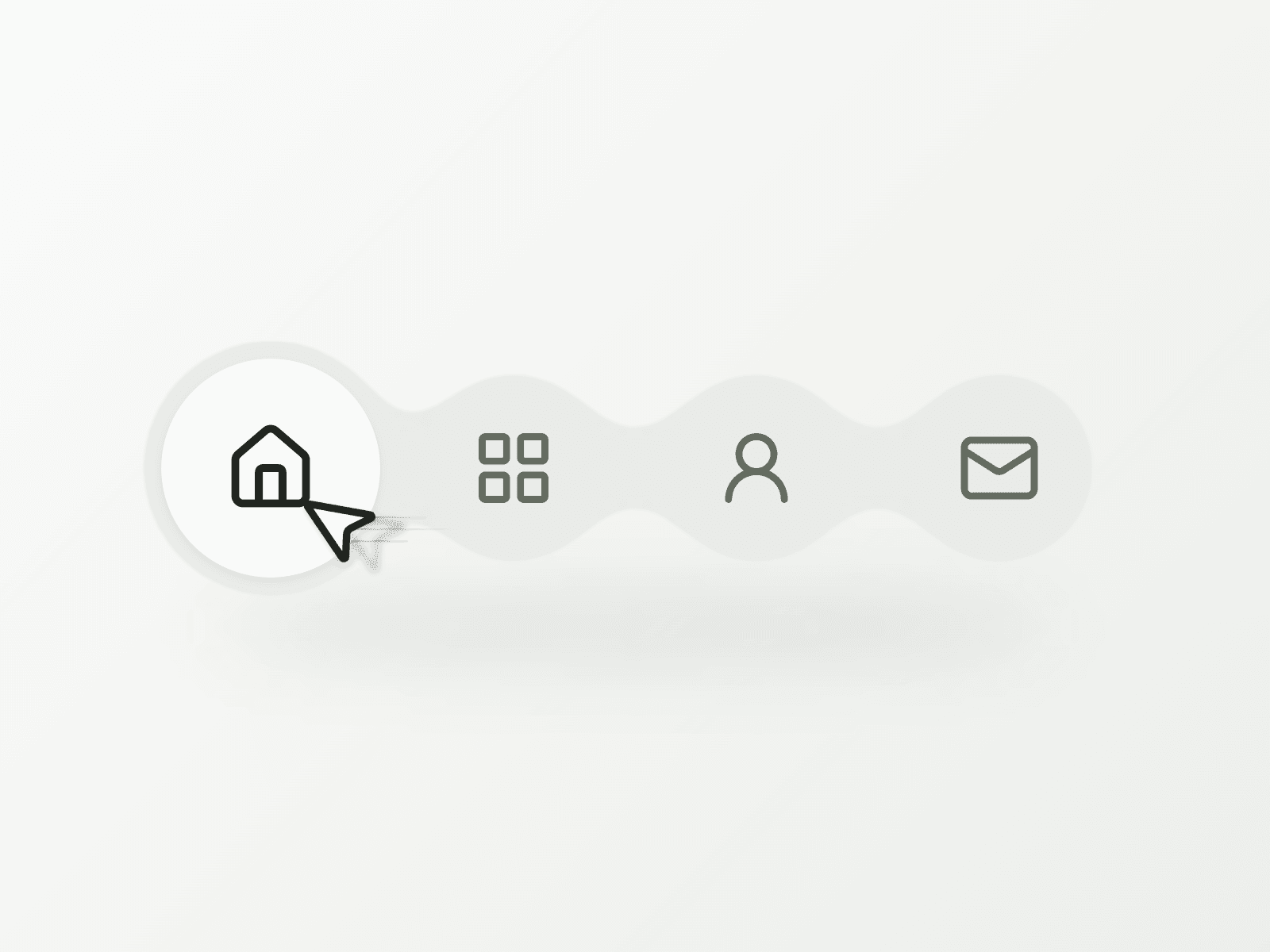
Morphing Dock Navbar brings fluid shape changes to compact icon navigation in Framer. Connected circles reshape around a moving active surface while icons respond to hover and keyboard focus with spring motion. It gives a short website menu a distinctive, tactile feel.
Porcelain and Ink themes offer two starting points. When space gets tight, the horizontal dock becomes a wrapping grid of rounded items, keeping navigation easy to reach.
What you can customize
Make the dock your own through Framer’s visual controls. Shape its colors, typography, spacing, padding, expansion and transition, then choose your starting item and label style: Hover, Active, All or Off.
Build your menu with one to six items, each with a label, destination and new-tab setting. Choose from 22 included Lucide icons or upload SVG and transparent PNG artwork. Preserve original colors or use Monochrome mode, with individual icon scaling.
Keyboard navigation, visible focus and reduced-motion support are included. Touch layouts keep labels visible unless switched off. For hover labels, allow visible overflow and space below the dock.
Great for (examples)
Add expressive navigation without a large header:
Designer portfolios and personal websites
Creative studio and agency navigation
Photography and illustration showcases
Small business and boutique brand websites
Compact headers and footer link menus
Local view selectors and icon toolbars
Share your build
If you ship something cool with it, post it on X and tag me @Matthias_Oel, or send it over. I’d love to see what you create.
Need help?
Questions or feedback? Reach me anytime: matthias@lmvision.de or on X @Matthias_Oel.
Need a matching component?
Explore more expressive navigation and shape-driven motion: