About Prism Drift 2.0
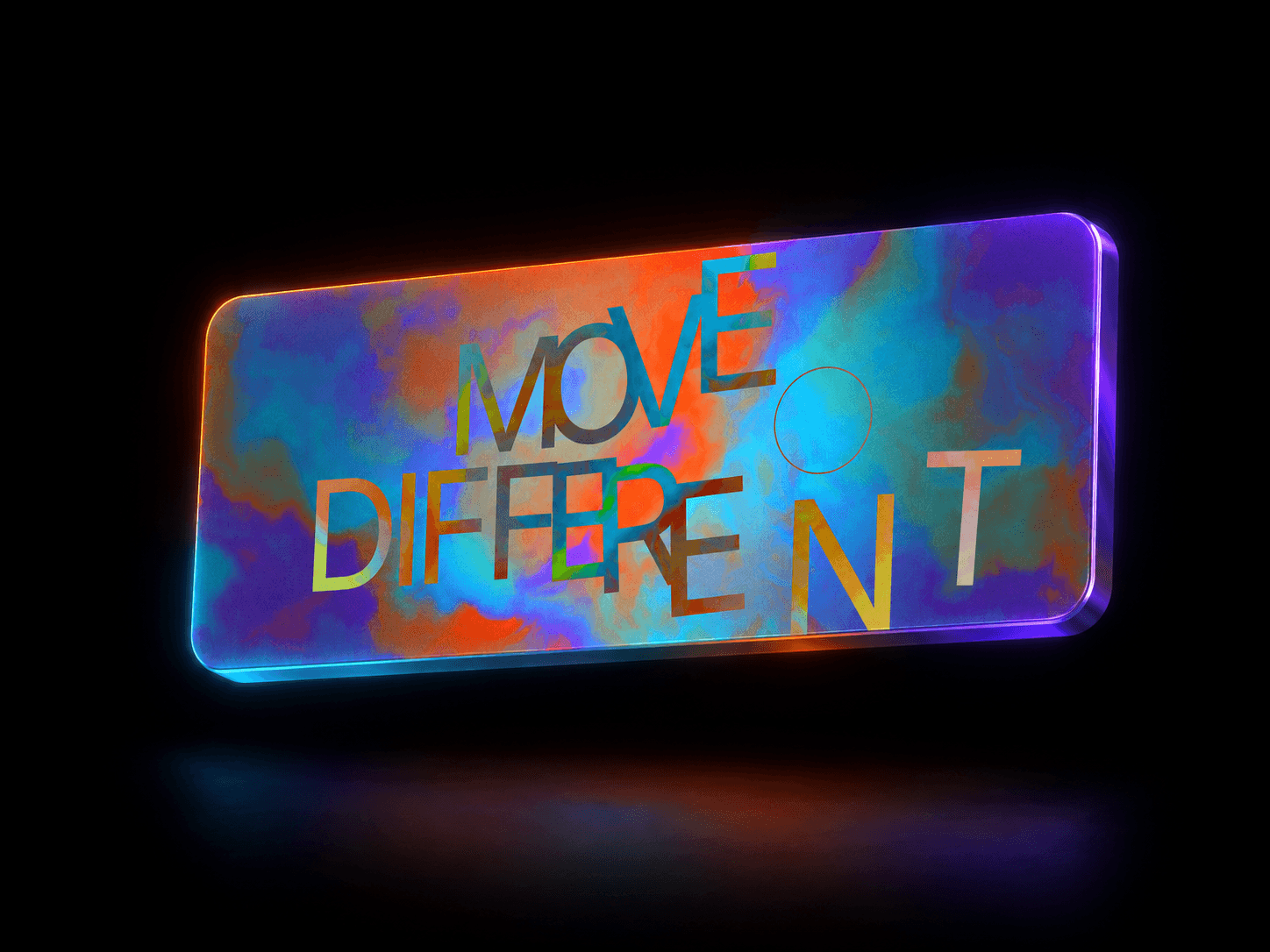
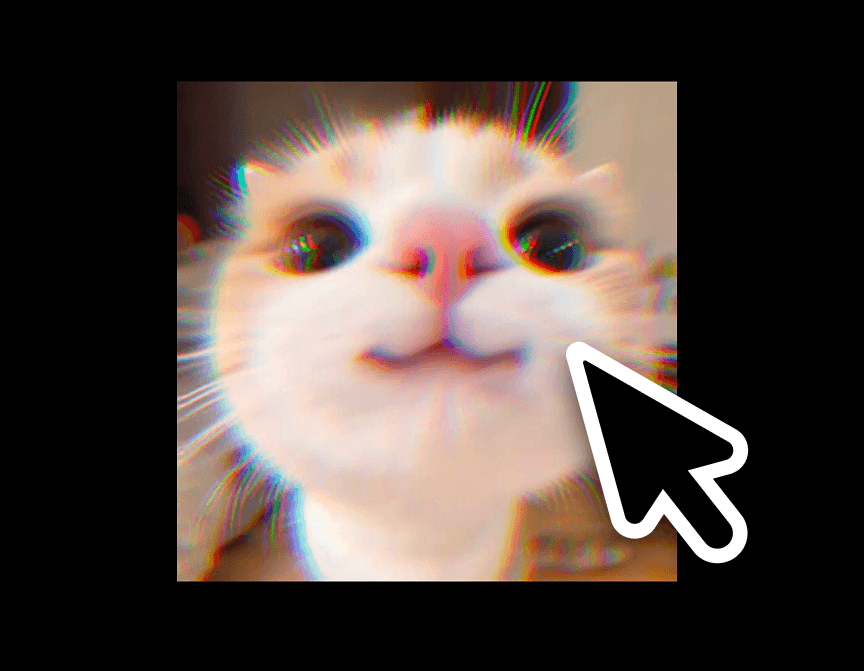
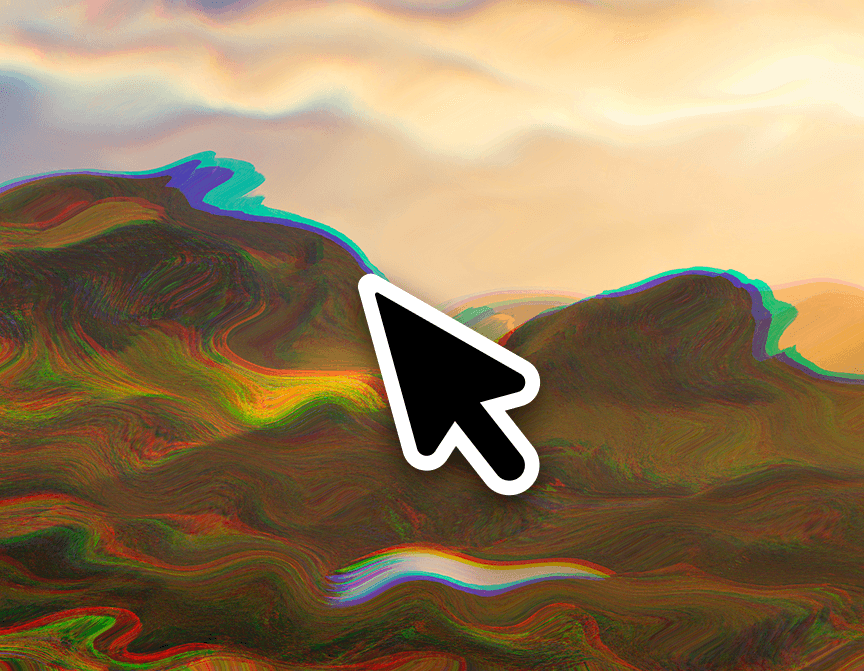
PrismDrift is a WebGL/GLSL shader component that turns any image into a reactive, chromatic-aberration surface. It runs an animated simplex-noise field under the hood to ripple the image's red, green, and blue channels apart along a chosen direction, creating the kind of "digital liquid" / prism-split look you'd normally need a custom shader build to get. Drop it over a hero image, a portfolio thumbnail, or a product shot and it sits still until triggered — then drifts, glitches subtly, and settles back.
Customizations available in Framer
Image — the source image the effect distorts; leave empty to use the animated fallback gradient instead.
Trigger — Hover, Scroll into view, Always animate, or Click to toggle; picks what starts the distortion.
Intensity — overall strength of the noise-driven displacement (0–1).
Speed — playback speed of the underlying noise animation.
Noise Scale — spatial frequency of the ripple pattern, from broad waves to fine turbulence.
RGB Split — how far apart the red/green/blue channels shift, i.e. how strong the chromatic-aberration look is.
Direction — the angle (0–360°) the displacement and channel split travel along.
Transition — how quickly the effect eases in and out when the trigger fires.
Fallback Color A / Fallback Color B — the two colors blended into the animated gradient shown when no image is set.
Tint Color — an optional color mixed over the whole effect (any color, including a transparent one to disable it).
Tint Opacity — strength of the tint mix.
Vignette — toggles a soft dark edge falloff for extra depth.
Border Radius — rounds the component's corners.
Respect Reduced Motion — when on (default), visitors with reduced-motion enabled see a static version instead of the animated shader.