About 3D Drape Text
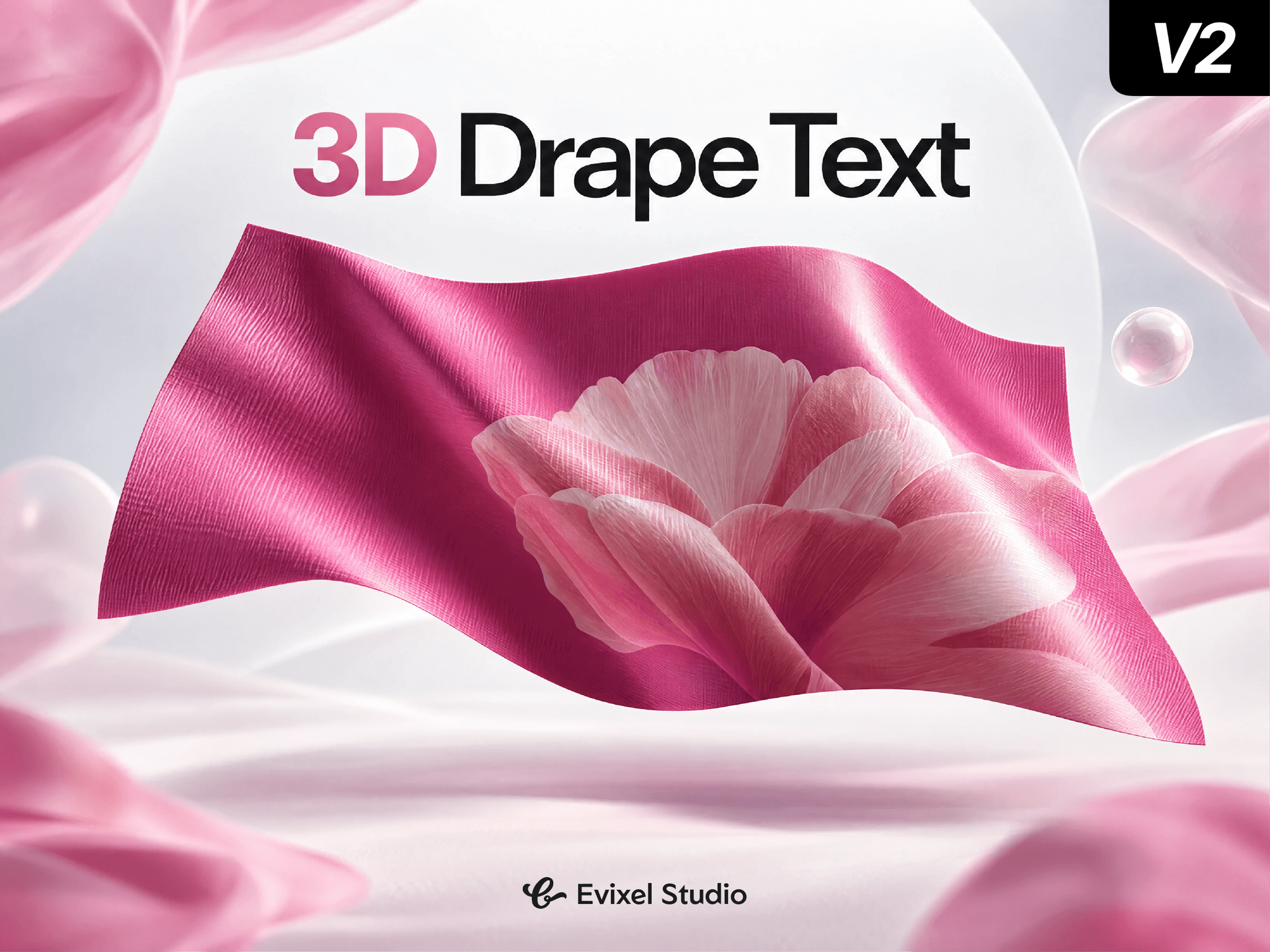
Bring your website to life with a realistic, interactive 3D cloth simulation. Grab, drag, and drape dynamic fabric carrying your custom typography or brand imagery in real time—powered by Three.js and Verlet physics with zero external 3D models required.
Key Features
Interactive Physics: Grab and pull the fabric with mouse or touch, complete with realistic wind ripples and gravity.
Custom Text & Images: Write multi-line titles or apply your own custom textures and background graphics.
Custom Pinning Modes: Pin the cloth along the left, right, top edges, corners, or let it free-fall into view.
PBR Material Tuning: Fine-tune surface roughness, metalness, shadows, and lighting for silk, cotton, or metallic sheet looks.
Production-Ready Performance: Responsive layout support, smooth frame rates, and automatic static fallback for search engines.
Property Controls
Text: Multi-line text input with full font customization (font family, weight, size, letter spacing, and color).
Appearance: Switch between Solid Color and Custom Image, with direct control over cloth Roughness and Metalness.
Simulation: Adjust Wind Strength, Gravity, and Fabric Stiffness to simulate everything from stiff leather to lightweight silk.
Pinning: Choose how the fabric hangs: Top Edge, Left Edge, Right Edge, Top + Left, Top + Right, or Free Falling.
Quick Start Guide
Drag and drop the component anywhere onto your Framer canvas.
Set your desired dimensions (or set width and height to 100% / Fill).
Type your text or toggle background to upload a custom image.
Select your preferred pinning style and preview the live simulation!