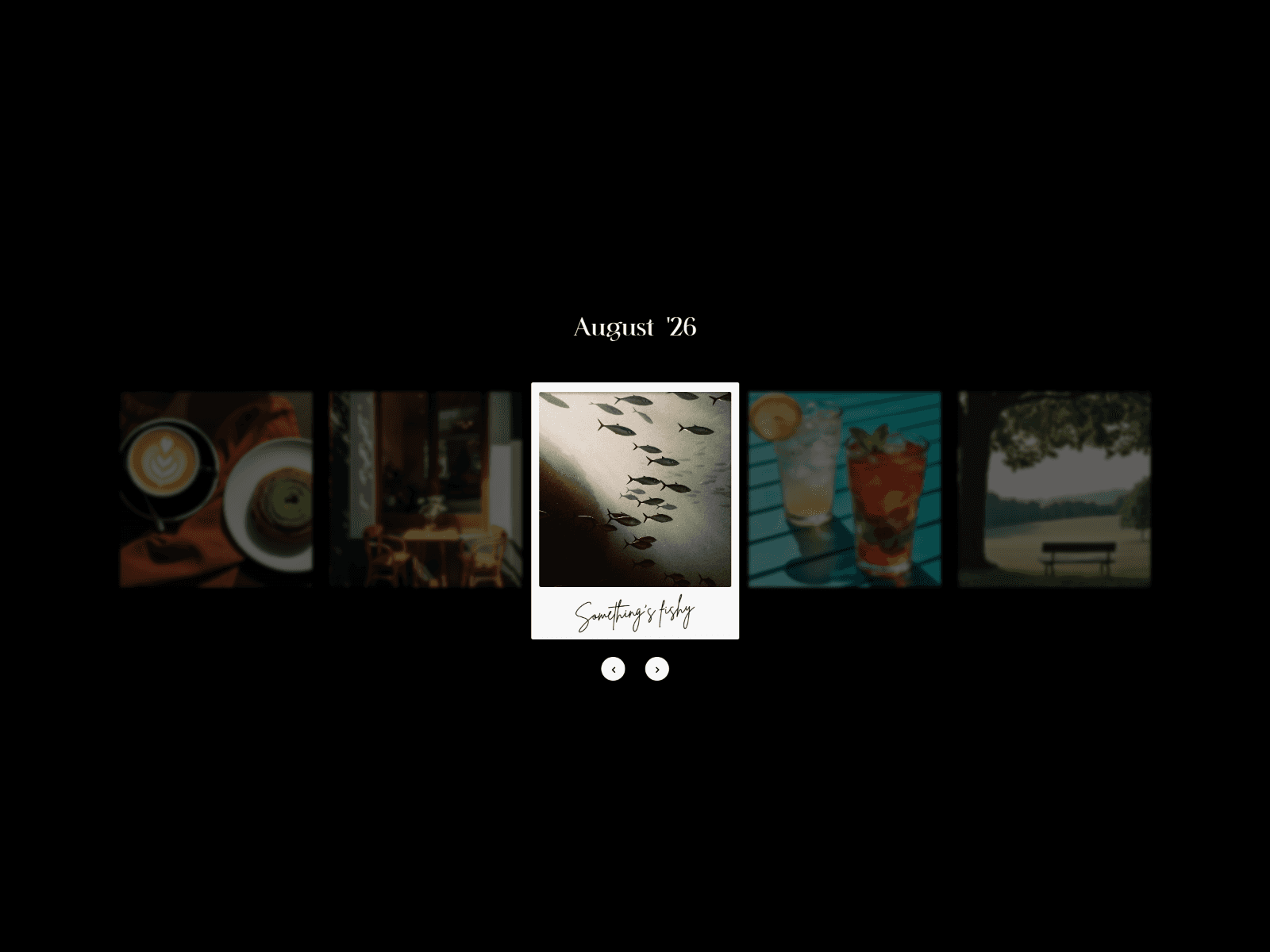
About 3D Image Wheel CMS
This Three.js 3D Image Wheel syncs instantly with your Framer CMS. Connect fields to display items and link to detail pages in seconds. Fully touch-optimized and high-performance, it’s the fastest way to build a stunning, professional portfolio.
Customizable Properties
Content & CMS
Image: Connect your CMS image field.
Title: Connect your CMS text field for the hover overlay.
Link: Connect your CMS link or detail page.
Open in New Tab: Toggle to open links in a new browser tab.
Item Repeat: Set how many times the CMS items repeat to fill the 3D wheel (1x to 10x).
Card Style
Width: Adjust the width of the 3D cards (px).
Height: Adjust the height of the 3D cards (px).
Radius: Set the corner radius for the 3D card geometry (px).
Preview Style (Hover Overlay)
Width: Set the width of the hover preview window.
Height: Set the height of the hover preview window.
Position: Choose from 7 layout positions (Top Left, Center, Bottom Right, etc.).
Radius: Set the corner radius of the preview image.
Font: Fully customize the title font (Family, Size, Weight, Alignment).
Text Color: Set the color for the preview title text.
Intro Animation
Enabled: Toggle the startup rotation animation.
Physics: Customize the rotation feel using Framer’s transition settings (Spring/Tween).
Spins: Set the number of rotations during the intro (0 to 20).