About Arcshift Gallery
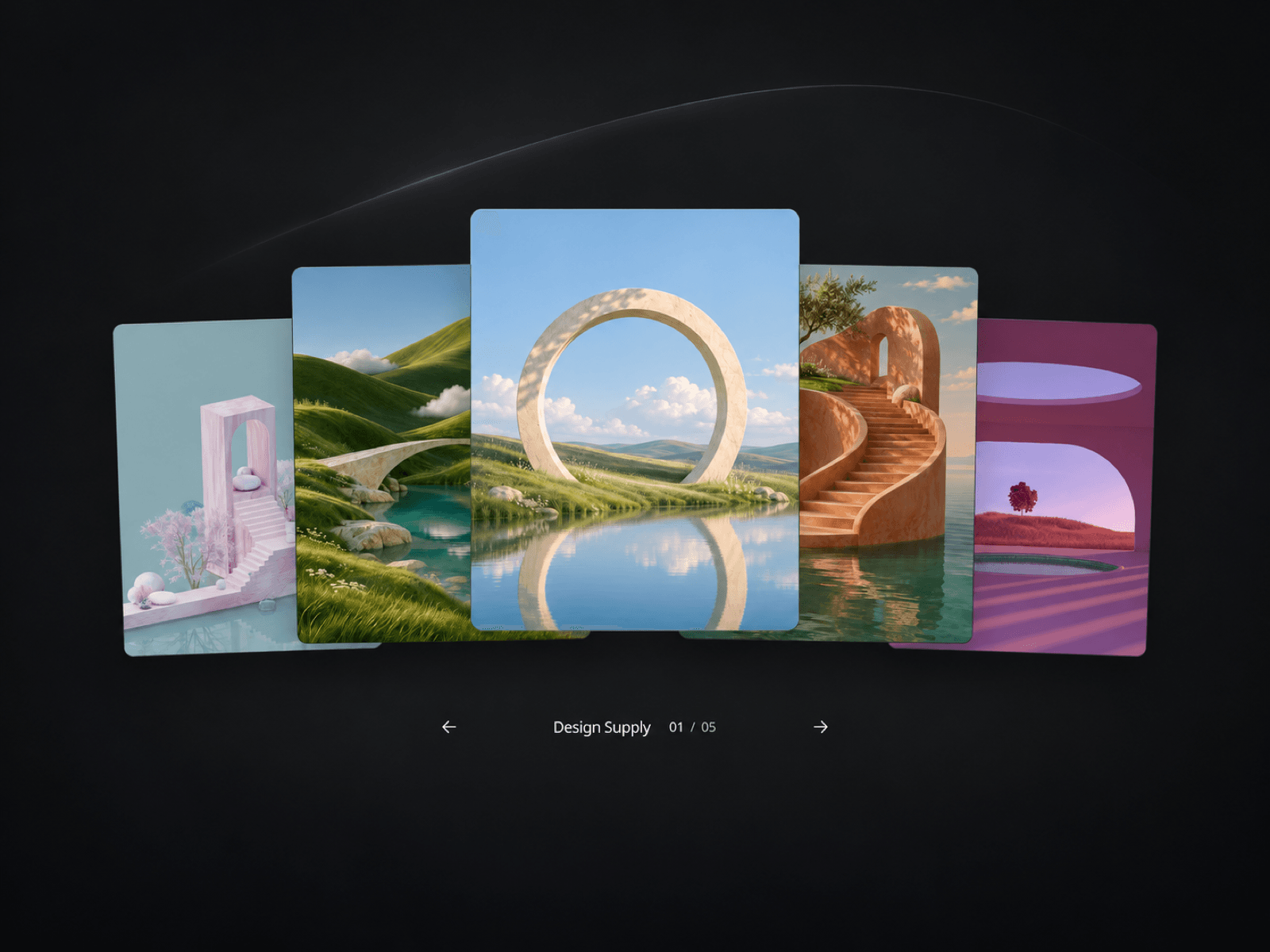
Arcshift Gallery is an interactive image gallery for Framer that gives each image room to stand out. Overlapping cards, subtle rotation, and a centered focal point create a layered composition for portraits, selected projects, photography, and visual collections.
Follow the movement
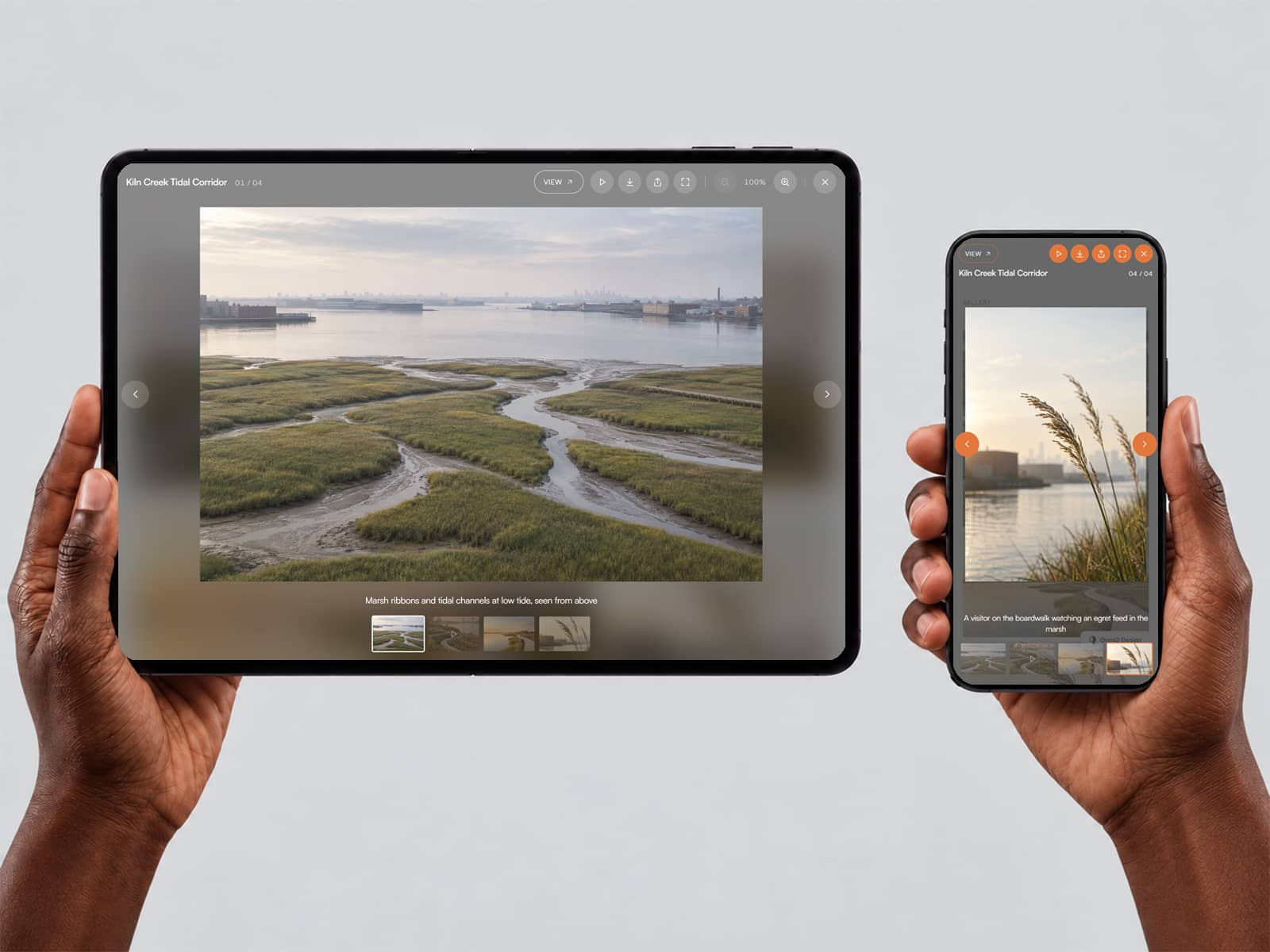
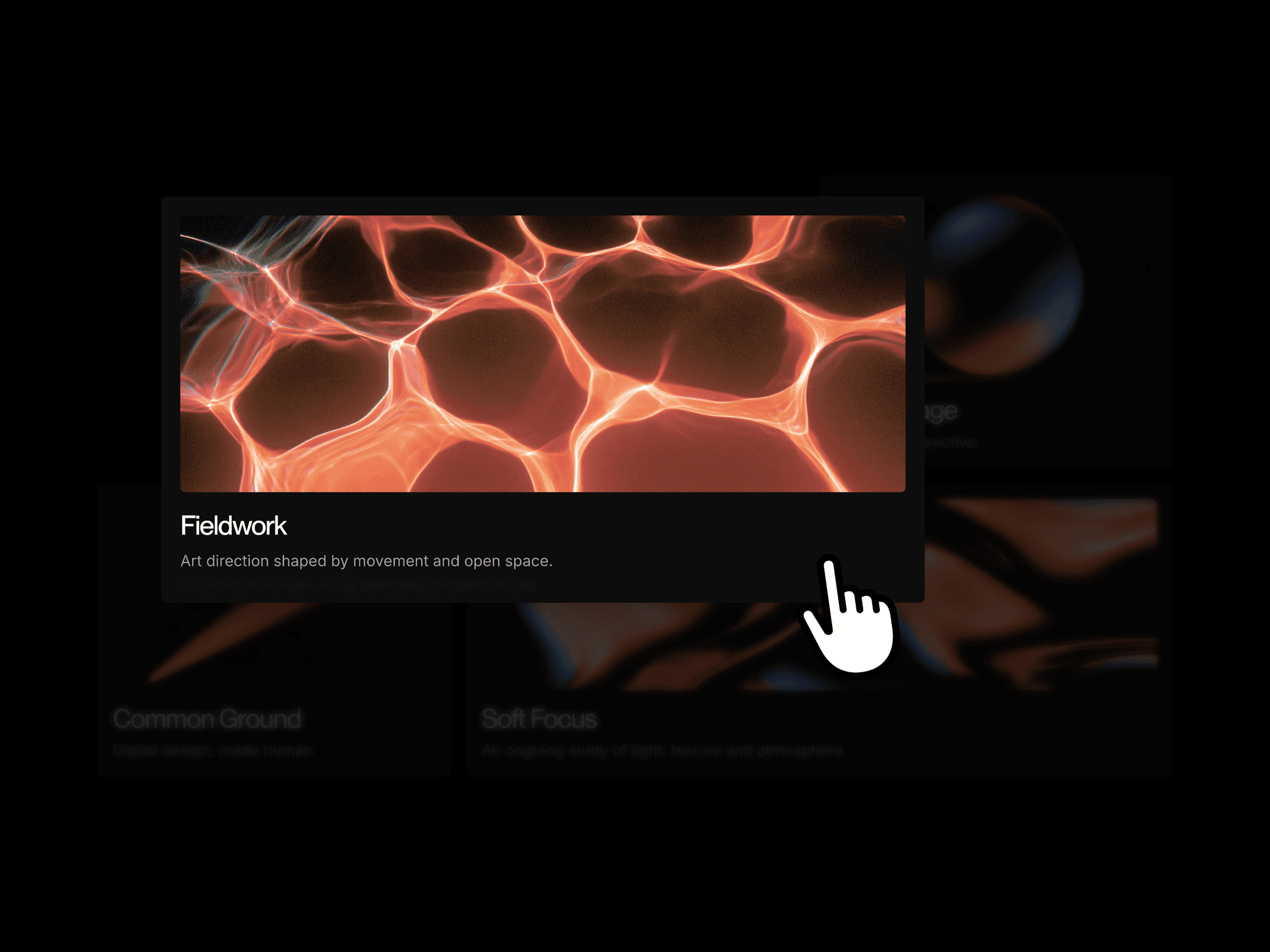
Move across the cards to bring the next image into focus. With hover selection enabled, the gallery advances through neighboring cards in sequence, keeping the movement connected even when you move toward an outer image. Arrow controls and keyboard navigation offer another way to browse, while horizontal swipes make the gallery easy to explore on smaller screens.
Make it yours
Add up to 12 items and give each image its own destination link. Choose the stacked arrangement for depth or switch to the Rail layout for a more linear presentation. Adjust card dimensions, corner radius, tilt, spacing, motion timing, and padding directly in Framer.
Match the gallery to your site with editable background, text, secondary, and accent colors. Keep the imagery in full color or use the monochrome option for a quieter presentation. The brand label can be changed to your own name, while the counter and arrow controls keep navigation compact.
More than a portrait gallery
Use Arcshift for a creative team's portraits, a photographer's selected work, a studio's projects, or a curated collection of images. Optional profile details let you add names, roles, short biographies, and contact information when the images need more context. Leave them hidden for a minimal, image-first layout.
The responsive layout adapts to smaller screens, supports keyboard browsing, and respects reduced-motion preferences. Start with the supplied images, replace them with your own, and tune the appearance to fit the rest of your page.
Made by Design Supply