About 3D Mosaic Hover Grid
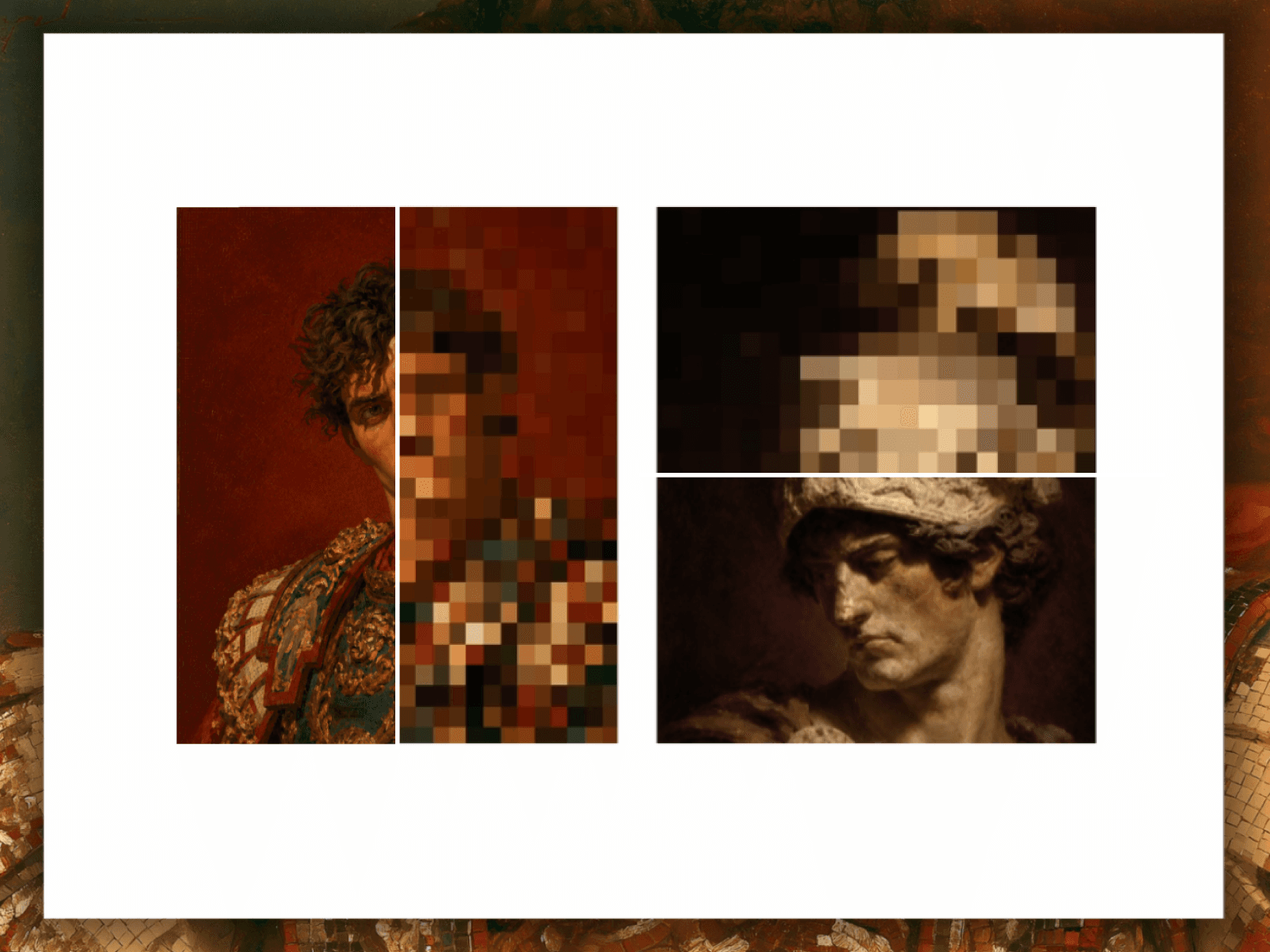
Turn any two images into a stunning 3D interactive experience. The 3D Mosaic Hover Grid splits your image into a grid of animated 3D cube tiles that breathe and flip on hover — revealing a hidden second image with a smooth ripple effect from the center outward.
Key Features
Hover Image Reveal — Mouse over to trigger a ripple flip that uncovers a second image
3D Flip Animation — Each tile rotates 180° on the Y-axis like a real 3D cube
Breathing Motion — Tiles float on the Z-axis continuously for a living, ambient effect
Ripple Effect — Flip animation spreads outward from center like a wave
Customizable Grid — Set columns, rows, tile size, and gap to fit any layout
Two Breathing Modes — Synchronized or randomized per-tile breathing patterns
Keyboard Accessible — Press Enter or Space to toggle, Escape to reset
Loading States — Built-in image preloading with error handling
Static Render Support — Works correctly in Framer exports and thumbnails
Performance Optimized — Uses requestAnimationFrame and will-change for smooth 60fps
Perfect For
Before and after image comparison
Hero section with hover reveal
Creative portfolio and agency websites
Product image showcase
Interactive image gallery
Landing page eye-catchers
Photography and art direction sites
SaaS and startup marketing pages
Customization Options
Columns and rows — 4 to 20 columns, 4 to 16 rows
Tile size — 40px to 150px per tile
Gap spacing — 0 to 20px between tiles
Flip duration — control how fast tiles rotate
Ripple speed — how fast the wave spreads across the grid
Breathing speed and depth — control the Z-axis float intensity
Background color and cube face color
Default image and hover image — two separate image slots
How It Works
On idle, the grid displays your first image across all tiles with a subtle floating motion. On hover, a ripple wave triggers each tile to flip 180° and reveal the second image underneath — like turning cards in a mosaic. Move the cursor away and the tiles flip back in the same ripple pattern.