About Texture Mask
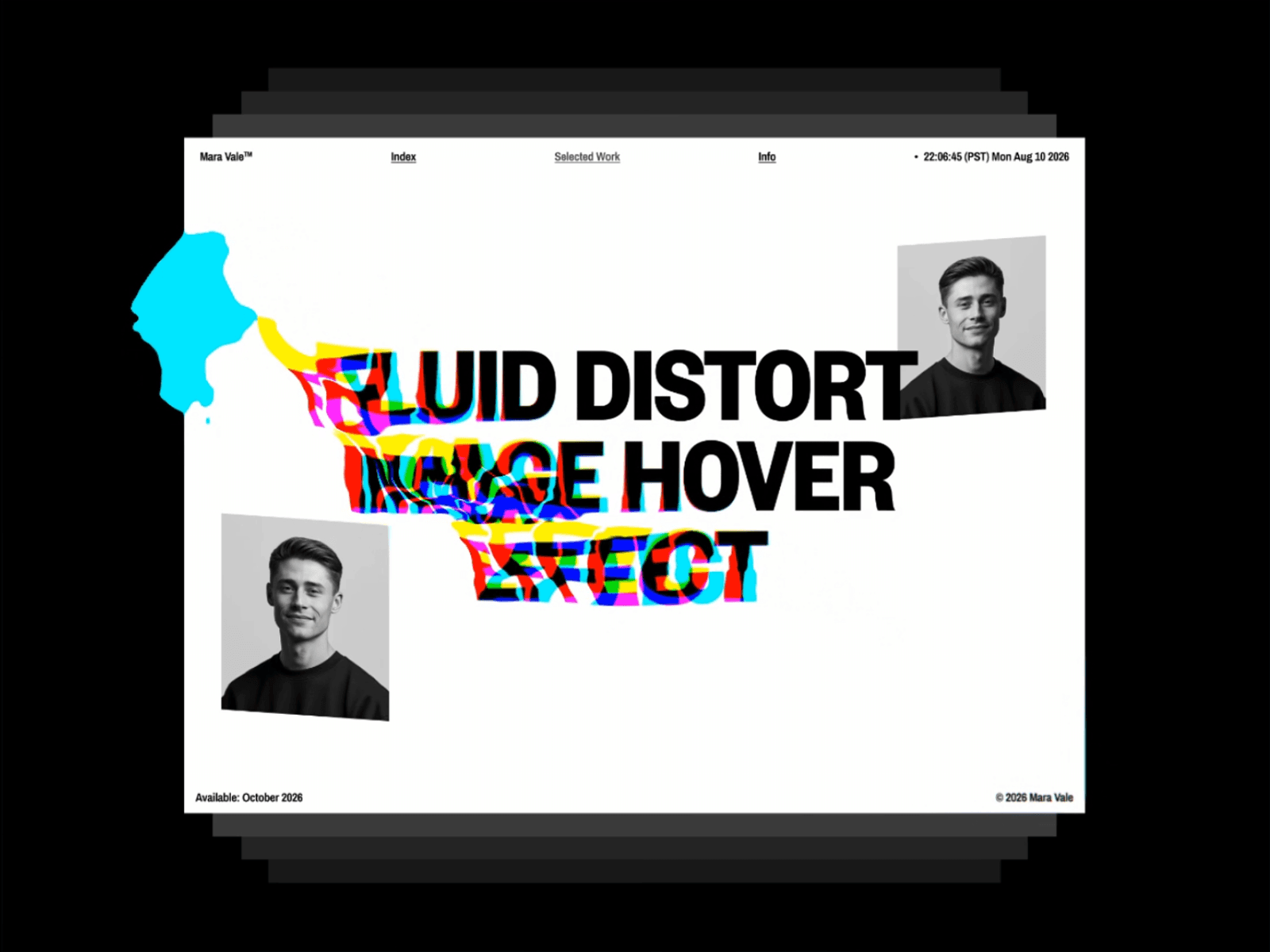
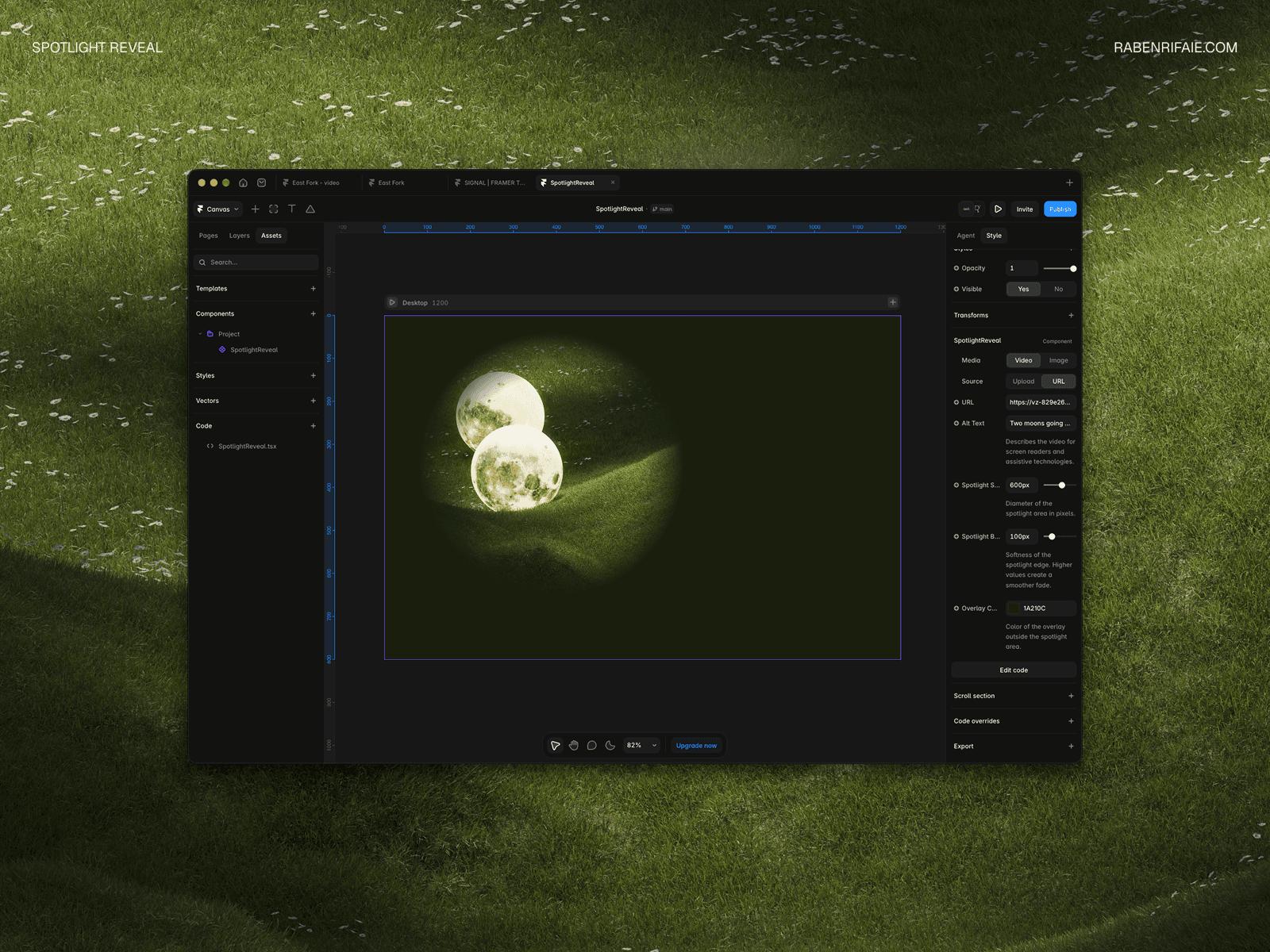
Create stunning visual effects with texture-based masking. This component allows you to apply any texture image as a mask pattern with full control over blur, color, size, and positioning.
Perfect for:
Organic background shapes and patterns
Noise and grain effects
Artistic overlays and textures
Creative hero sections
Abstract visual elements
Features:
Upload any texture image as a mask pattern
Adjustable blur for soft, organic edges
Full color customization
Pattern size and positioning controls
Blend modes for creative effects
Rotation and opacity controls
Transparent background support
Simply upload a texture image (noise, patterns, or abstract shapes) and customize the appearance with intuitive controls. The texture repeats seamlessly to fill any size container.