About 3D String Logo
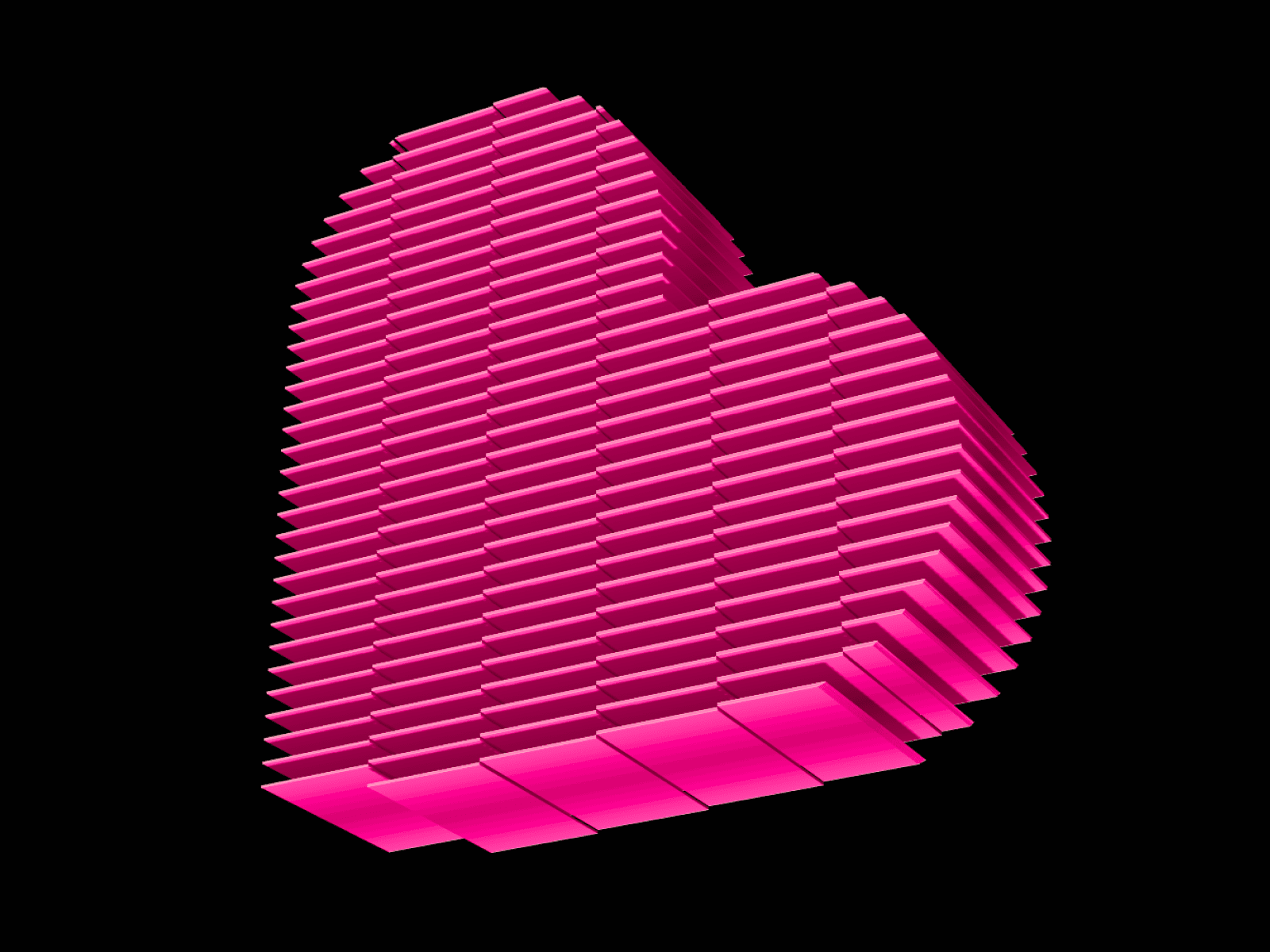
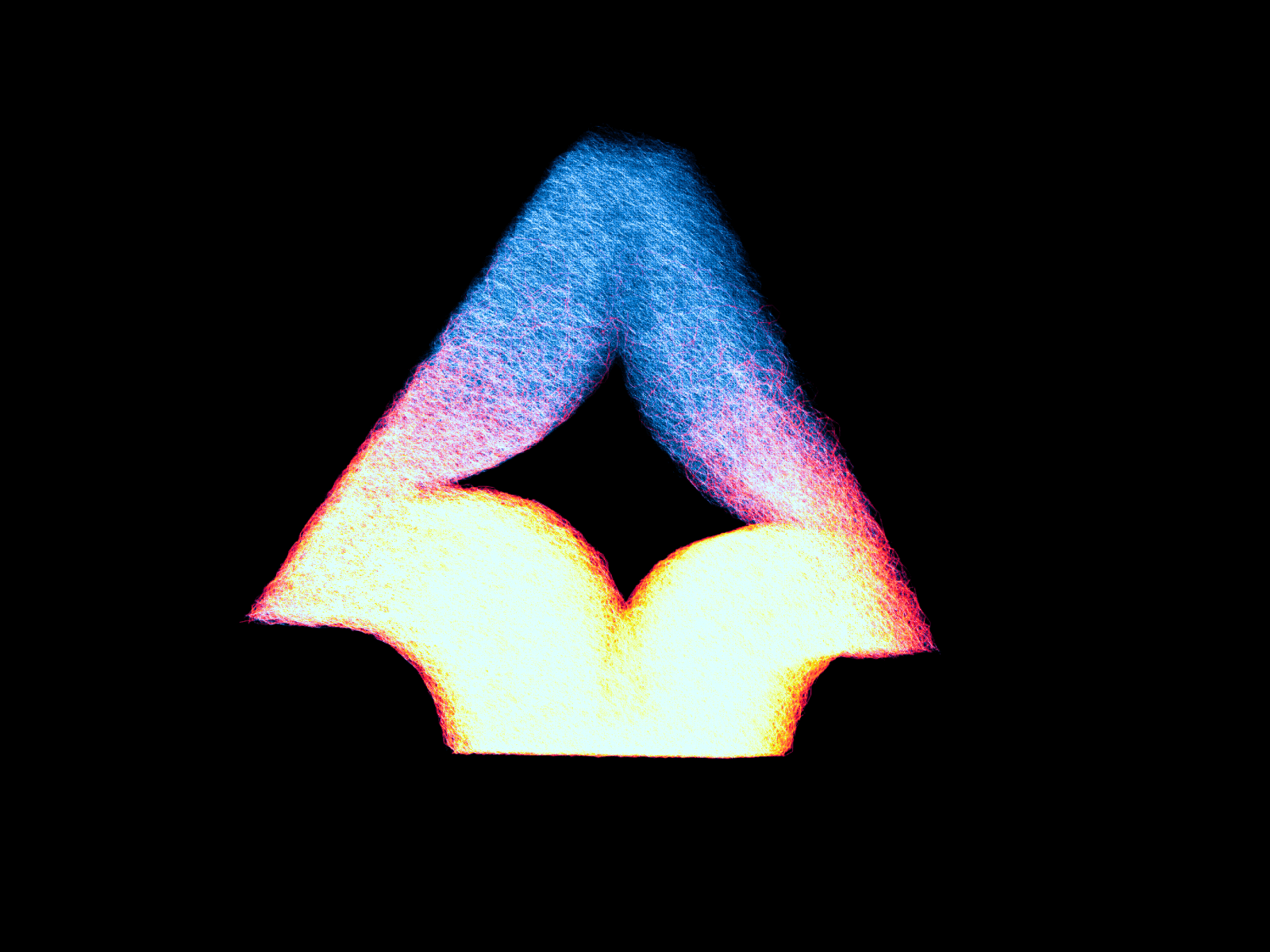
Turn an image or SVG into a 3D logo made of fine lines. Drag the mark to view it from different angles and see the plasma-like trails move as the shape turns.
Features
Turn any image/SVG into dynamic 3D string art.
Interactive drag and spin physics.
Plasma trail and illumination hover effects.
Real-time 3D depth and zoom scaling.
Adjust the metalness and reflection shaders.
Easy to customize
Add it to Framer and start with the included defaults. Start with an SVG or image with a clear silhouette. Give the fine lines room to stand out against the background. Upload custom SVG or PNG images. Hover effect styles (Plasma, Illumination, None). You can fine-tune the look and behavior with more options in the properties panel.
How to use
Add 3D String Logo to your Framer canvas.
Upload your brand's SVG or PNG image file.
Adjust the string count and density for the perfect look.
Open Preview and test it in the section where you plan to use it.
Picture it on your site
A wireframe brand reveal, technology launch, or motion portfolio.
SaaS landing page headers.
Creative agency hero sections.