About CMS Floating Gallery
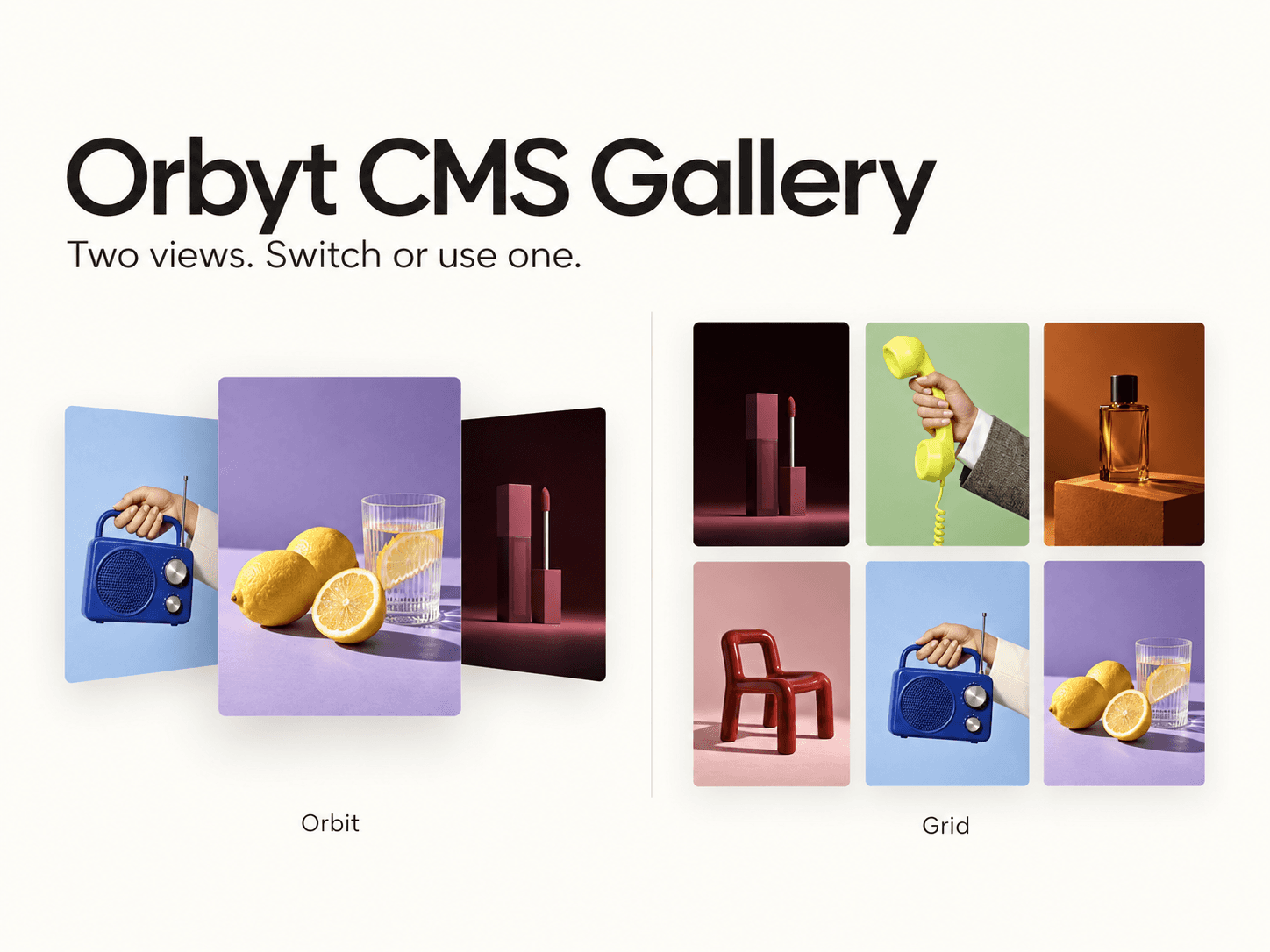
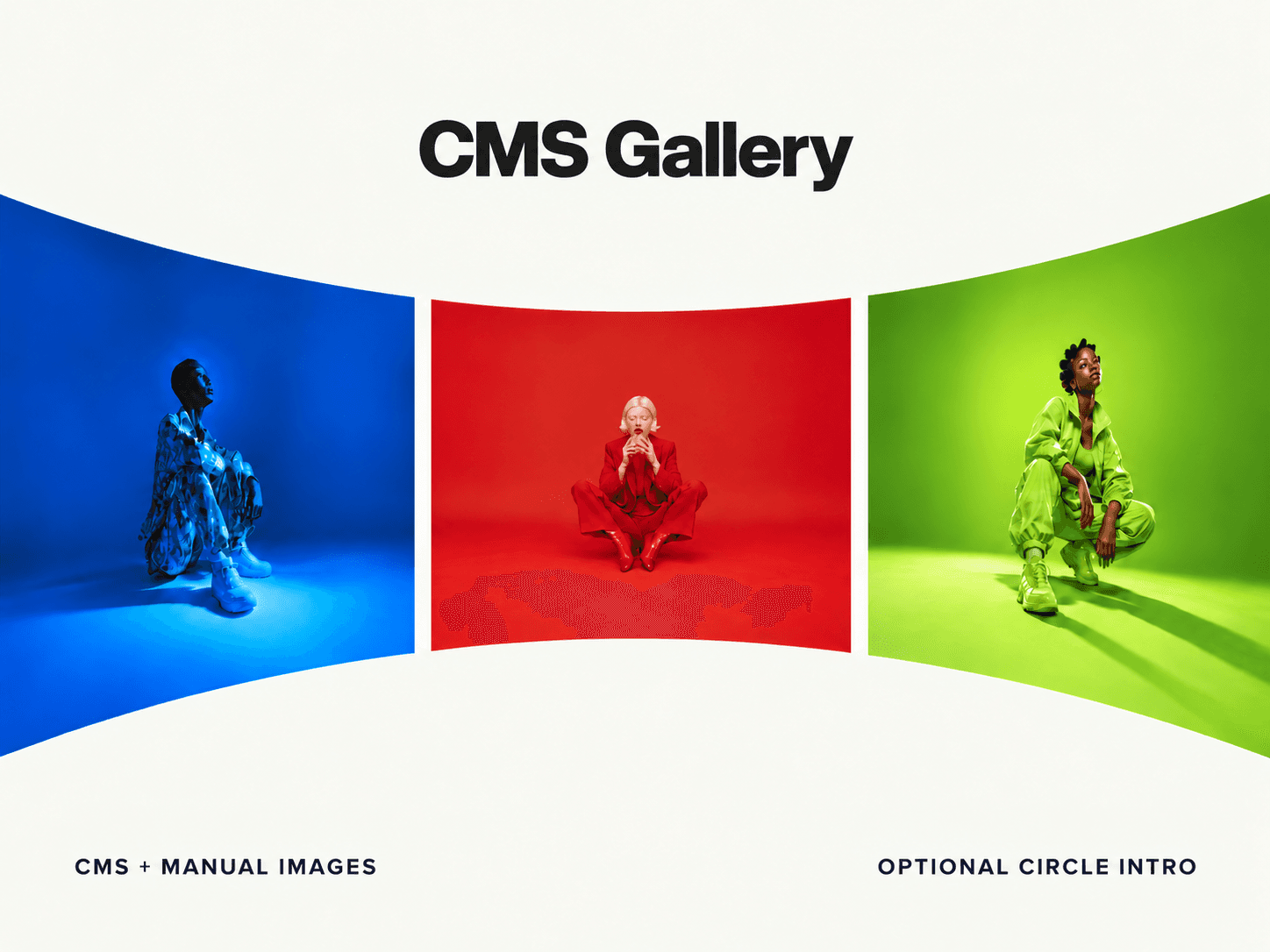
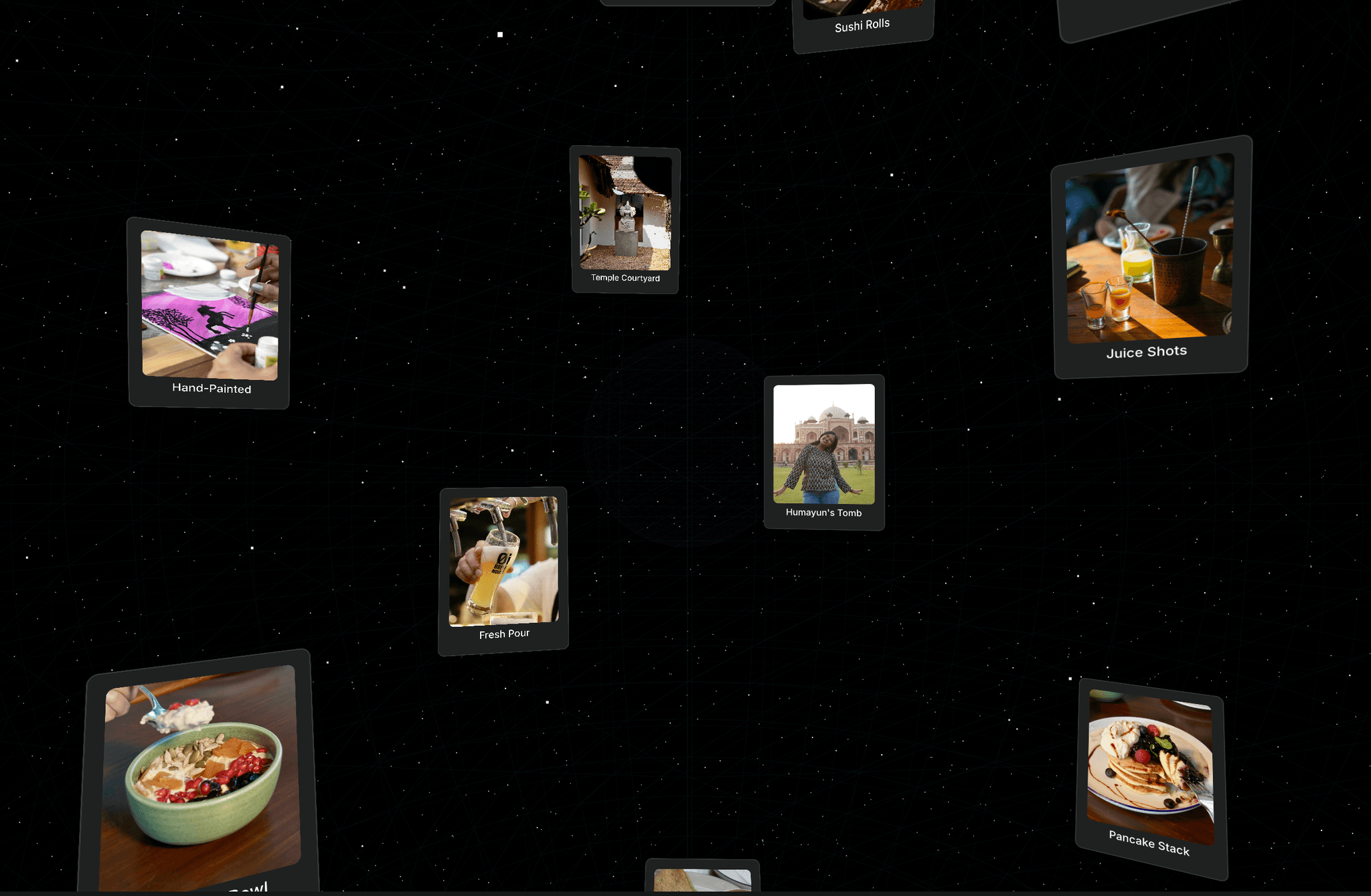
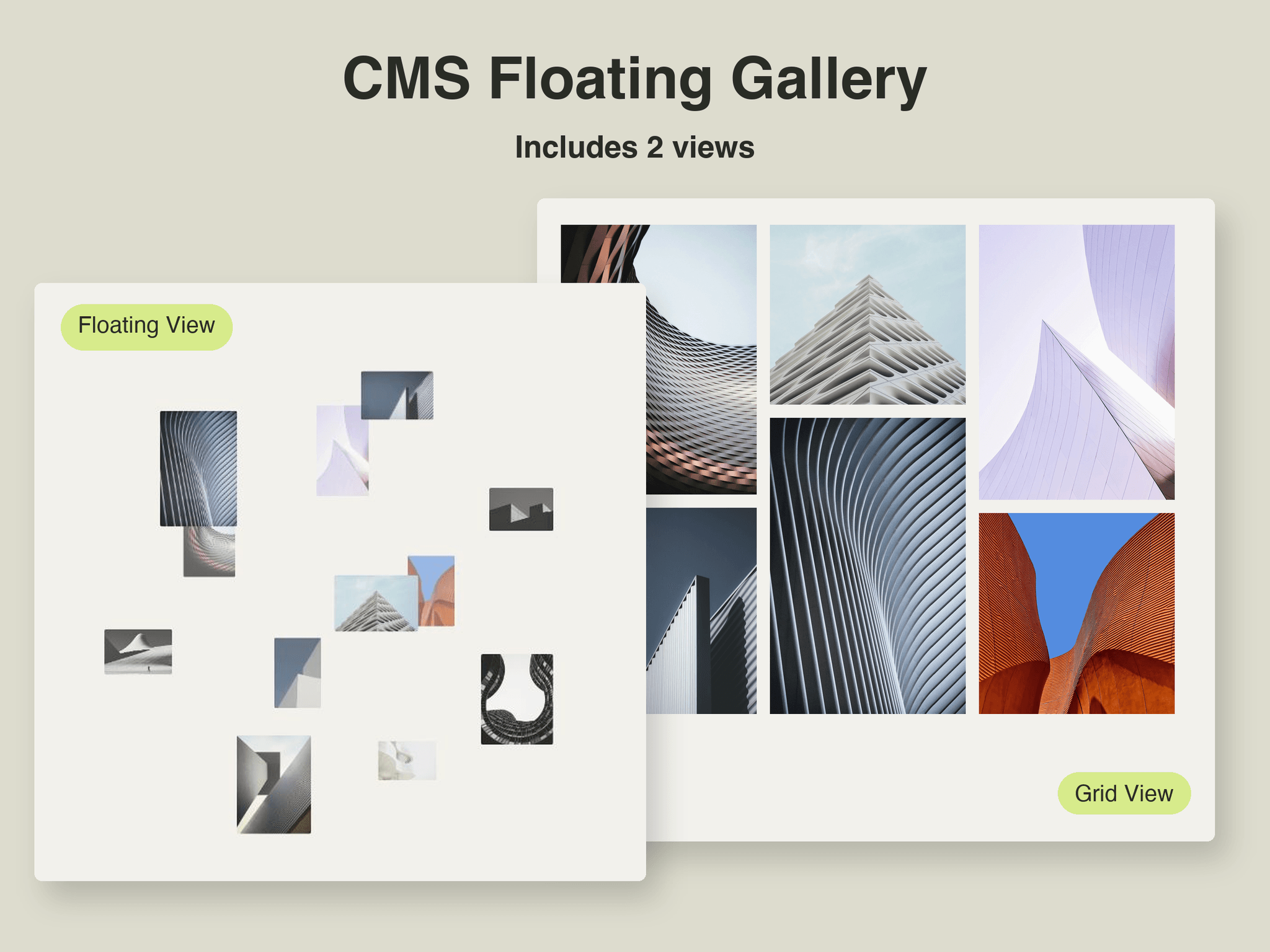
CMS Floating Gallery is a Framer image gallery component for portfolios, studios, and photography websites. Explore a floating orbit or a draggable grid with manual images or a connected CMS Collection List, up to 60 items.
Features
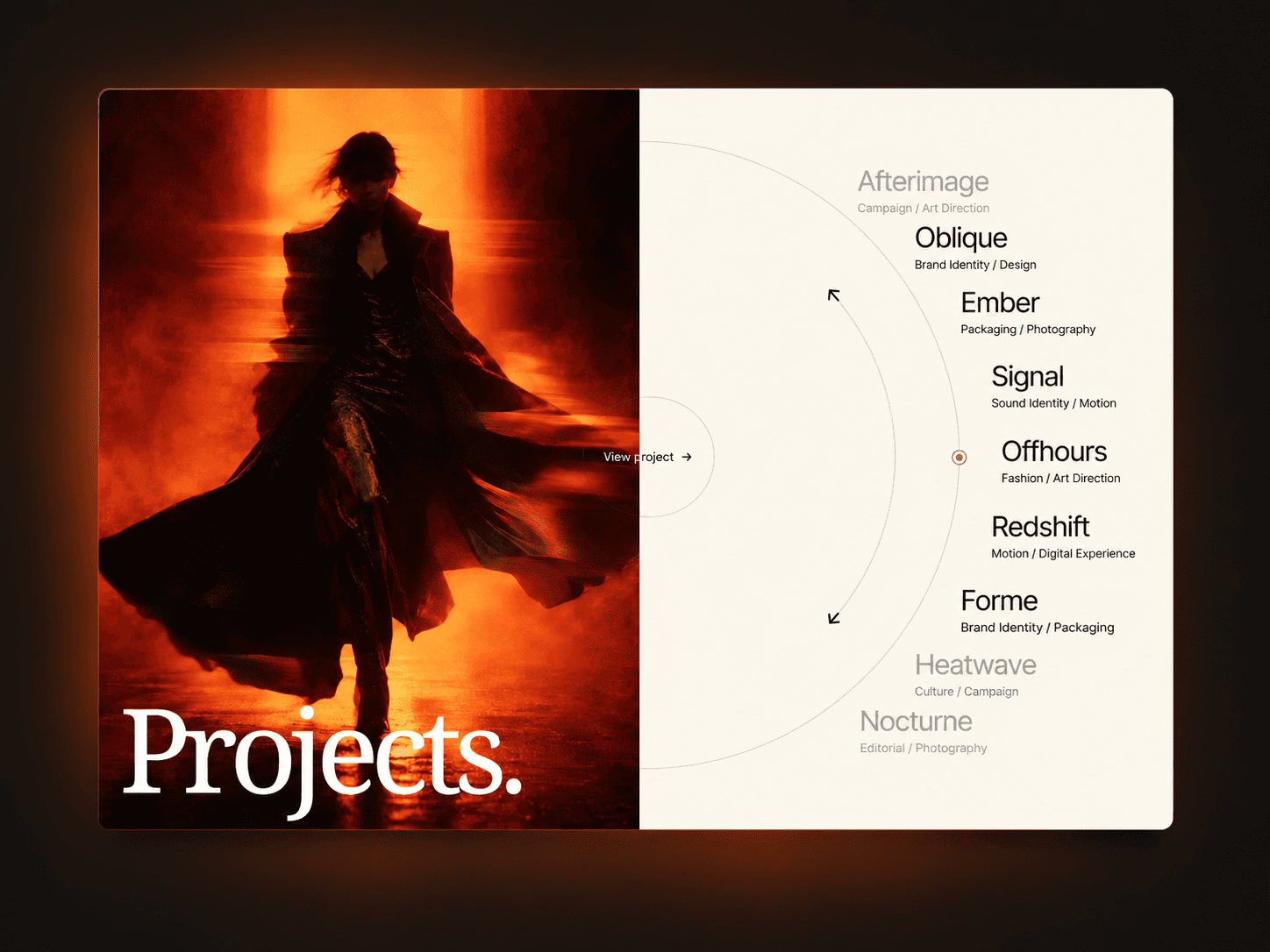
Floating orbit with ripple entrance and editorial hover titles.
Balanced masonry or regular grid with live drag rearranging.
Focused image viewer with navigation and item links.
Both views or one view, with the switch hidden automatically.
What you can customize
Manual images, titles, links, or a CMS Card Source.
Columns and gaps on native Framer breakpoints; regular card shapes.
Orbit, pointer follow, scroll exploration, and entrance motion.
Fonts, colors, corners, labels, and Elbow or Curve pointers.
Drag rearranging lasts for the visit; CMS order stays unchanged.
Best for
Designer portfolios presenting selected work through an interactive gallery.
Photography websites mixing portrait and landscape images in masonry.
Creative studios pairing floating project cards with editorial titles.
Architecture portfolios linking image previews to CMS project pages.
Share your work
Built with it? Tag me on X. I'd love to see it.
Need help?
Email hello@struxent.com.
Need a matching component?
Continue the editorial, image-led style:
Hero Image Reveal adds organic brush edges to hero imagery.
Text Block Reveal pairs clean typography with graphic reveal motion.