About Animated Card Button
Overview
It includes three states:
Default: a clear blue button with “Add to Cart”
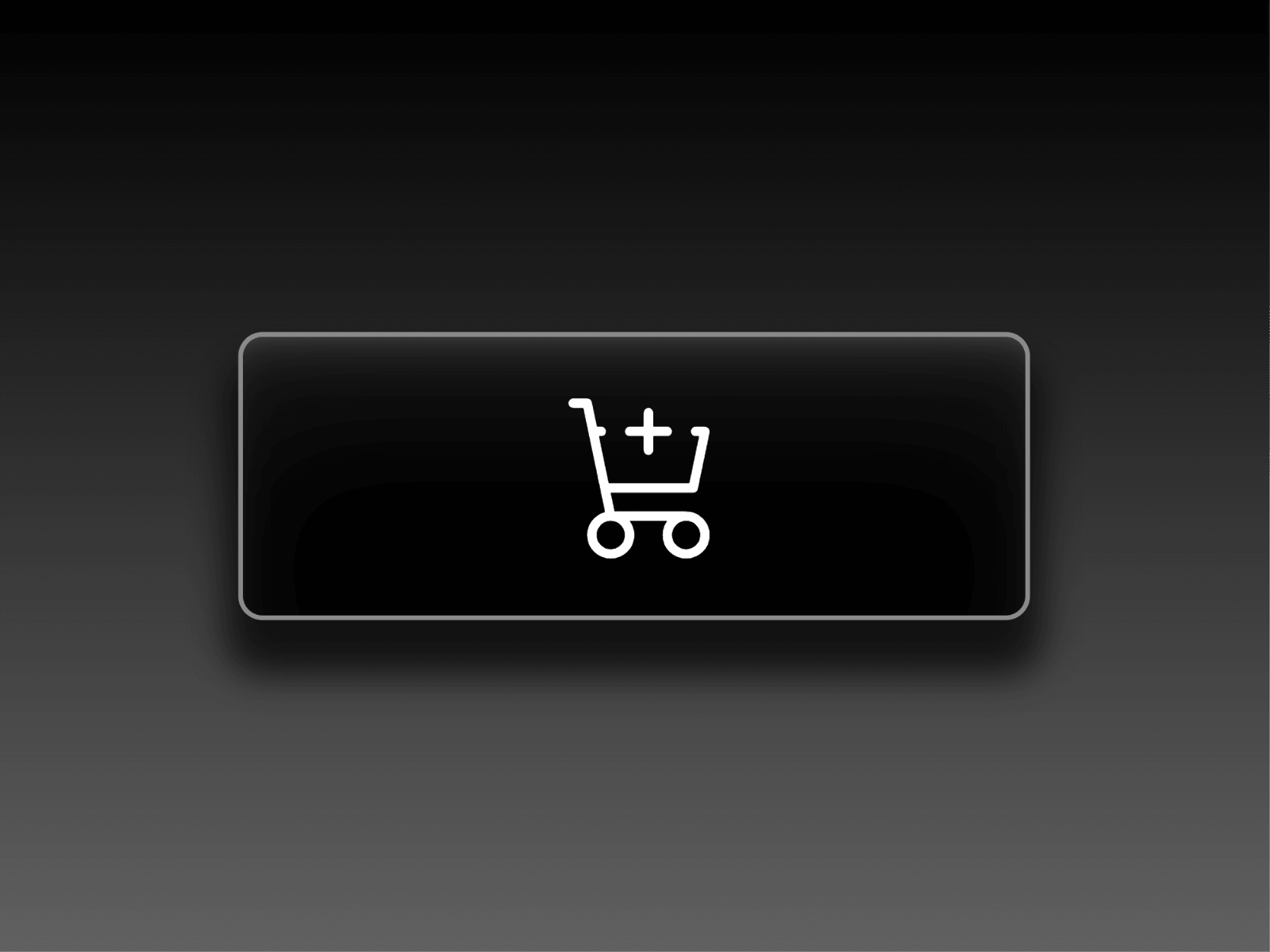
Hover: switches to a dark style and reveals a cart icon
Success: turns green with a checkmark to confirm the action
After the success state, the button automatically returns to its default state after 1.2 seconds, keeping it ready for repeated interactions.
Tutorial
If you’re new to Framer this tutorial will help you better understand Framer components:
Intro to Components by Framer.
🔷 Made by Azardam Studio 🔷


