About Advanced FAQ System
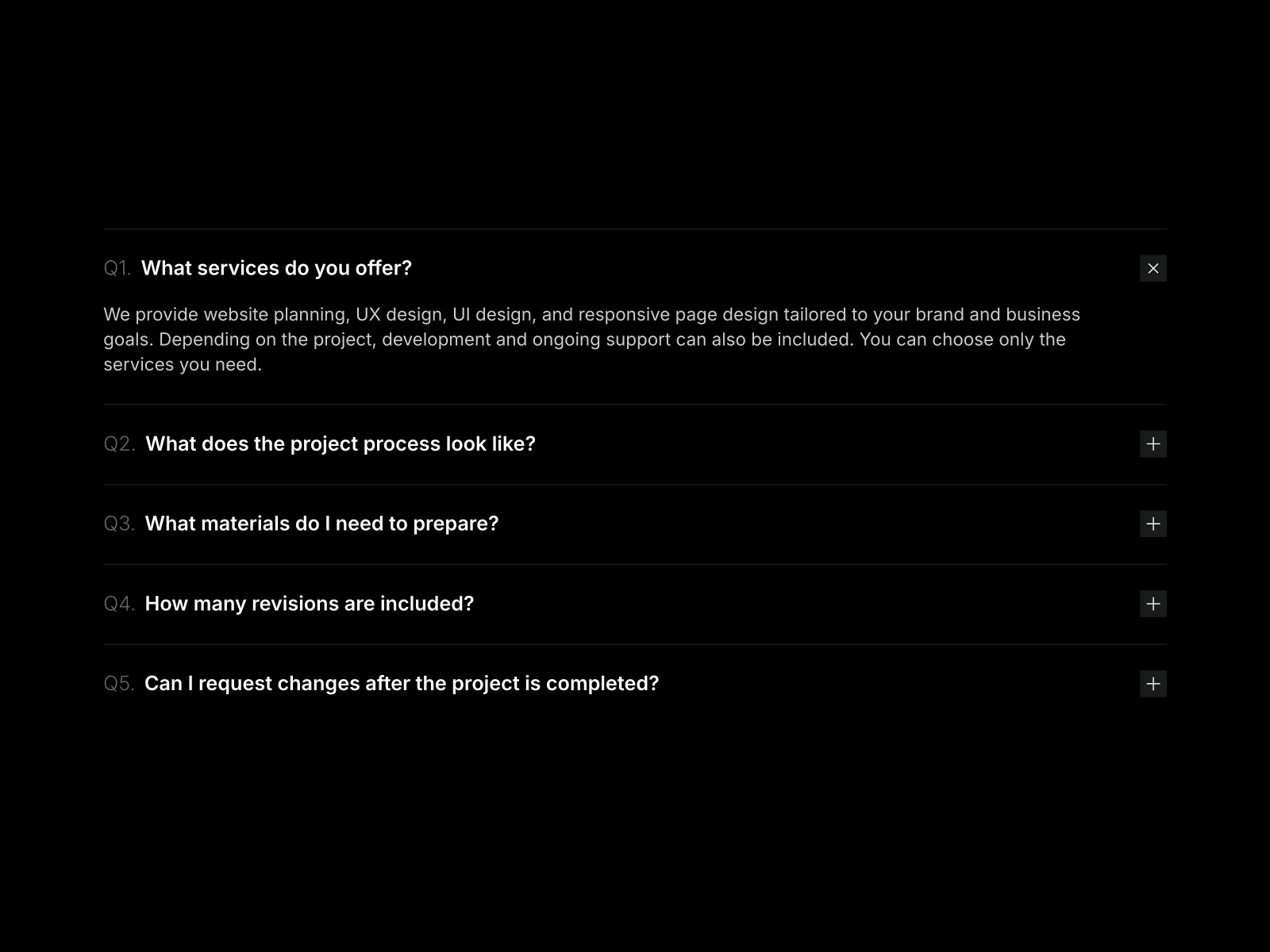
Deliver a world-class customer support experience with the Advanced FAQ System. This comprehensive Framer component goes far beyond a simple text accordion. It is designed to handle large volumes of information efficiently, featuring a live search bar, dynamic category filters with item counts, and built-in pagination to keep your page clean and organized.
What truly sets this component apart is its rich media integration. You can attach images or auto-playing videos to specific answers. When clicked, the media opens in a beautiful, immersive lightbox popup complete with custom video controls. Fully responsive and meticulously structured, this component empowers your users to find the exact answers they need without ever leaving the page.
Functions (Key Features):
🔍 Live Search: Instantly filter questions, answers, and categories as the user types.
🏷️ Dynamic Categories: Group your FAQs into custom categories with clickable, color-coded badges and automatic item counters.
🎥 Media Lightbox: Embed images or videos directly into answers. Clicking the media launches a sleek, distraction-free popup with custom playback controls.
📄 Built-in Pagination: Prevent endless scrolling by splitting large sets of questions into easy-to-navigate pages.
📱 Fully Responsive: Smoothly adapts from a wide desktop layout to a compact, touch-friendly mobile interface.
🎨 Deep Customization: Total control over fonts, colors, border radiuses, and badge aesthetics to match your brand guidelines perfectly..