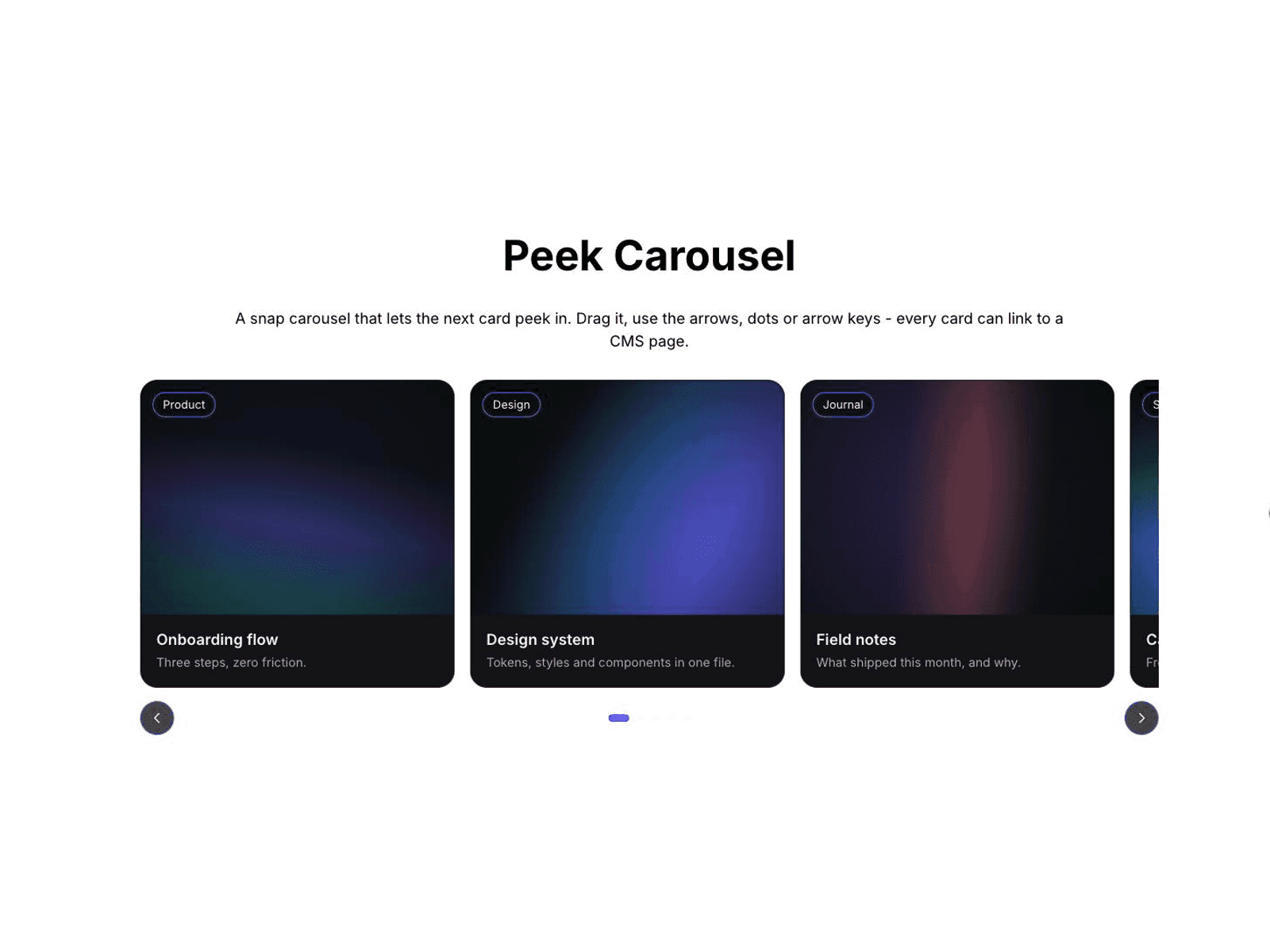
About Aisol Peek Carousel
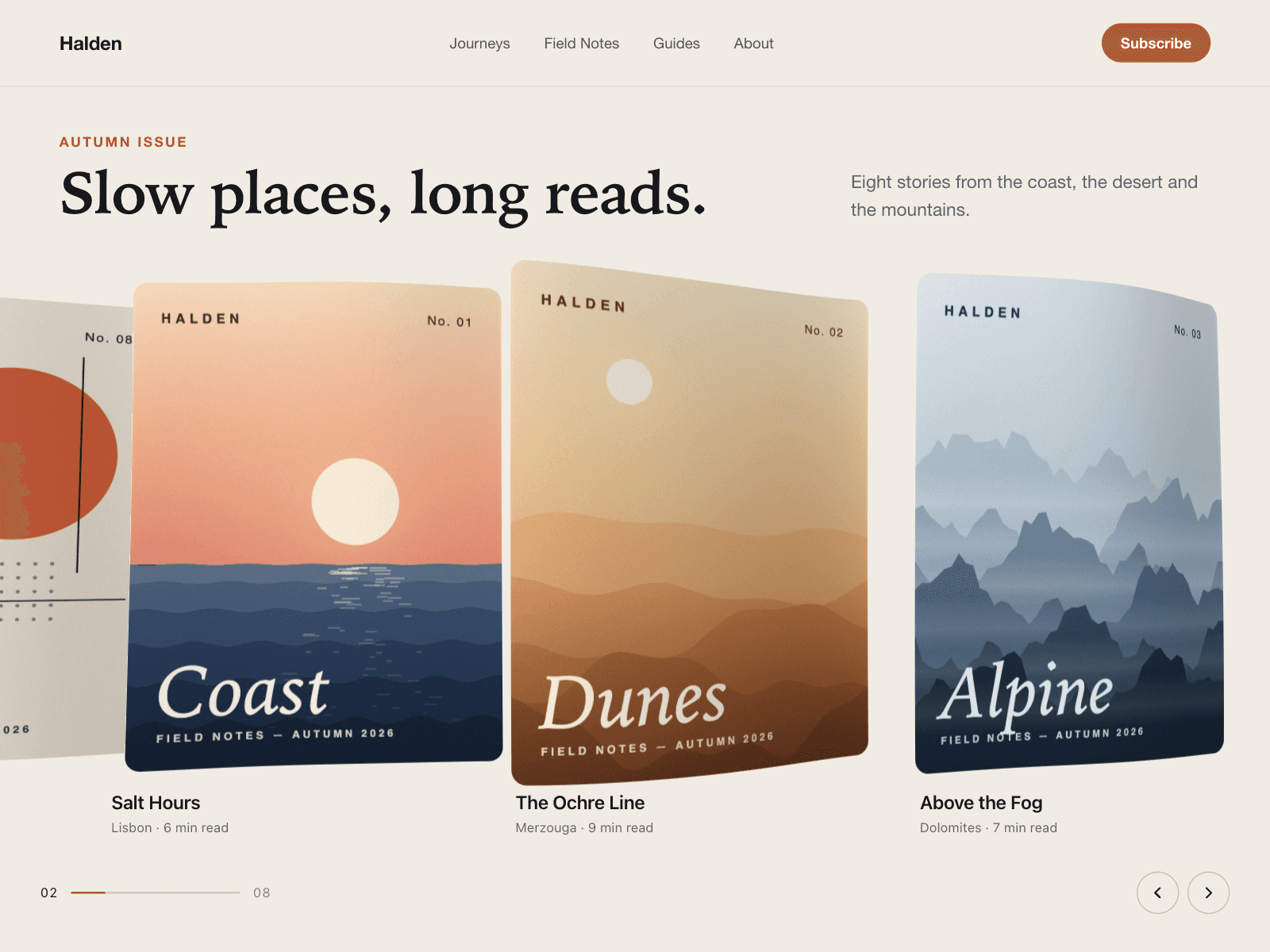
Aisol Peek Carousel is a snap carousel where the next card peeks in from the edge. Move it by mouse drag, touch swipe, the arrow buttons, the dots or the keyboard.
Keyboard: press Tab to focus the carousel, then use Left and Right arrows to move one position, Home for the first and End for the last. The keys also work while a card link or a button inside the carousel has focus. A hidden status line tells screen readers "Slide 2 of 3" after each move. The arrows and dots are real buttons with names such as "Next slide" and "Go to slide 2 of 3".
Mouse drag settles on the nearest card when you let go, and a drag that ends on a linked card does not open the link. A plain click still opens it.
Each card has an image, image alt text, title, caption, badge, link and a New tab switch. The link can point to a CMS page. An older "Image URL (legacy)" field is still read when the image picker is empty.
Controls:
- Cards, and Label (the name screen readers hear)
- Per view: 1 to 5 cards. At most 2 below 900px wide and 1 below 560px
- Peek, Gap, Radius, Ratio
- Arrows and Dots: show or hide. There is one dot per scroll position
- Autoplay and Every (seconds). Autoplay pauses while the pointer is over the carousel, while focus is inside it, in background tabs and when reduced motion is on
- Loop, Font, Card BG, Accent
With reduced motion, moves jump instead of scrolling smoothly. On the canvas and in static exports, the carousel shows its first cards without any effect.
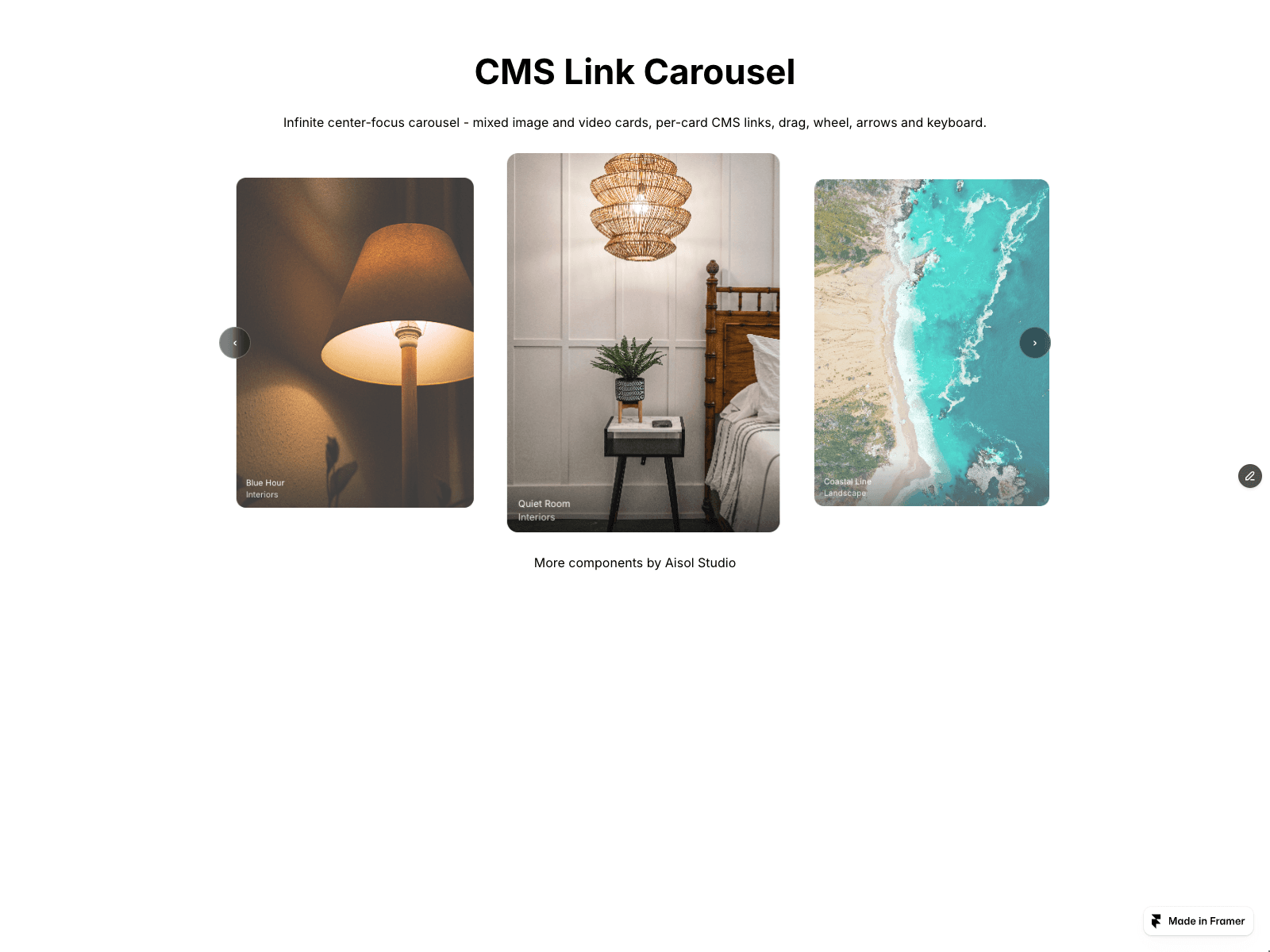
Want the carousel cards to come from your CMS? See CMS Link Carousel ($13).