About Aisol Story Reel
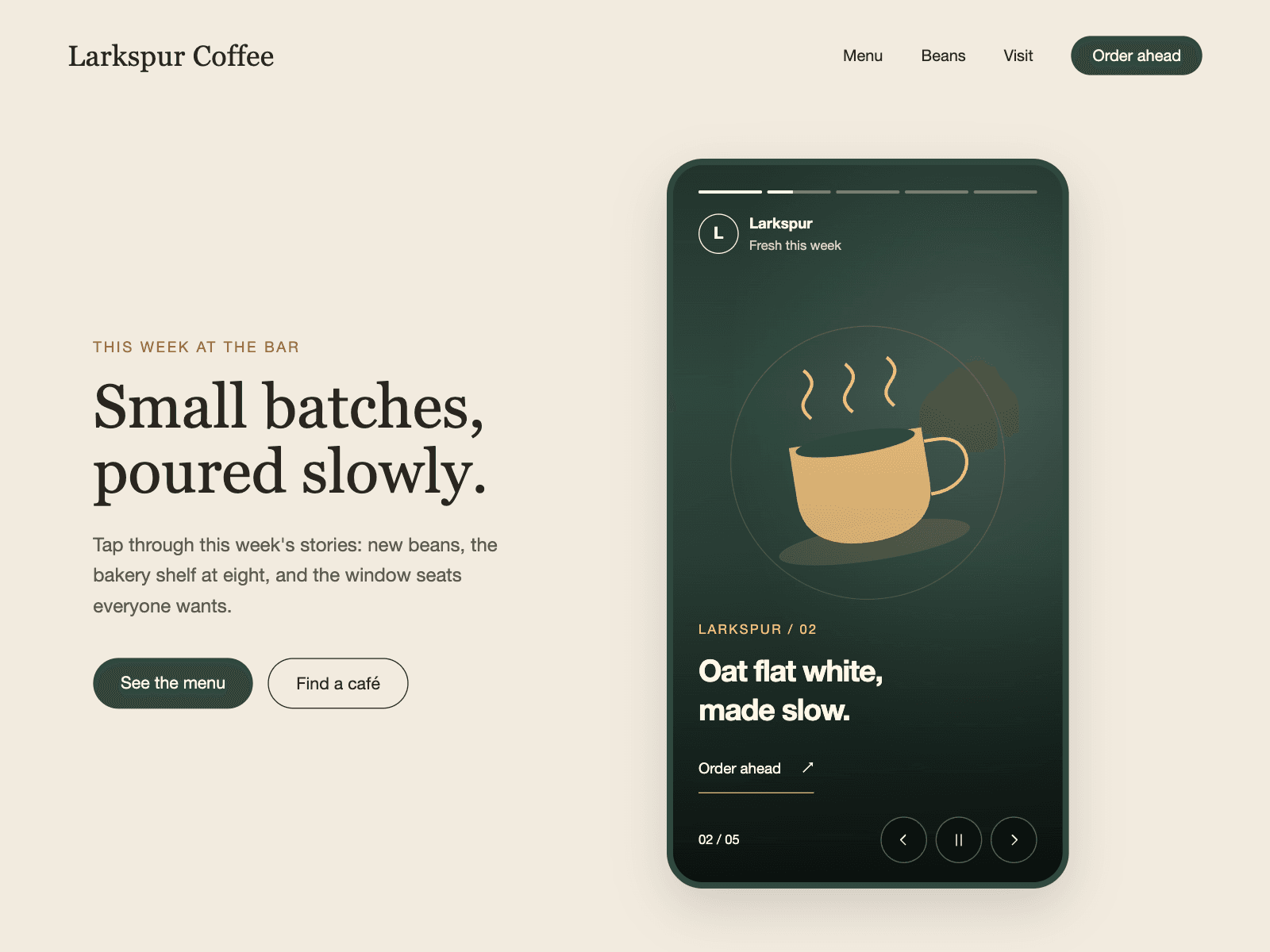
Aisol Story Reel plays images and short videos in the story format people know from phones, with progress bars at the top and a tap on either side to go back or forward.
Pressing and holding pauses it, swiping down is left to the page, and each story can carry a caption and a link button.
It pauses itself when it leaves the screen or the tab is hidden, has buttons and arrow keys for keyboard users, and shows the first story still for reduced motion and the canvas.
- Images play for a set time; videos play for their own length.
- Without media every story draws a styled card with the caption, so it is complete on drop.
- Optional rounded phone frame and a profile row (name, subtitle and avatar) at the top.
What you control
• Stories from the panel or a Collection List (image or MP4, caption, link)
• Image duration, loop, autoplay
• Profile row, phone frame, radius
• Font, text size and colours
Limits: videos must be MP4 and start muted (a mute button appears on video stories); a Collection List needs item layers named Image, Video, Caption and Link (names editable) and pagination off; keyboard focus inside the reel pauses it until Play is pressed; long captions scroll inside the card.