About AK Team Member Cards
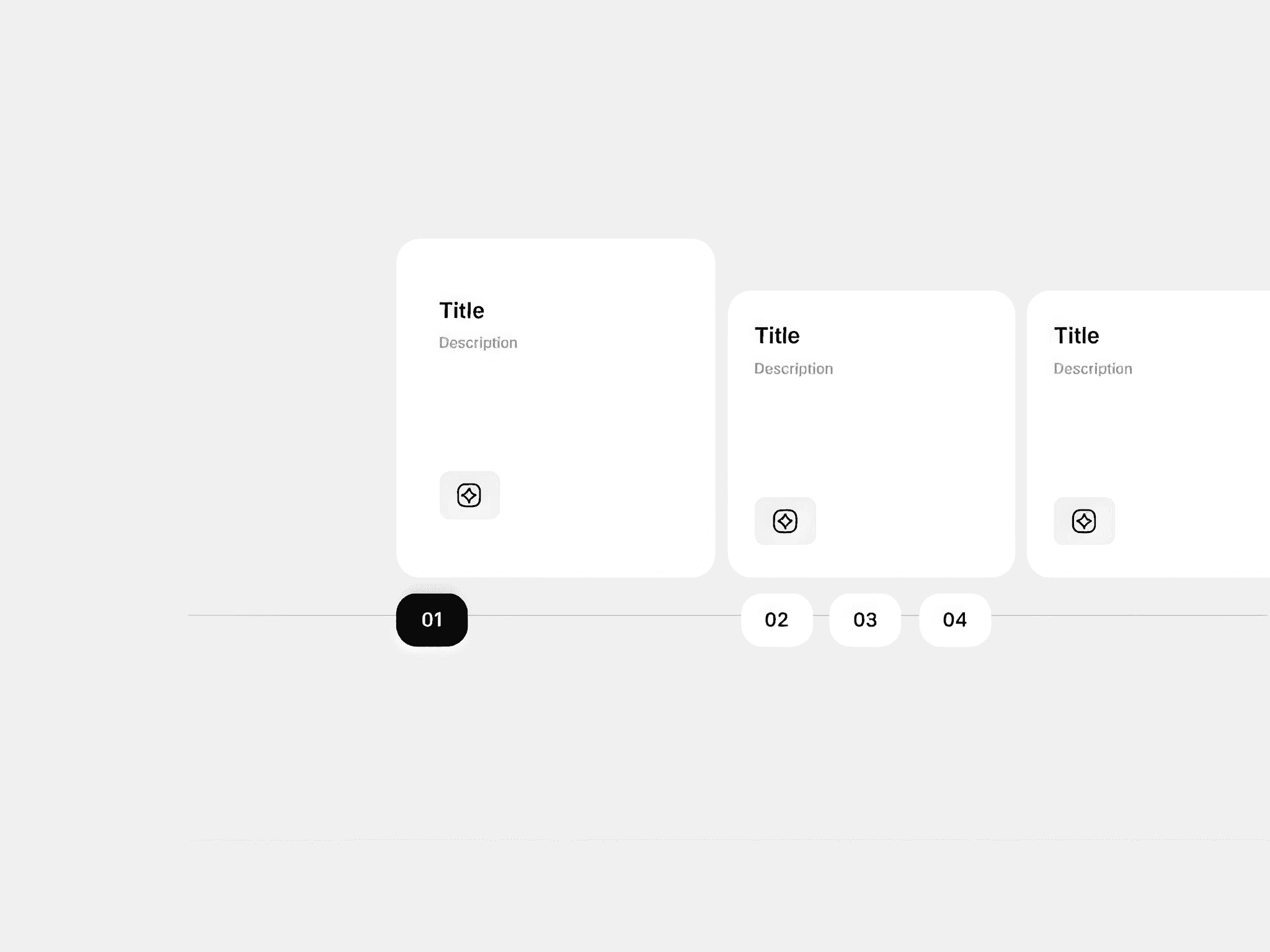
AK Team Member Cards is a fully interactive Framer component designed to showcase your team in a visually engaging stacked card layout. Each card fans out smoothly on hover using a spring animation, revealing all team members symmetrically distributed left and right around the featured card. Clicking any background card brings it to the front as the new featured hero.
Card Design
Each card contains a photo upload slot (via Framer's native image picker), a fallback illustrated avatar (5 styles to choose from), role label, name, bio, and a CTA pill button in the top-right corner of the image area. The pill starts as a small circle showing only an arrow icon, then expands to reveal the label text the moment the card is hovered — not just when hovering the pill itself.
Featured Card
One card is designated as the hero — it renders with a dark background, elevated shadow, and light text. All other cards use a light background with dark text. Both the featured and regular card styles have fully independent color controls.
Typography Controls
Name, Role, and Bio each have their own independent font controls using Framer's native ControlType.Font picker — the same font panel you get in the Text layer — plus separate size (with stepper) and color pickers for the featured card and regular cards independently.
Color Controls
Full color control over: featured card background, featured image background, regular card background, regular card image background, pill button color on featured cards, and pill button color on regular cards.
Responsive Behavior
The component detects the frame width and switches layouts automatically across three breakpoints — on desktop and tablet it renders the interactive fan stack with hover expand, on mobile (≤ 600px) it switches to a clean vertical list where each card stretches full width with the photo on the left and text on the right, with the featured card always appearing first.
Direction Support
Full LTR and RTL support — the fan spread direction, pill alignment, and mobile layout all flip correctly based on a single Direction toggle.
Content Management
Cards are managed as an array in the property panel — add or remove as many cards as needed, each with its own name, role, bio, CTA label, CTA URL, featured toggle, avatar index, and photo upload. The fan spread algorithm automatically recalculates positions to keep all cards balanced regardless of how many you add.