About AL Circular Gallery
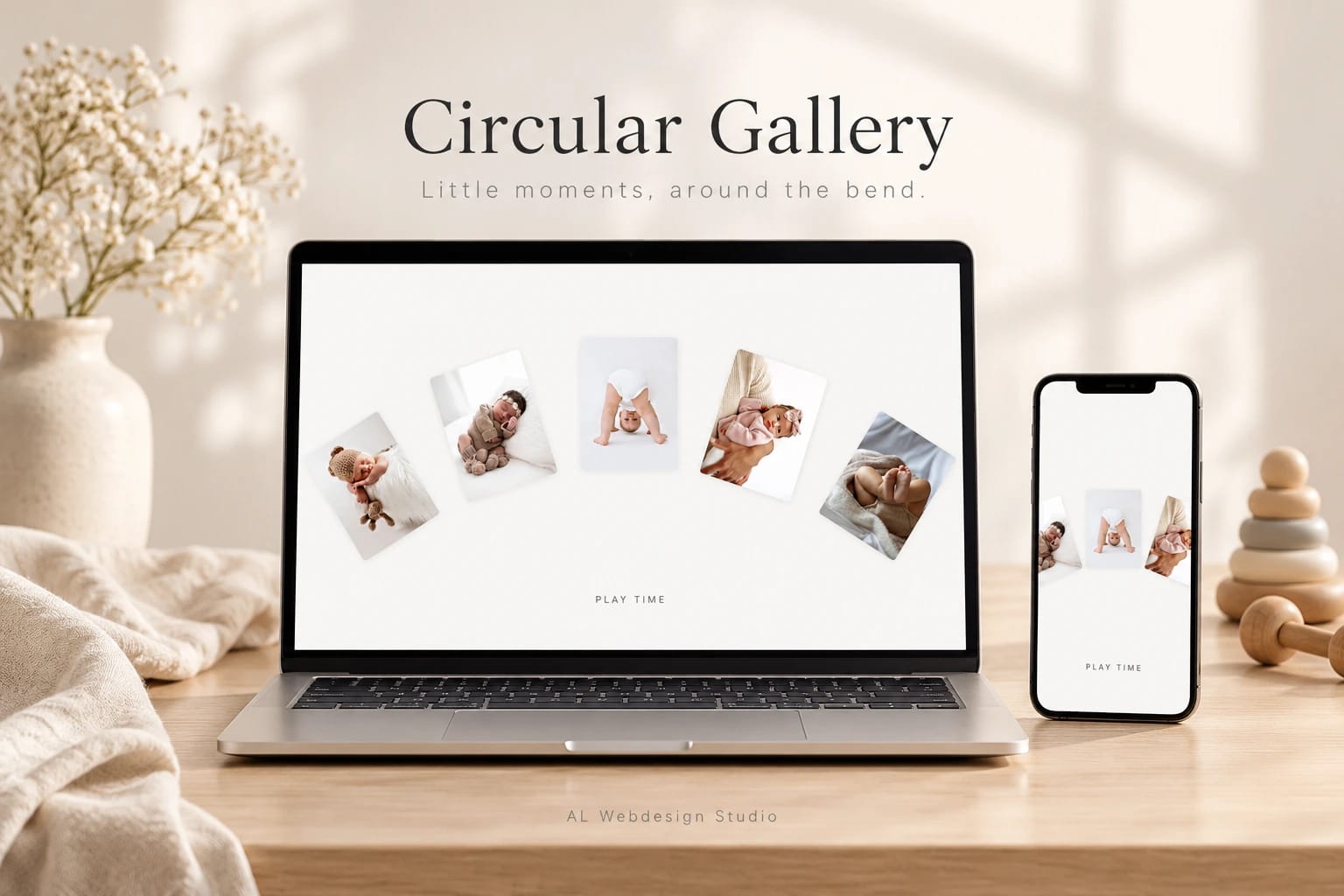
Little moments, around the bend.
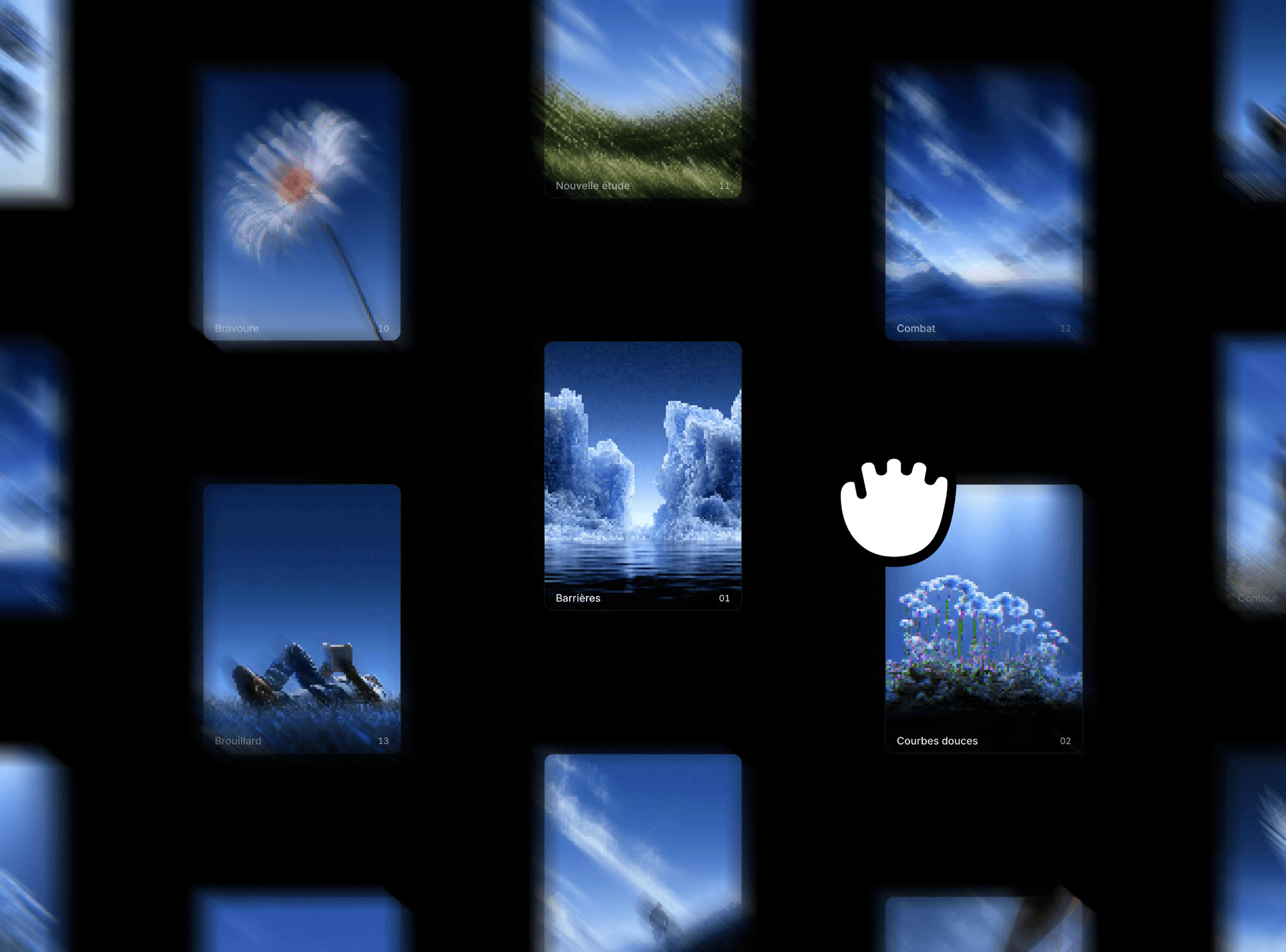
A row of photographs follows a gentle curve, with the closest little moment resting at the centre. Drag, scroll or let the pictures drift past. Each card tilts with the arc while its caption quietly follows below.
Add up to ten photographs with their own alternative text, captions and focal points. Change the card width, photo ratio, spacing, curve, corners, colours and fonts directly in Framer. The strip repeats your photo collection to fill the available width; a single photo stays centred.
Set the drift direction and speed, drag sensitivity and glide. Keyboard visitors can choose a photo with the arrow keys, pause with Space or Escape, and move to the first or last photo. Reduced motion keeps direct input while stopping automatic drift and inertia. Movement rests outside the viewport and in hidden tabs.
Use a full-screen scene or an embedded section with a set height. Photo position and pause state survive appearance changes, including changes to card width and spacing. Editing captions does not restart image loading. The editor shows a still preview, and each instance works independently.
Includes this single Framer code component, matching editable source, a setup guide, two customisation prompts and a commercial licence for one finished project. No shared development project, other components or stock-photo licence is included. Replace the AI-generated demo photographs with your own properly licensed images before publication or marketing.
By AL Webdesign Studio.