About Filter Video Gallery
Preview Link: https://filtervideogallery.framer.website/
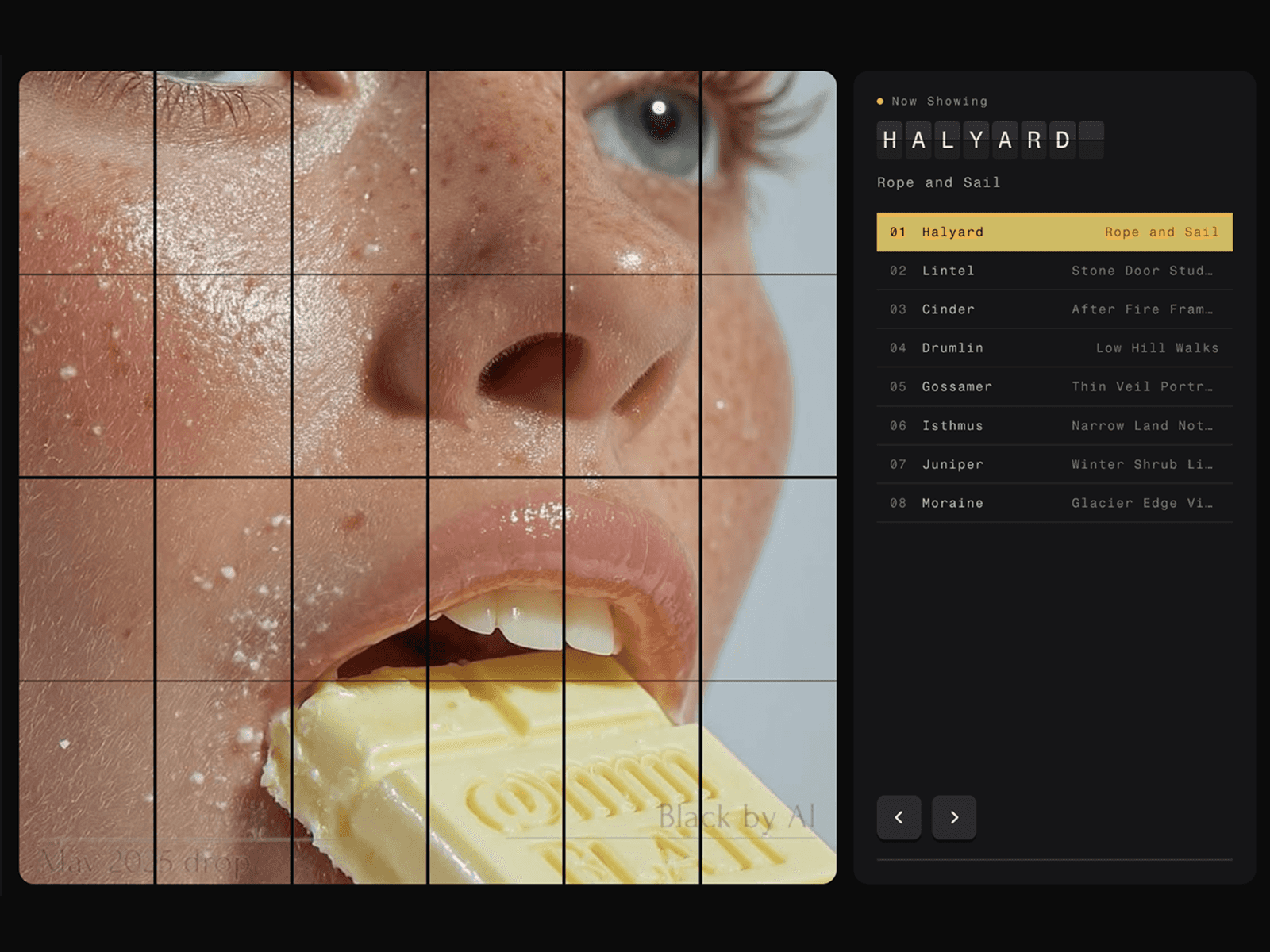
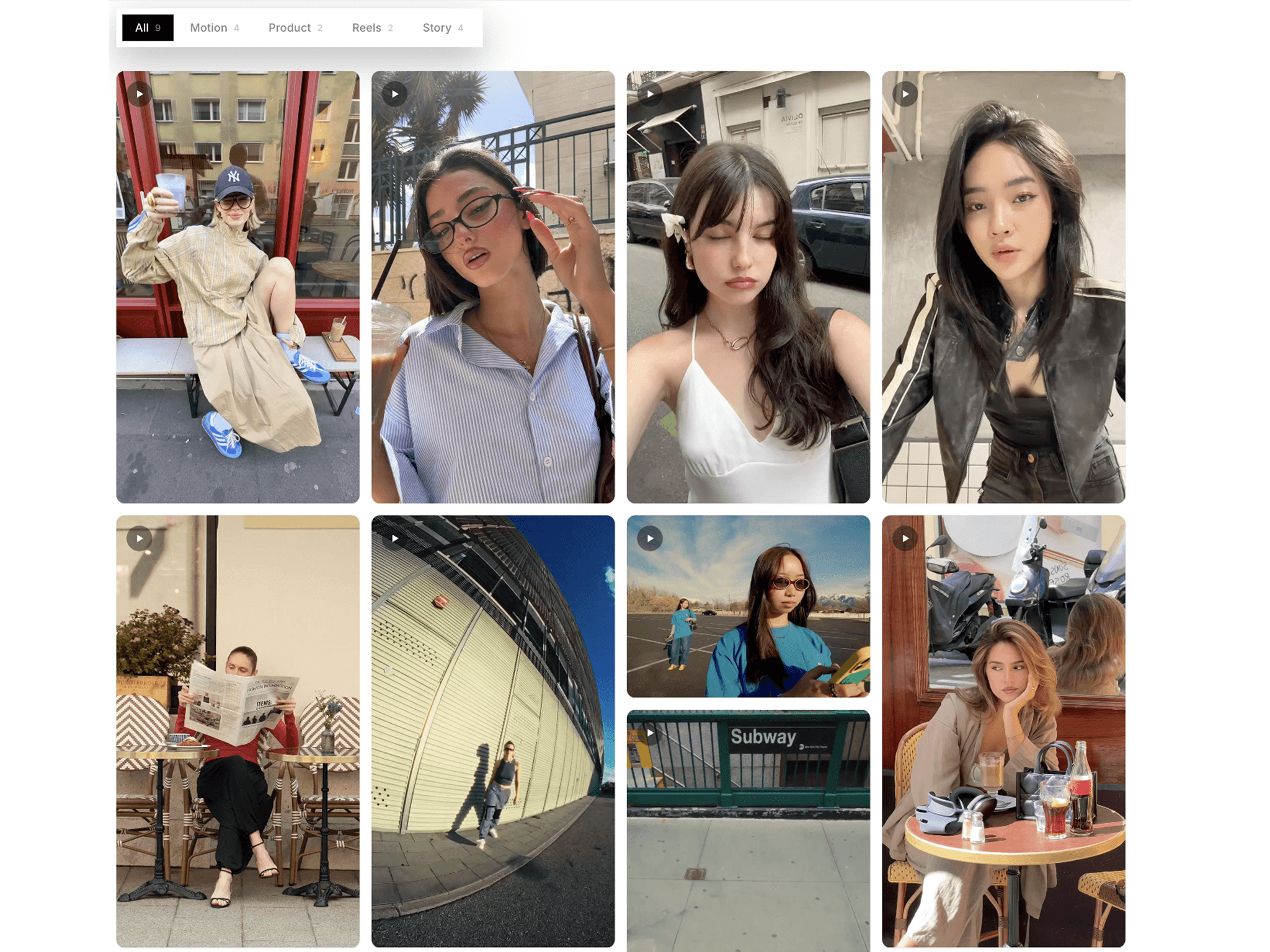
Filter Video Gallery is a responsive video gallery component with built-in category filtering for Framer. Organize your videos with tags, let visitors quickly filter content, and create engaging video galleries with smooth animations, hover effects, and fullscreen playback—all without writing code.
HOW TO USE
Add Filter Video Gallery to your Framer page
Add your videos to the gallery
Add titles and category tags
Use tags to automatically create gallery filters
Customize columns, spacing, and corner radius
Choose your preferred hover effect
Enable fullscreen video playback
Customize colors, typography, and animations
Publish your site and your video gallery is ready
KEY FEATURES
Responsive video gallery layout
Automatic tag-based filtering
Single and multi-select category filters
Responsive desktop, tablet, and mobile layouts
Smooth filtering animations
Multiple hover effects
Fullscreen video playback
Video autoplay, loop, and mute options
Custom video controls
Optional video captions
Custom category tag chips
Adjustable spacing and corner radius
Fully customizable typography and colors
Easy no-code setup in Framer
WHY FILTER VIDEO GALLERY?
Perfect for portfolios, creative agencies, filmmakers, fashion, product showcases, case studies, travel, events, and modern websites. Filter Video Gallery makes it easy to organize and showcase video collections with intuitive filtering, responsive layouts, and smooth interactions, giving visitors a simple and engaging way to explore your content.