About CMS Tag Stack
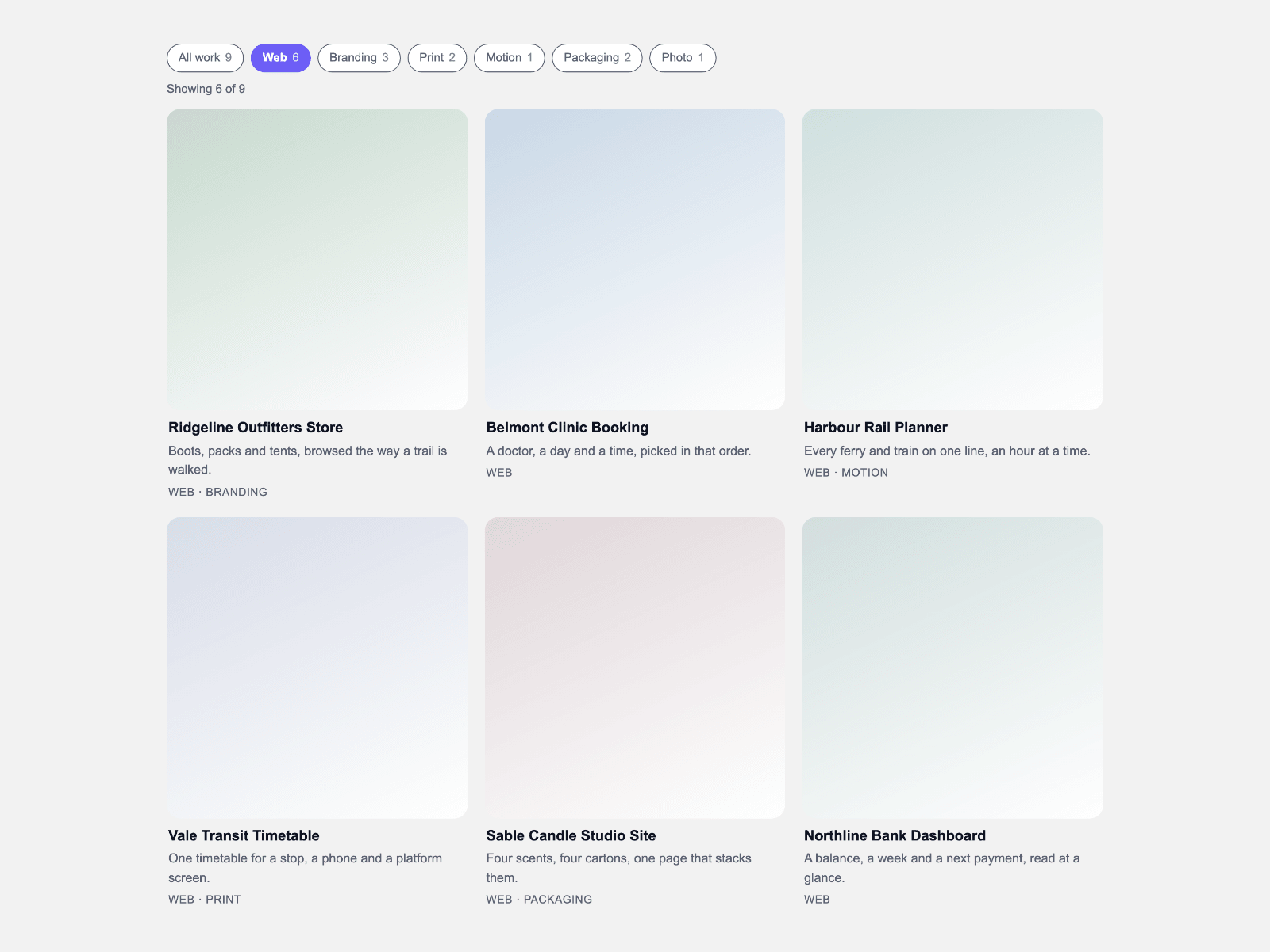
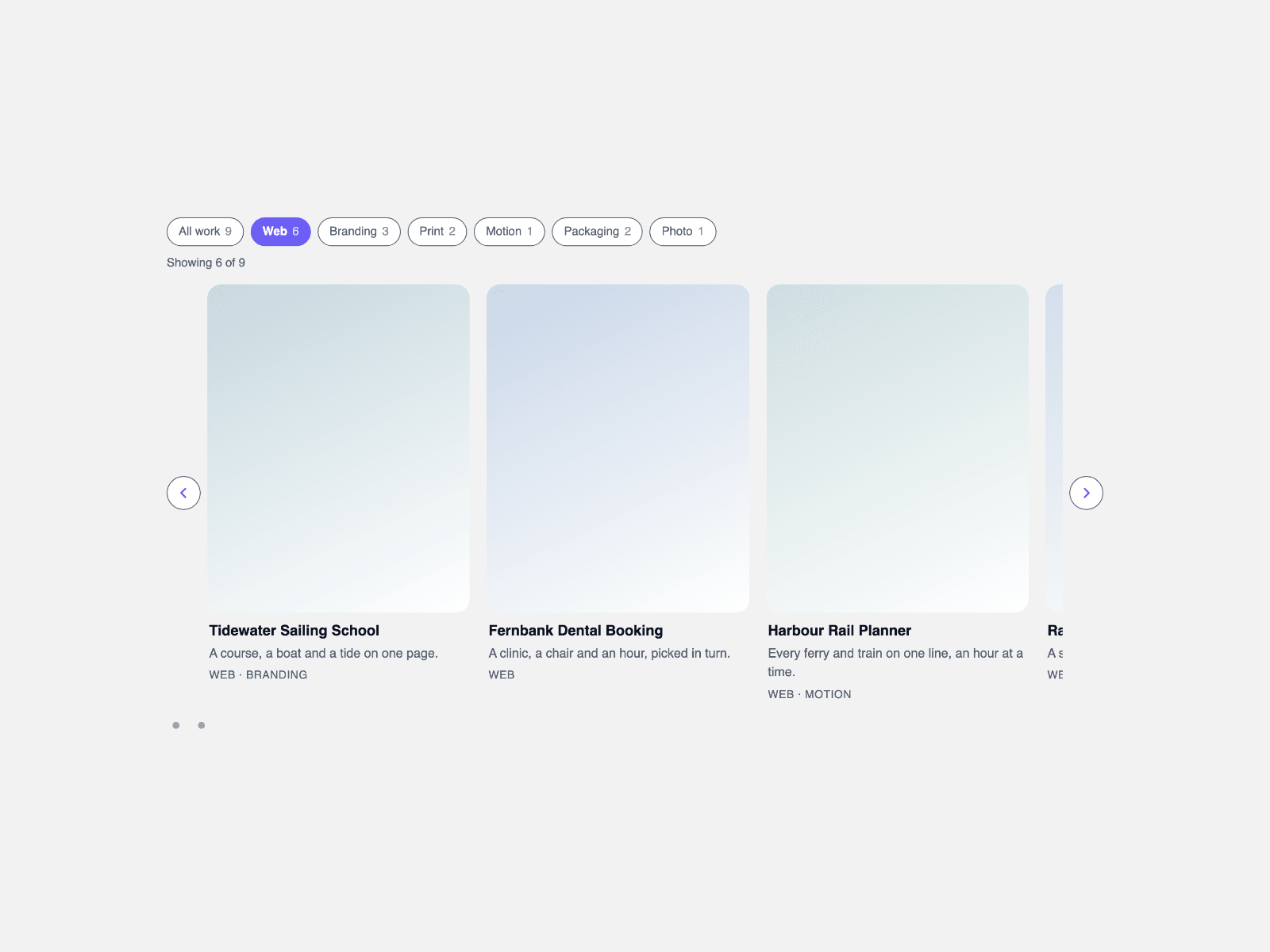
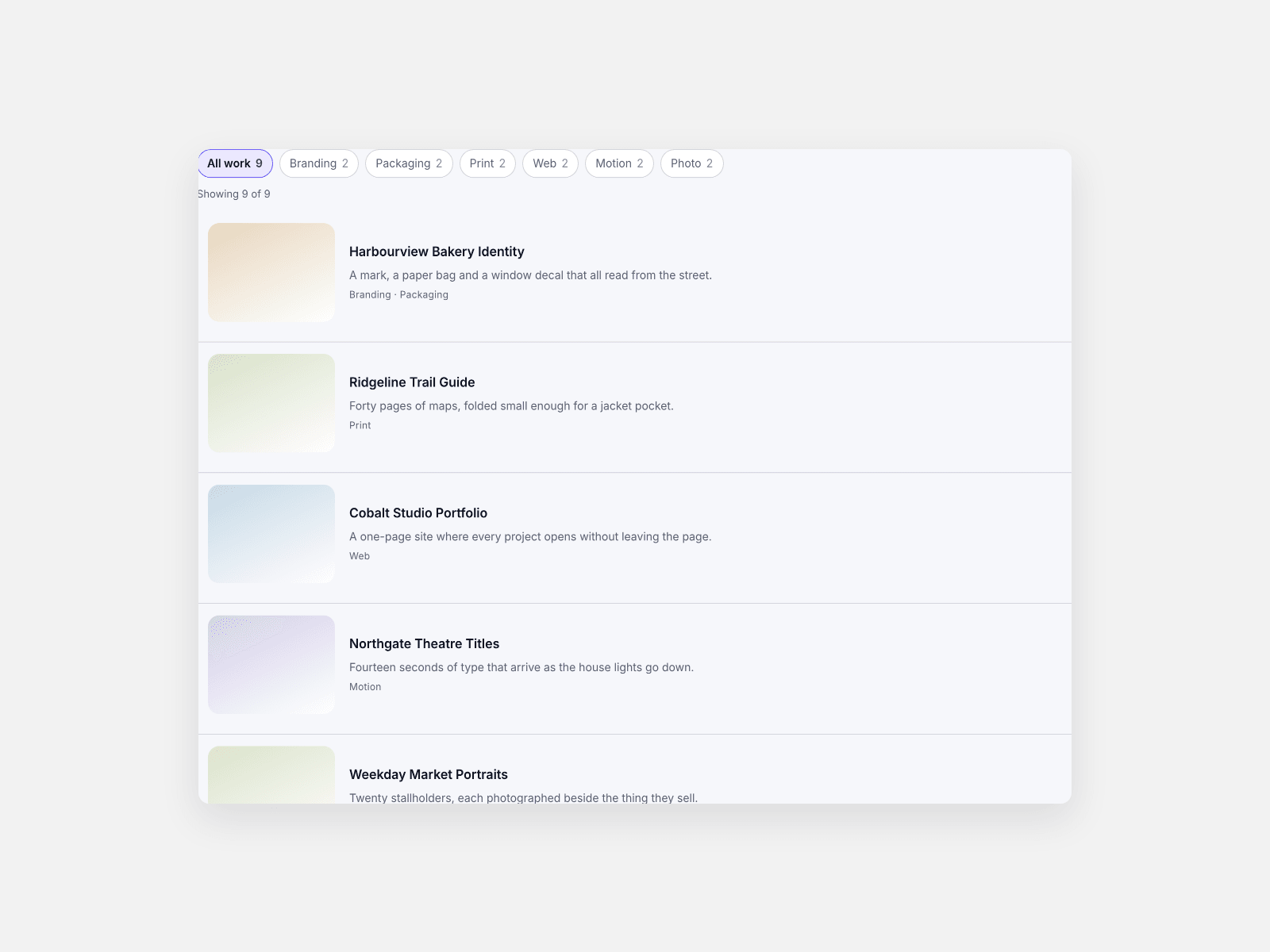
CMS Tag Stack lays a collection down the page as full-width rows — a thumbnail one side, title, caption and tags the other — and narrows it with tag chips: a chip press swaps a class, hidden rows leave and the rest close up.
Every row is one CSS grid: a thumbnail column at the width you set, holding a square, 4:3 or 16:9 box, and a text column taking the rest; one switch moves it to the right.
Pick several tags at once and choose whether a row carries any of them or every one; each chip carries its count, a polite line reads the total, and a slot per row binds a collection.
- **One column of rows.** A row per entry, thumbnail and text side by side.
- **Three shapes.** Square, 4:3 or 16:9 sets every built-in thumbnail.
- **Either side.** The thumbnail column sits left or right, at your width.
- **Chips that stack.** Several tags stay on at once, matching any or every tag.
- **One class swap.** A chip press swaps classes; the rest is CSS.
- **Counts on the chips.** Each chip carries its count; a line reads the total.
- **CMS slots.** One slot per row binds a collection; a slotted row keeps its own height.
- **Rules and stripes.** Dividers and banding follow the rows showing.
What you control
• Items as an array: title, caption, tags as a comma list, image with alt text, link and a thumbnail tint
• Row slots for the CMS path, paired one to one with the items
• Thumbnail side, width and ratio, row gap and padding, dividers, stripes, radius, match mode, initial tags, All chip
• Font, five colours, text size, max width, alignment, count wording, placeholder lines and labels
Limits: one stack per section, one thumbnail ratio for built-in rows (a slotted row keeps its own height), images from your project or CMS, and about eighty rows.