About AmbiLight Video
AmbiLight Video Player
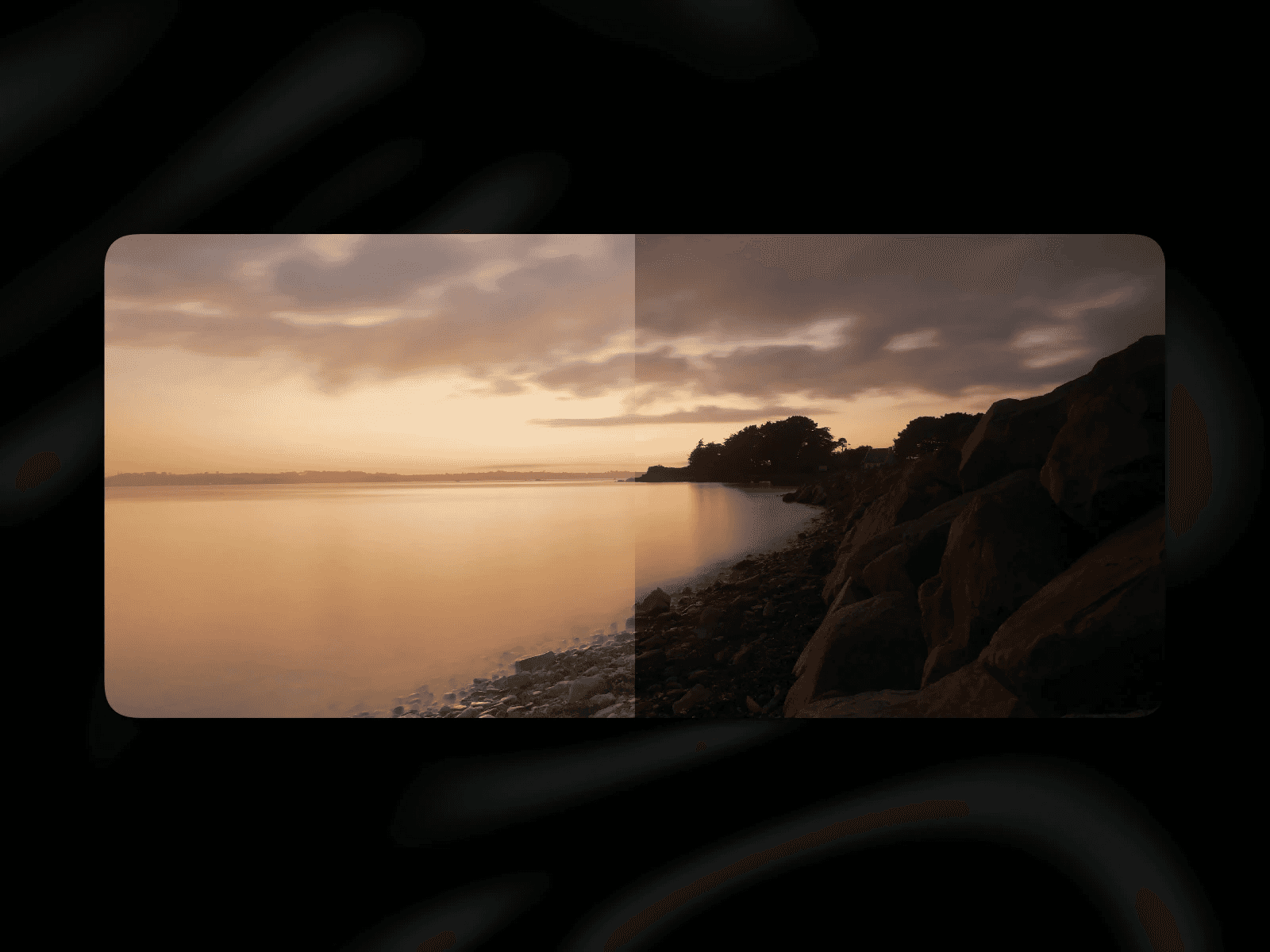
Give your videos extra depth with a responsive ambient glow that mirrors the video content in real time. The component renders a blurred “glow layer” behind the main player and automatically fades it in while playing.
Features
Sources: Upload, direct Video URL (MP4/WebM/MOV), or YouTube (nocookie optional)
Ambilight controls: blur, spread/scale, intensity, saturation, brightness
Player controls: visible/invisible controls, autoplay, muted, loop, custom start time
Layout & style: border radius, shadow presets, object-fit (Fill / Fit / Stretch)
How to use
Drop the component onto your canvas.
Choose a source (Upload / URL / YouTube).
Tweak blur, spread, intensity, saturation, brightness to taste.
Adjust radius, shadow, and object fit to match your layout.
Notes
YouTube embeds: Depending on your region (e.g., EU), consent may be required. Update your privacy policy accordingly.
Performance: high blur values look great but can be GPU-intensive; tune blur/spread for mobile.
The glow respects playback state (fades in while playing, out when paused/ended).
Preview-video AI generated
Need help? Contact mail@outofstorage.de
Changelog (V2.0):
Fixed several reliability where the glow or video wouldn't load correctly or respond to autoplay, especially on mobile and Safari.
New in V2.0
Performance Mode (YouTube): Replaces the second video stream with a static thumbnail as the glow layer — reduces bandwidth and prevents autoplay blocking on mobile.
Squircle: iOS-style corner smoothing via CSS corner-shape with adjustable strength (0–100%). Falls back to border-radius on unsupported browsers. Recommended for mobile breakpoints