About LUT Grade
LUT Grade
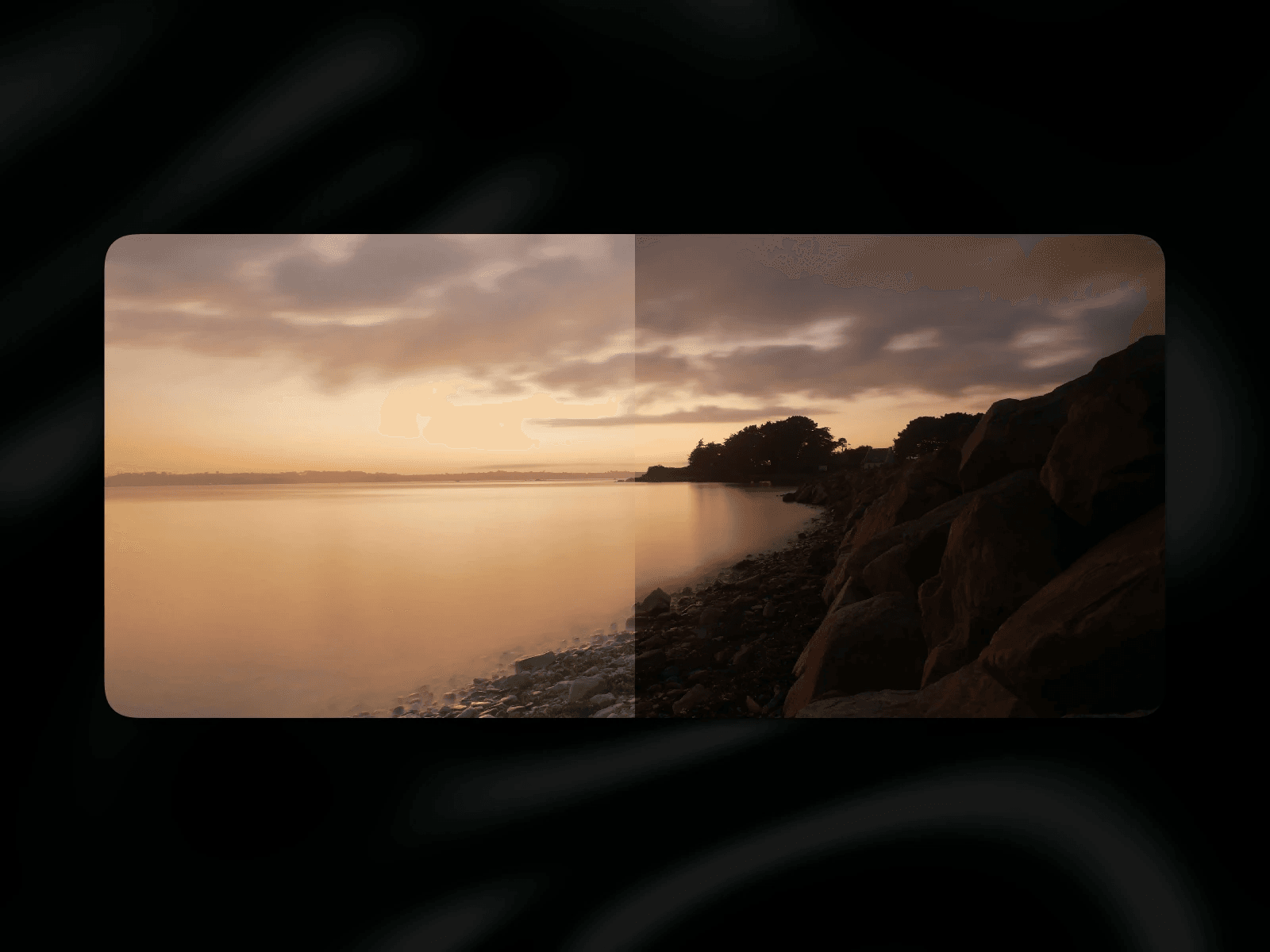
For filmmakers, photographers and colorists: upload any .cube LUT and LUT Grade renders it live on your site in real time via WebGL, with an optional before/after comparison so everyone can see how much work went into it.
Features
Media: Image or video (upload)
LUT: Any .cube file, 1D, 3D or combined, e.g. exported from DaVinci Resolve, Premiere, Final Cut or Photoshop
Grading controls: intensity (0–100%), object-fit (Fill / Fit)
Optional compare modes: Slider (drag to reveal before/after) or Hover (original fades in on hover, tap to toggle on touch devices)
Slider styling: Connect any element from your canvas as the slider handle for full design freedom.
Video controls: autoplay, loop
How to use
Drop the component onto your canvas.
Choose Image or Video and add your media.
Upload your .cube LUT.
Adjust intensity and fit.
Optional: pick a compare mode and connect your own handle from the canvas.
Notes
Log-to-Rec709 LUTs are made for log footage and will look off on already graded material.
Videos only play while visible on screen to save battery and performance.
Browsers without WebGL2 show the ungraded media as a fallback.
Need help? Contact framer@outofstorage.de