About Angle Print
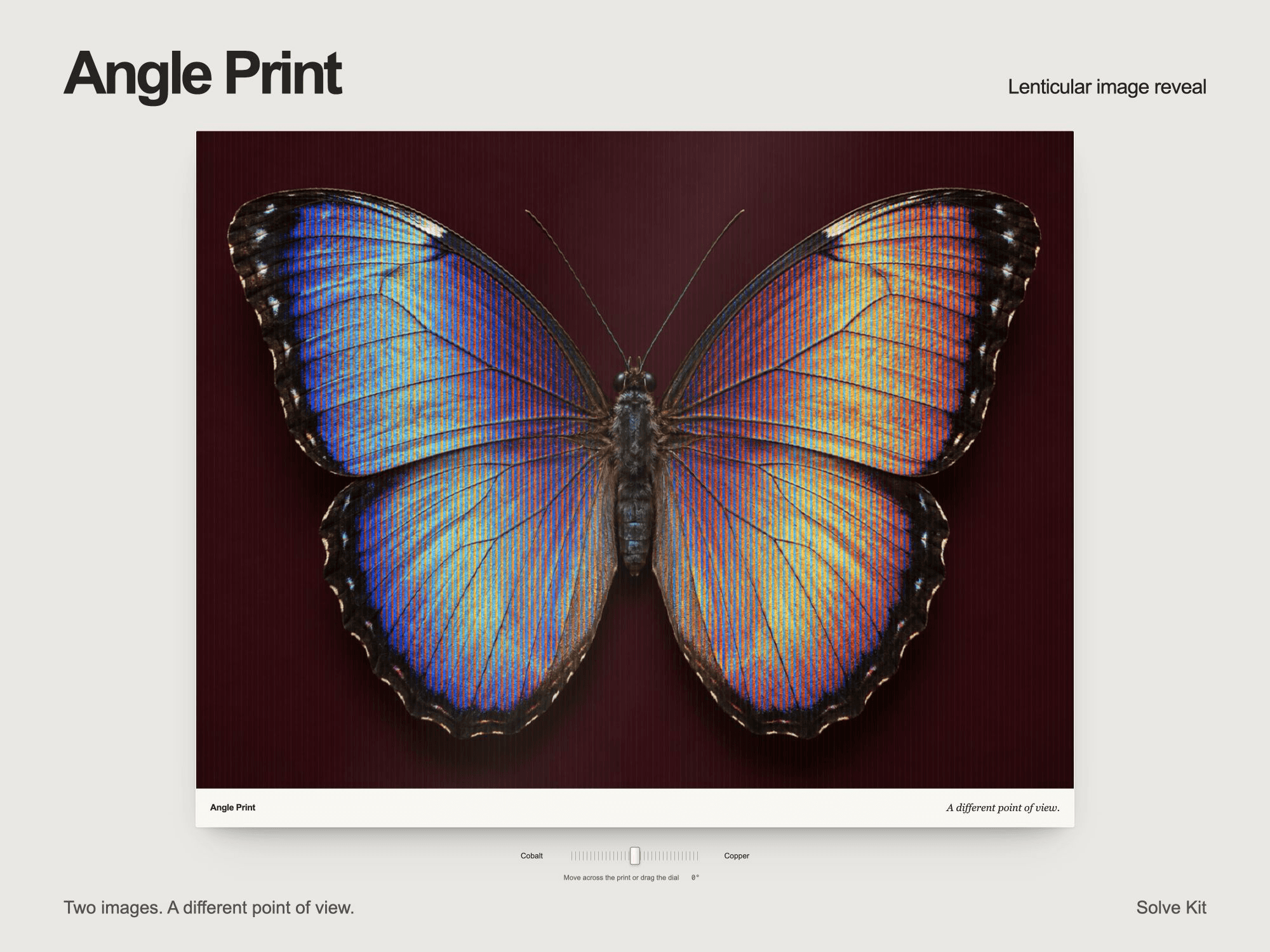
Angle Print turns two photographs into a print that changes as you move across it. Fine lens ribs reveal the alternate view, while the mount tilts slightly and catches the light. Stop moving and the view stays where you left it.
The interaction
Move the pointer or drag across the print in either direction.
Use the viewing dial or labeled endpoint buttons instead of dragging.
Keep the image interaction without decorative tilt when reduced motion is requested.
Show a still first-image preview in Framer's Canvas and export contexts.
What you can edit
Both images, title, caption, and view labels.
Starting angle, lens density, relief, reflection, and tilt.
Mount and text colors, plus caption visibility.
Delivery and requirements
One purchase includes the versioned installation link, component source, demo-image backups, and English documentation. The full effect uses WebGL; unsupported graphics fall back to an image crossfade when both images load. No API key or separate backend is used. The component has two still-image views, not a gallery, image editor, or device-orientation effect.
License and support
The single-site commercial license covers one website or end product for you or one client. Modification for that project is allowed; redistribution, resale, source sharing, and multi-project use are not.
Contact hello@usesolvekit.com for setup questions or product defects. No fixed update schedule or future major version is promised. Digital purchases are normally final after access or download, subject to applicable law; contact support if the product is defective or materially different from this listing.