About Ribbon Menu
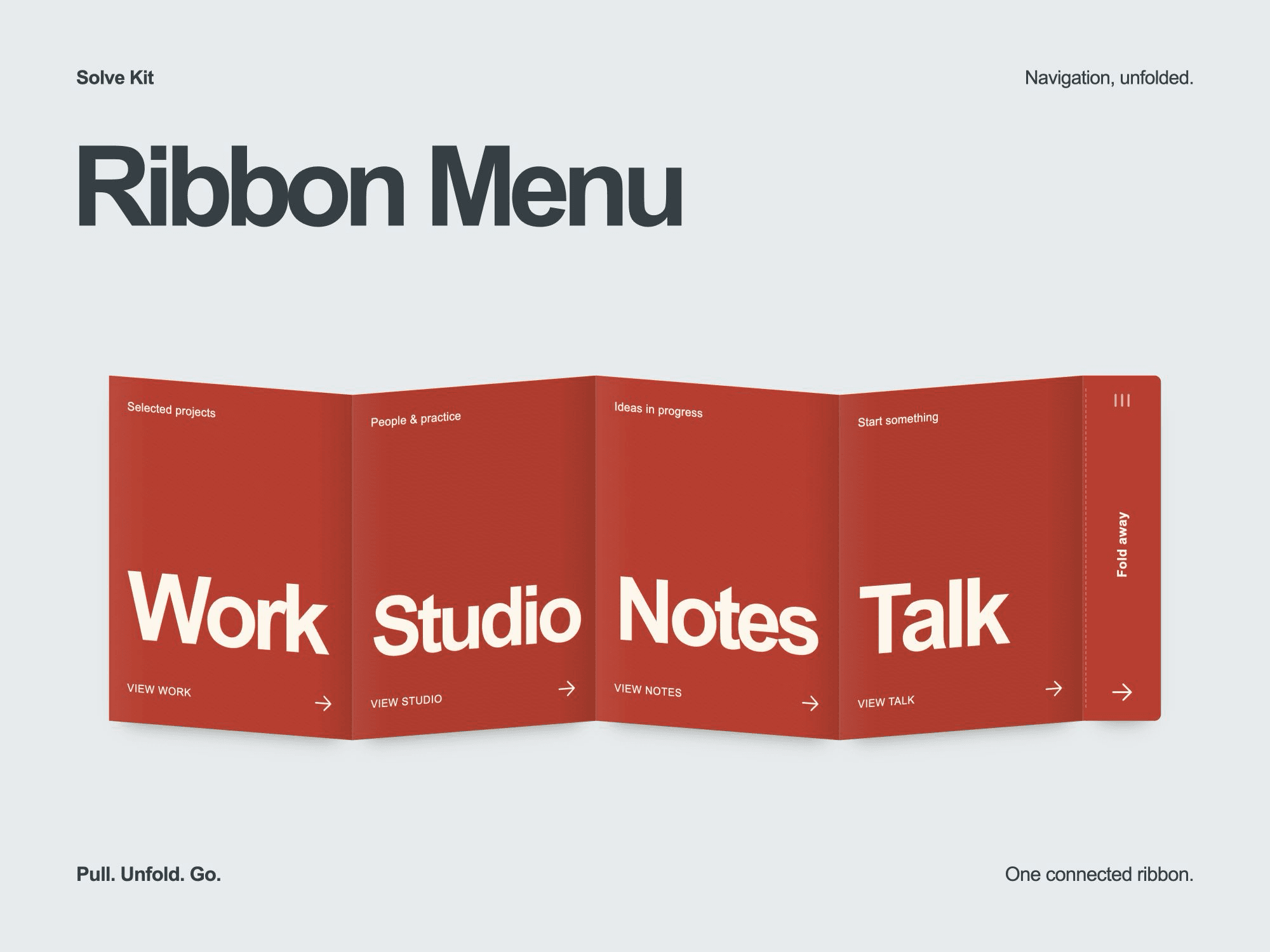
Ribbon Menu gives navigation the shape of a concertina. The pull tab opens one connected strip, with every fold following the same movement.
The interaction
Drag sideways in a wide frame or downward in a narrow, tall frame.
Choose a page from one to six linked folds.
Open and close with a click, a tap or the keyboard.
Keep navigation usable with reduced motion or a compact host.
Show a static layout in the Framer canvas and exports.
What you can edit
Page labels, supporting captions and links.
Ribbon and text colors.
Label, caption and pull-tab typography.
Pull-tab text, accessible names and compact interface labels.
Starting state and optional closing after a link is selected.
Delivery and requirements
The single ZIP includes a private, versioned Component URL: copy it from the installation file and paste it onto your Framer canvas. The editable, self-contained source is included as a fallback, with an English installation guide, control reference, license, credits and changelog.
Give the component a frame with real width and height. Choose each destination with Navigation → Link after installation; links can start empty and the sample page names do not create pages.
This is an inline navigation component. It does not create your pages, provide a CMS, cover the whole screen or include a checkout. No API key or separate backend is used.
License and support
One commercial website or end product for you or one client. Editing for that project is allowed; redistribution, resale, source sharing and multi-project use are not. For setup questions or defects: hello@usesolvekit.com. No fixed update schedule or future major version is promised.
Refund policy
Digital purchases are normally final after access or download, except where applicable law requires otherwise. If the product is defective or materially different from this description, contact support so the issue can be resolved.