About Animated Timeline
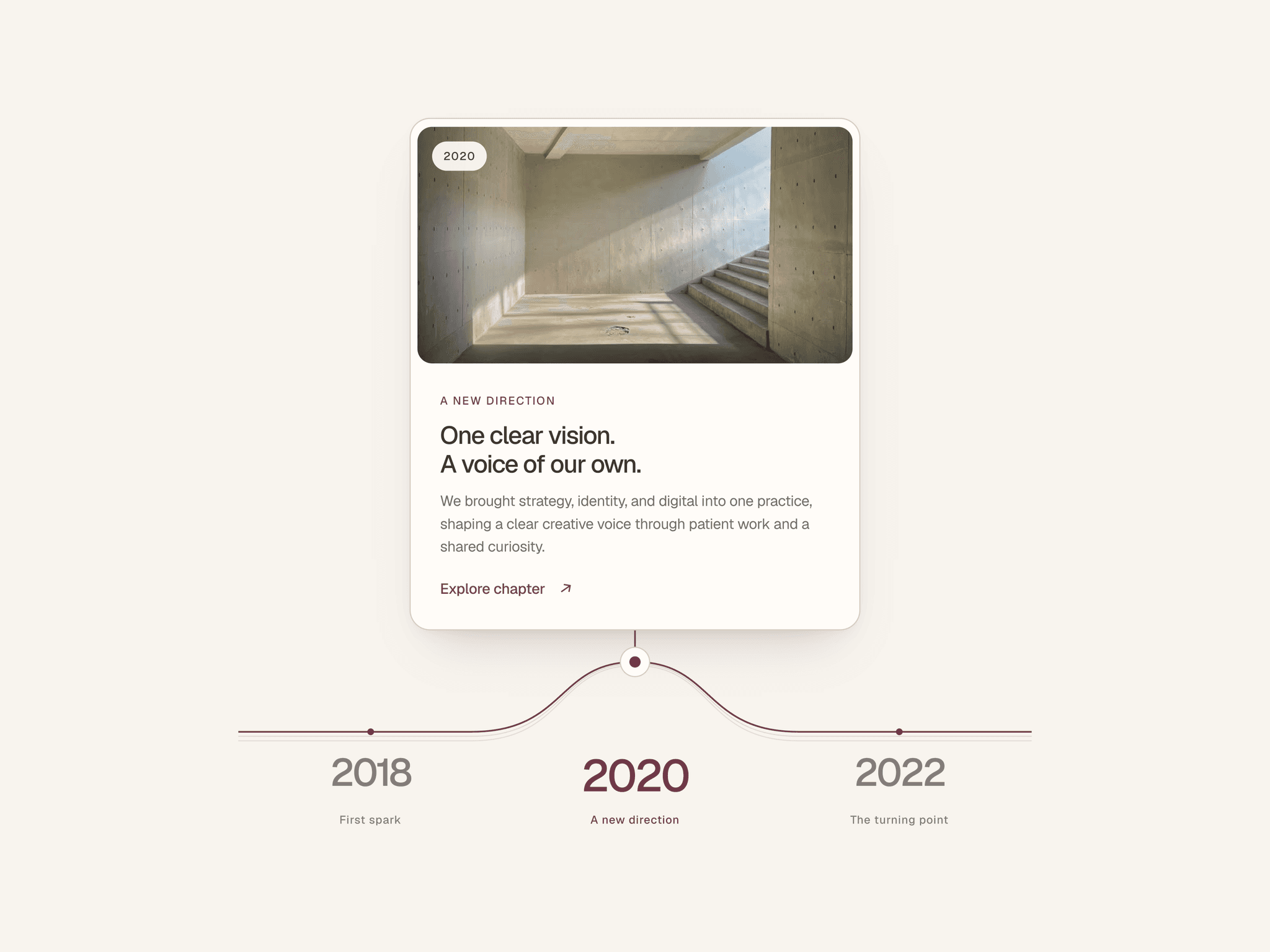
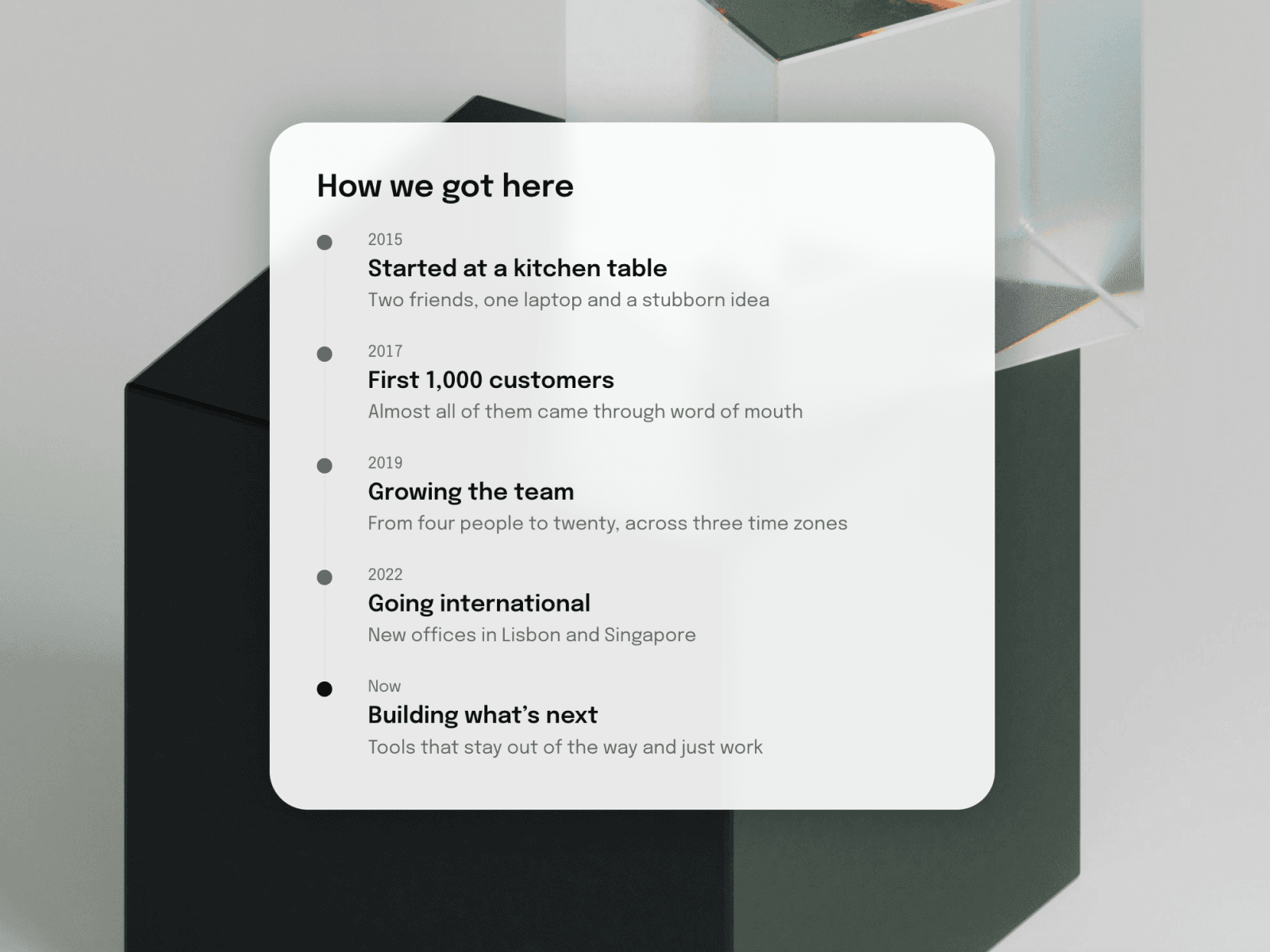
Tell your story step by step. This timeline lays out your milestones along a thin vertical path, with a dot, a year, a title, and a short description for each. The line and dots are animated, so the timeline draws itself when it scrolls into view. The current step is highlighted. Add, remove, and edit milestones from the properties panel, with no code needed.
Desktop and Mobile friendly.
Key features
Vertical timeline with a connecting line, one dot per milestone.
Each milestone has a year or label, a title, and a description.
The final or current milestone is highlighted with a solid dot.
Animated line and dots [on scroll / on load].
Add or remove milestones in the panel.
Works on any background, and you can use it inside a glass card as in the demo.
Responsive on tablet and phone
Customize
Line and dot colors, active-dot color, dot size, line thickness
Fonts and colors for year, title, and description
Spacing between milestones
Animation speed
Good to know
Milestones are added by hand in the panel, with no CMS connection yet.
Text can’t link to a named text style
The glass card and photo background in the demo are page design, not part of the component, you can add effects by wrapping the component into additional Stack