About Floating Tiles
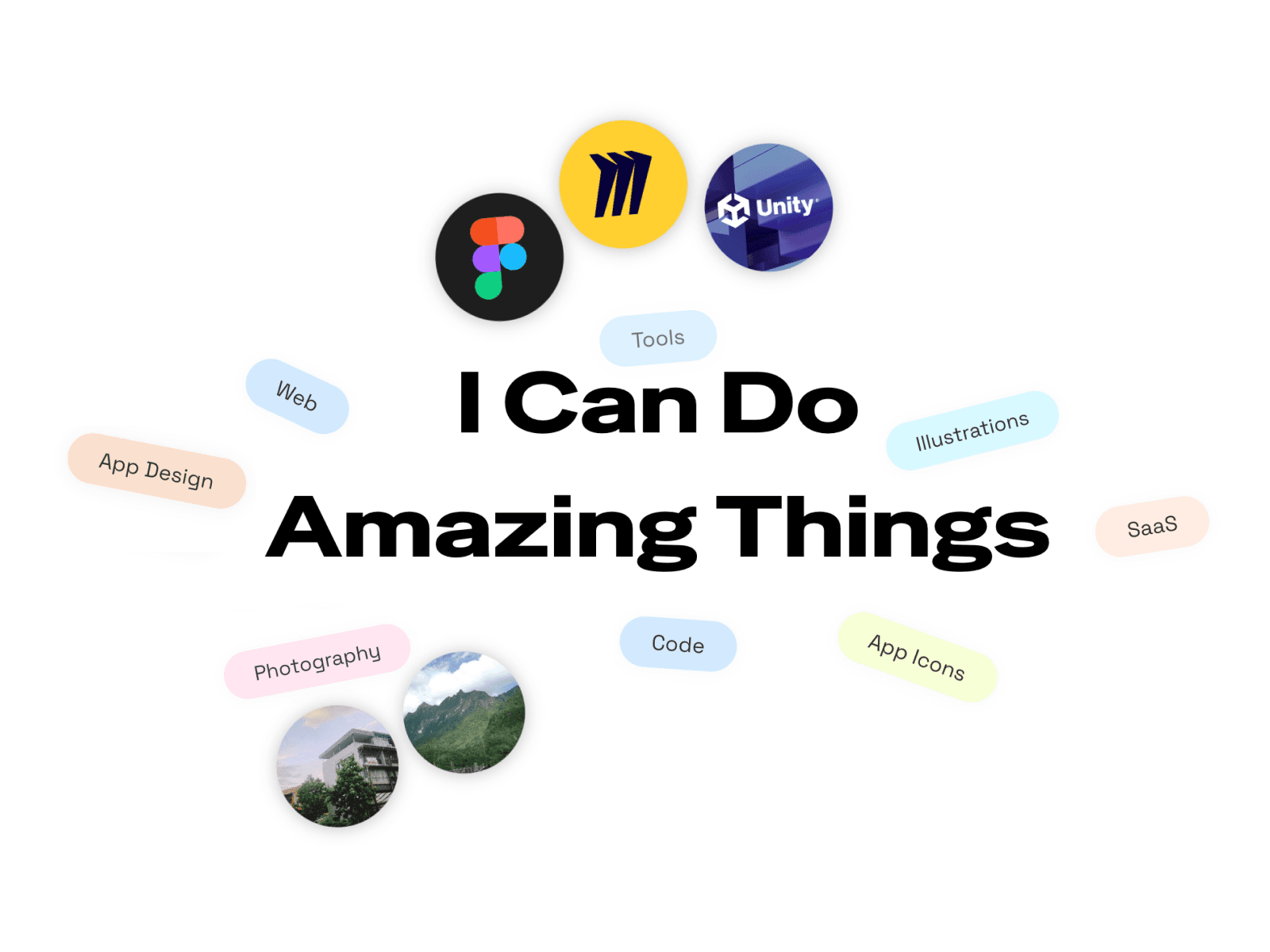
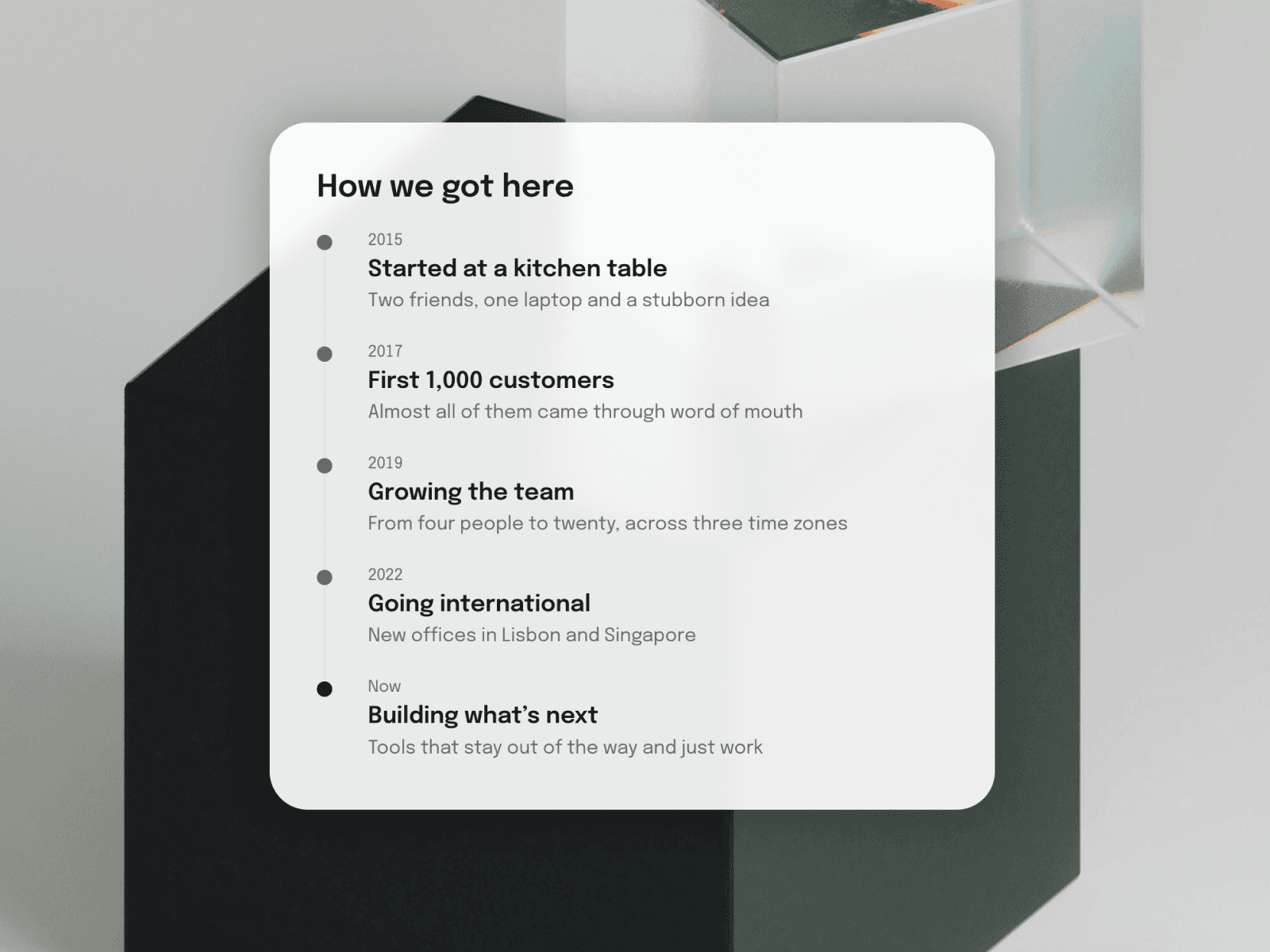
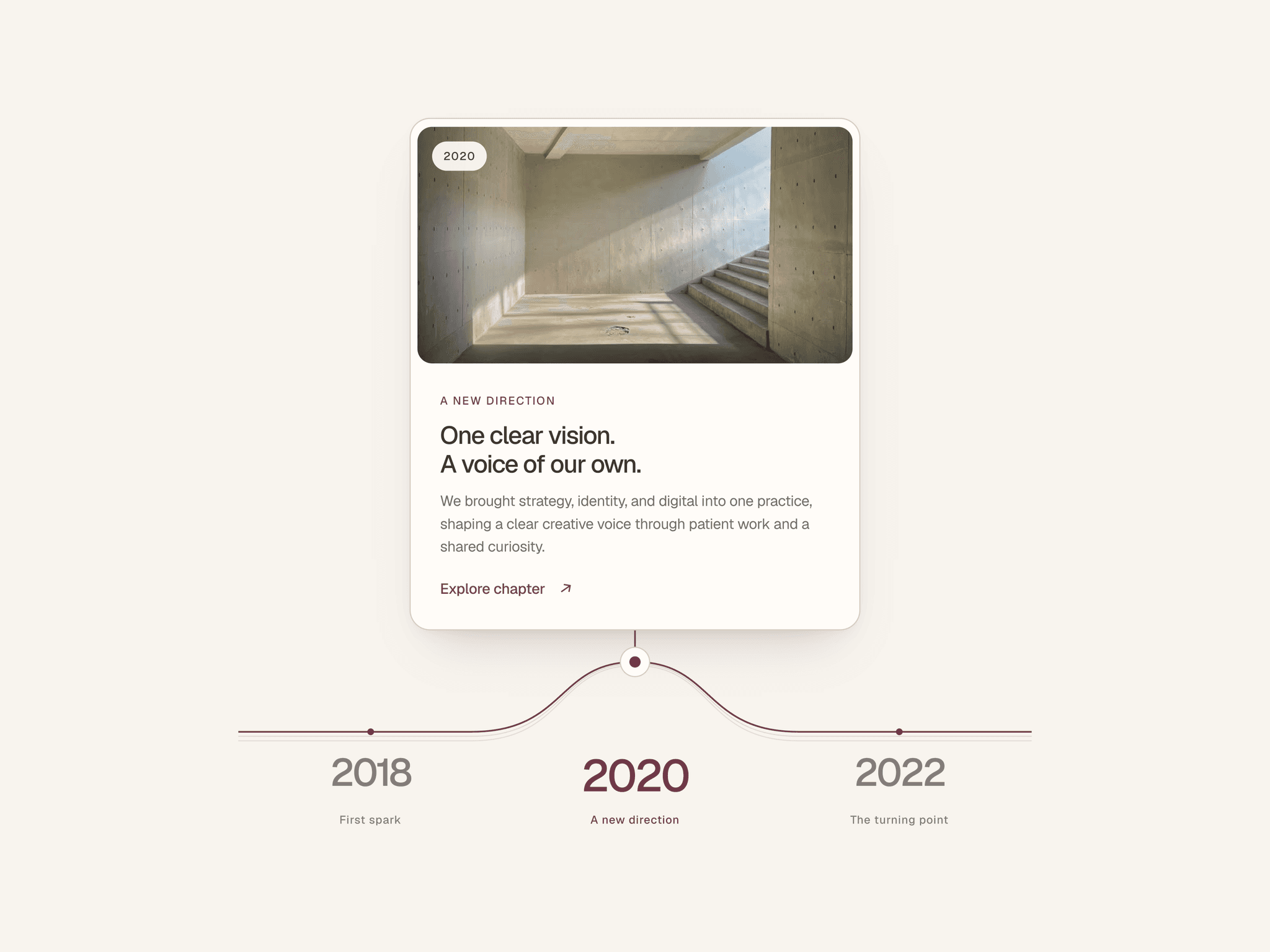
Description Float Tiles scatters rounded square tiles across a frame and lets them drift gently. Click a tile and a chip with your text pops out beside it. Add images, colors, or icons to the tiles, set their sizes, and link each chip to a page. You can add a title in the middle that the tiles stay clear of. Everything is controlled from the properties panel, with no code needed.
Key features
Tiles in any size, with a color, image, or short icon or letter, and an optional tilt.
Click a tile to open its chip, and click elsewhere or press Escape to close it.
Chips can link to a page, match the tile’s color, and open on the side you choose (or Auto).
Optional center title, either typed in or connected to your own text layer, with tiles kept clear of it.
Tiles are placed in balanced pairs automatically, or you can position each one by hand.
Gentle floating with adjustable distance, speed, and sway.
Shrinks on tablet and phone, with scale controls you can edit.
Keyboard-friendly tiles, and it respects reduced-motion settings.
Customize
Tile size, corner radius, and shadow
Chip fill, text, font, padding, radius, shadow, and gap
Float distance, speed, and sway
Title font, color, alignment, and width
Clip content and open links in a new tab
Good to know
Tiles are added by hand in the panel, with no CMS connection yet.
To use a local text style for the title, wrap a Text layer in a Stack and connect it.
Tiles you place manually aren’t moved away from the title, so keep them clear yourself.