About API Explorer Console
Stop sending developers to a wall of static code blocks.
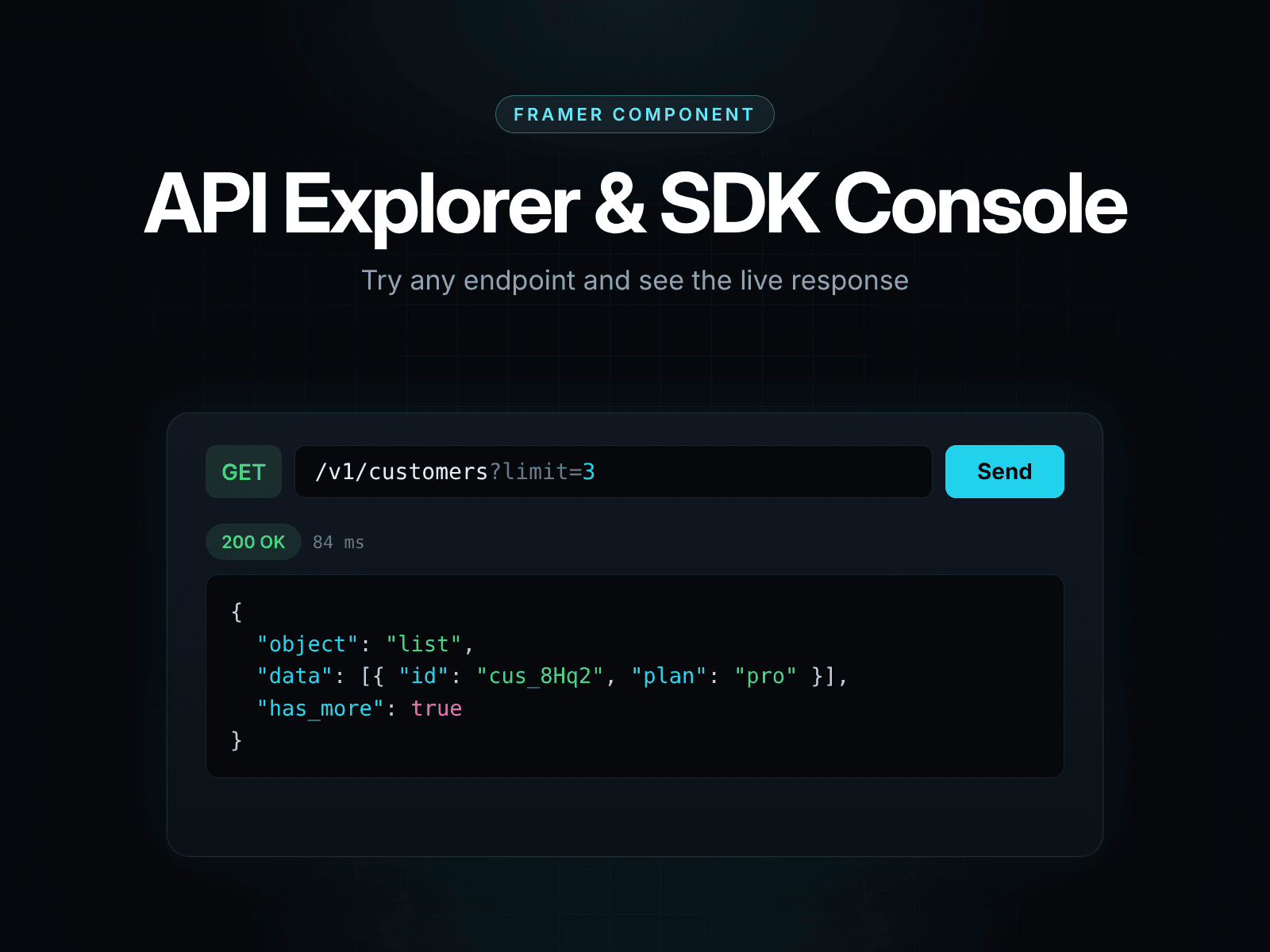
API Explorer & SDK Console drops a working, interactive API reference straight into your Framer site. Visitors choose an endpoint, change a parameter, and the request, the code sample and the response all update together. When it looks right, they copy the snippet and ship.
It is a single self-contained code component. No packages to install, no server to run, no keys to expose. Everything is configured from the Framer properties panel.
Features
Three-column console. Endpoints, parameters and request, then code and response, in a dark theme developers already trust.
One source of truth. Params, generated code and response stay in sync.
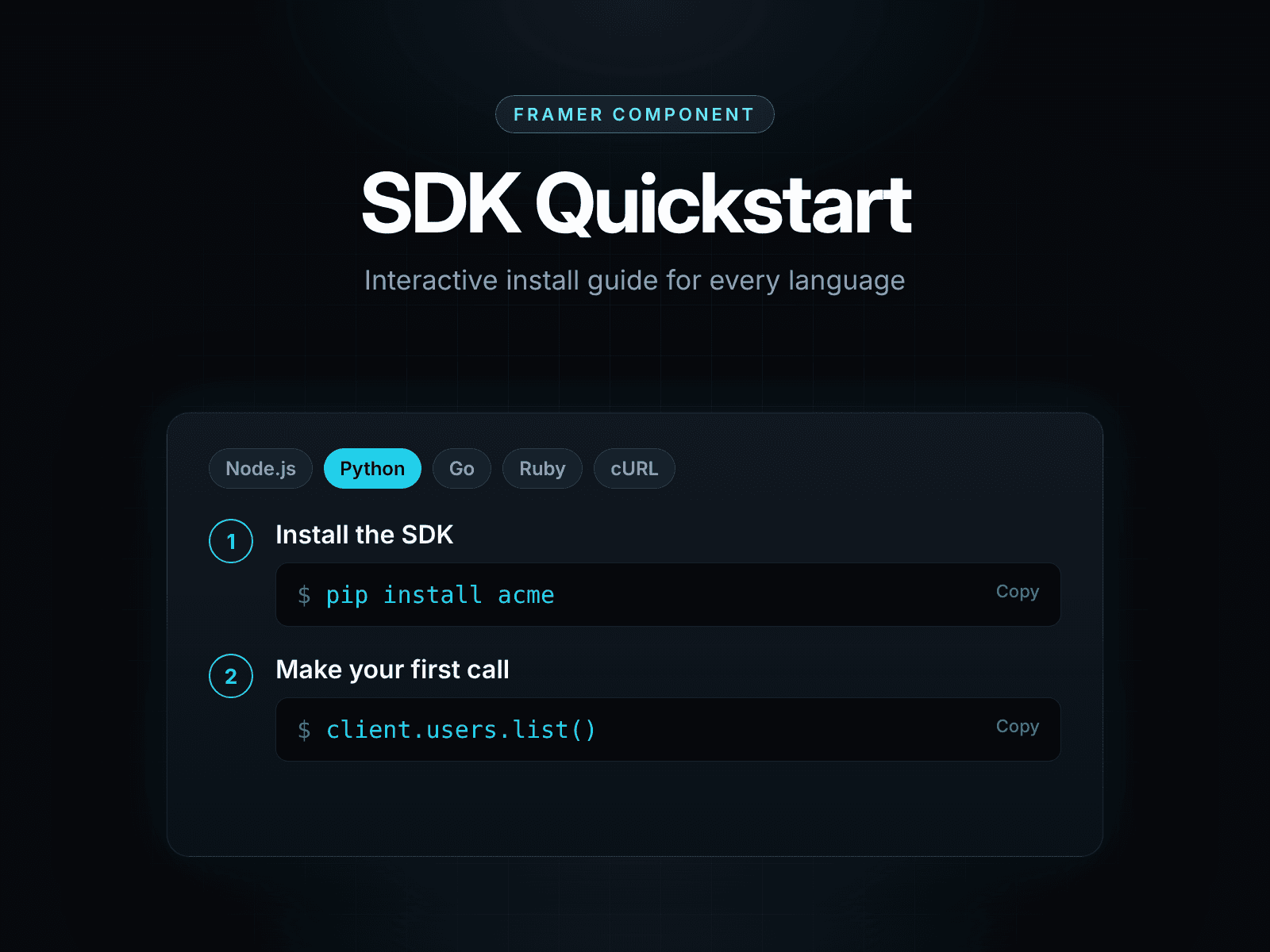
Four SDK snippets. cURL, TypeScript, Python and Go with correct quoting, headers and body handling.
Send Request simulator. Realistic loading state, status, timing and syntax-highlighted JSON. No live calls made.
Built-in syntax highlighting. No external library.
Three presets and two layouts. Three-column for desktop, stacked for narrow spaces.
Fully controllable. Endpoints, parameters, default language and layout are all Framer property controls.
Zero dependencies. One file, nothing that breaks on update.
Built for
API-first startups launching docs in Framer, agencies building developer marketing pages, and founders who want a live “try it” moment without an engineering sprint.
How it works
1. Drag the component onto your canvas. 2. Define your endpoints and parameters in the properties panel. 3. Pick a preset, a layout and a default language. 4. Publish.