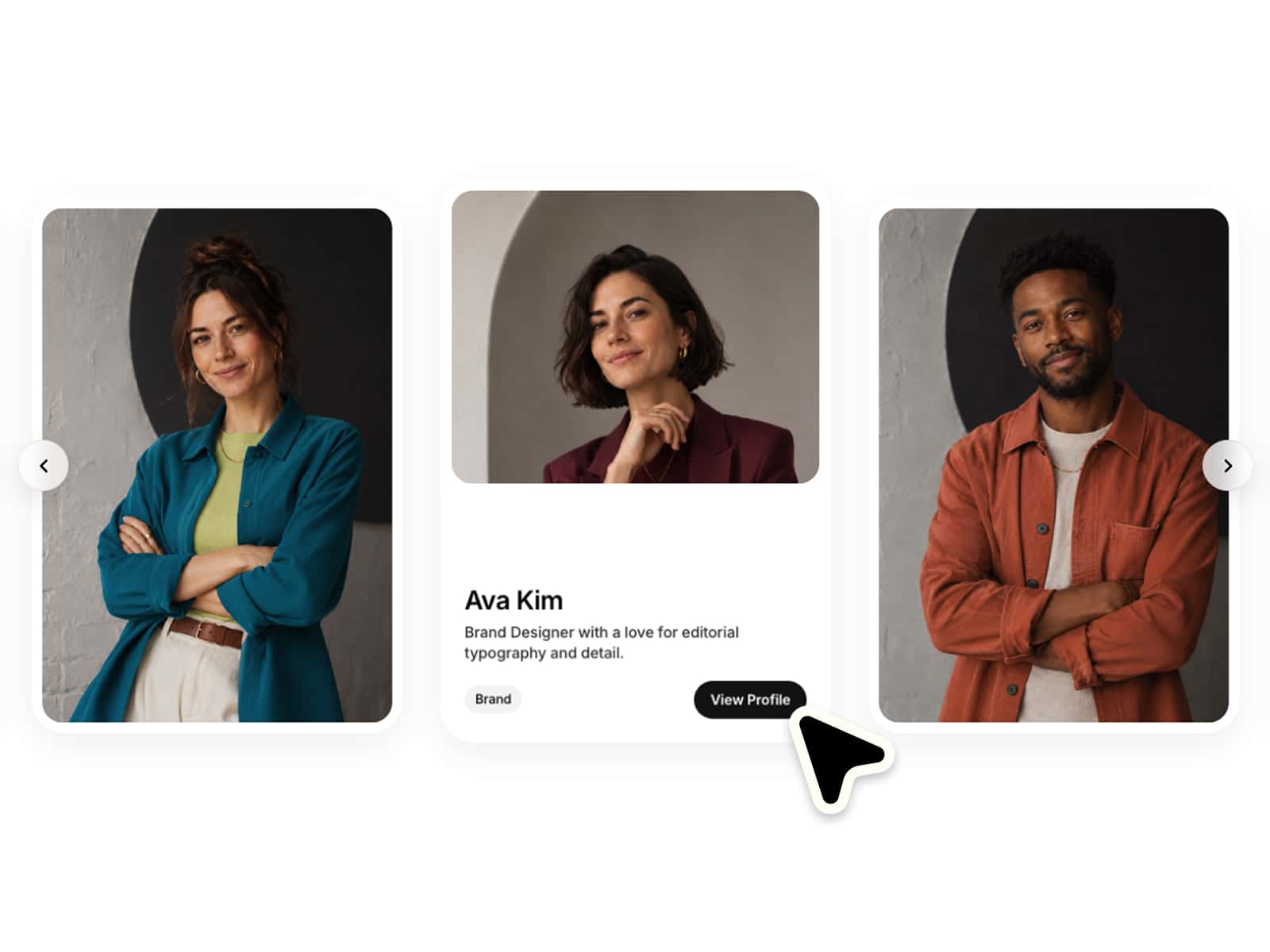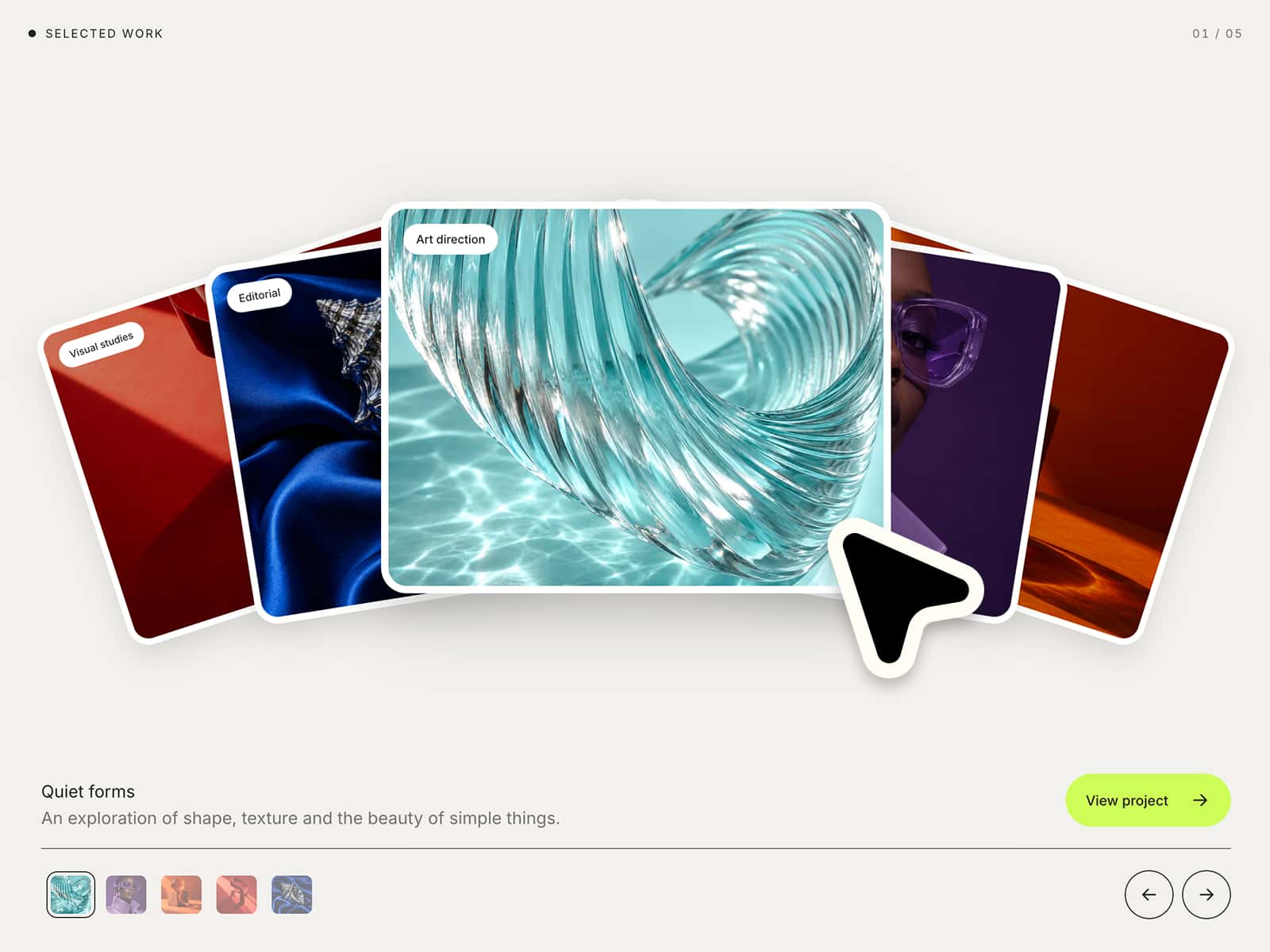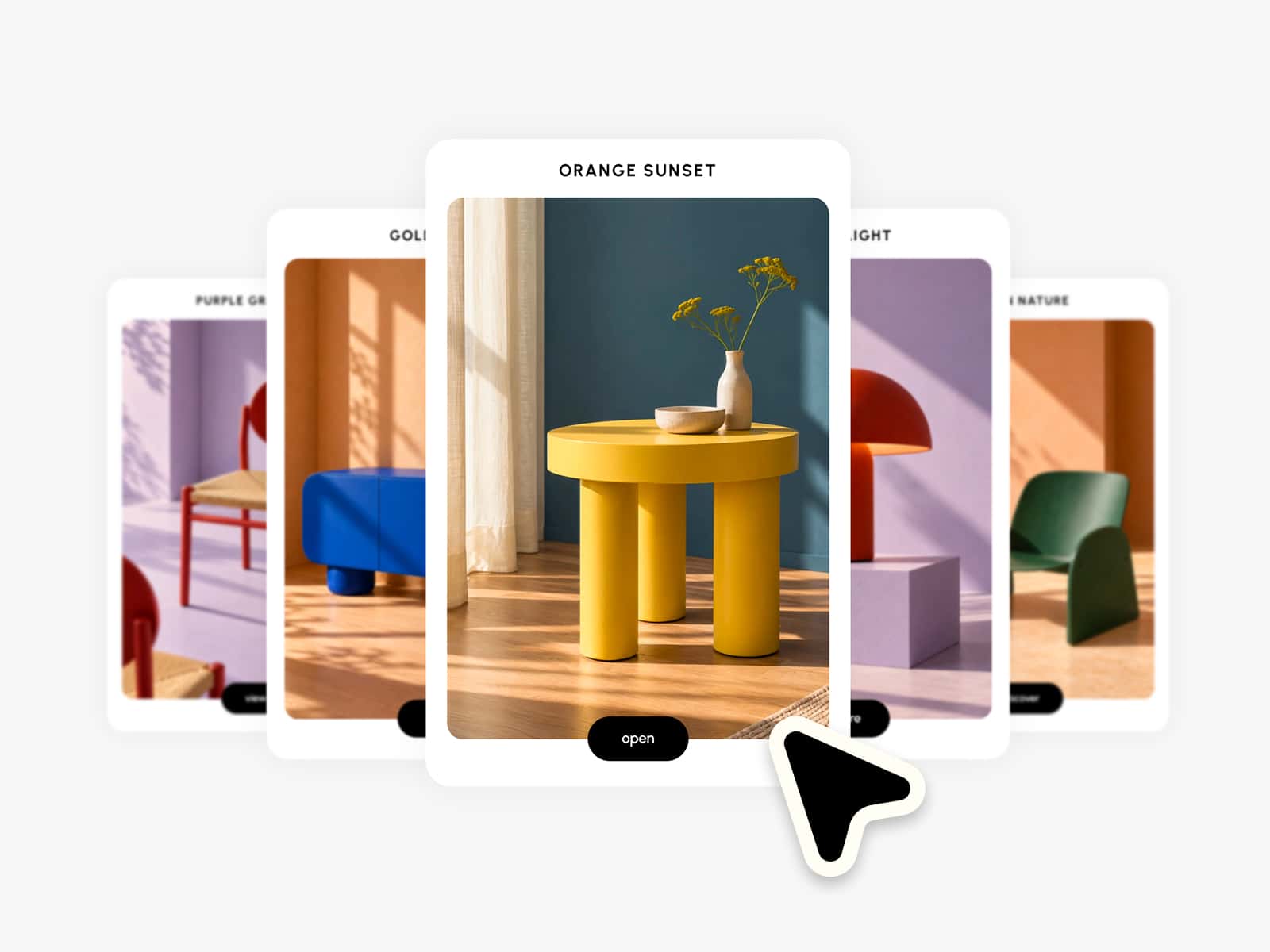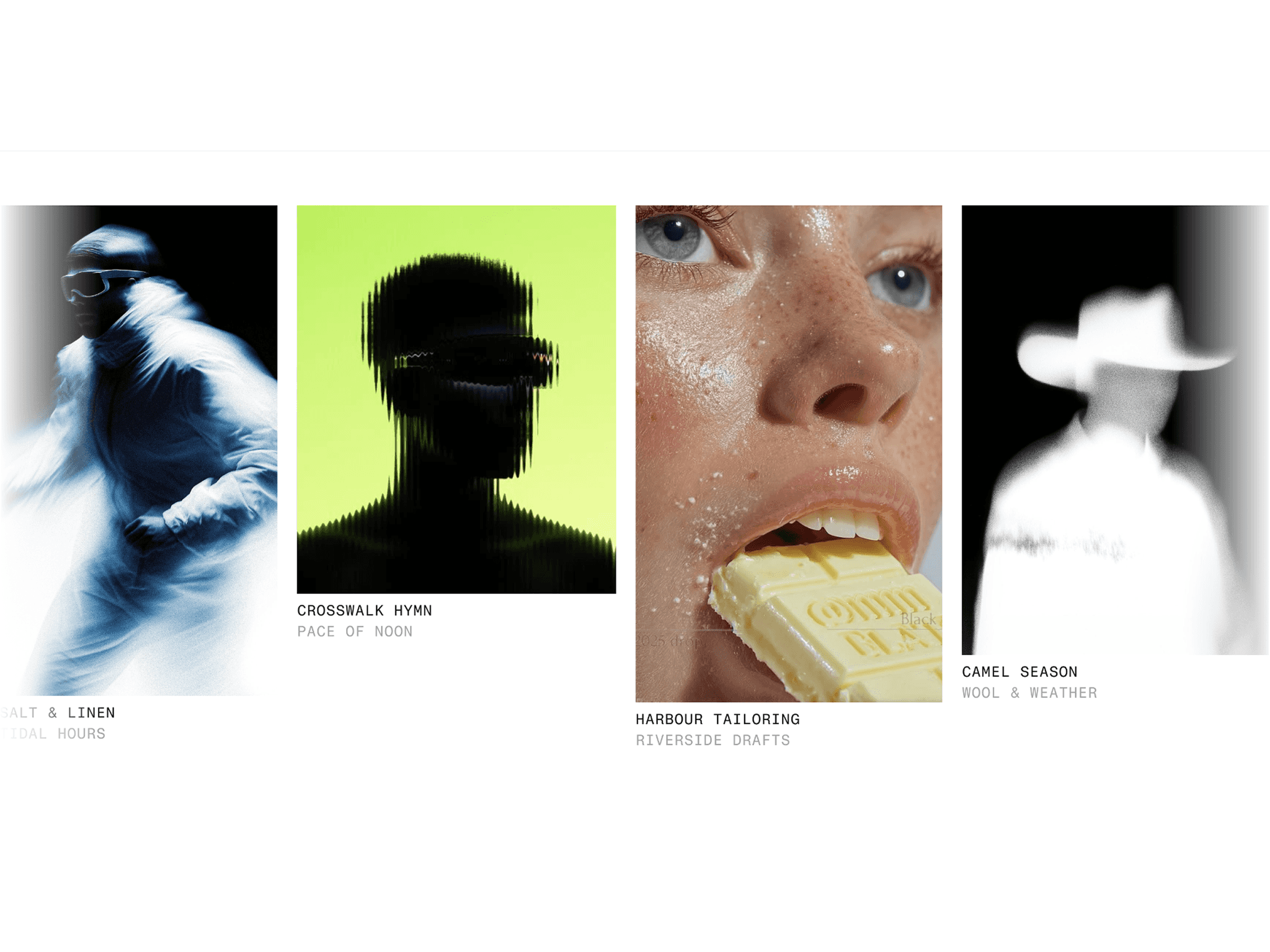
About Arc Focus Carousel
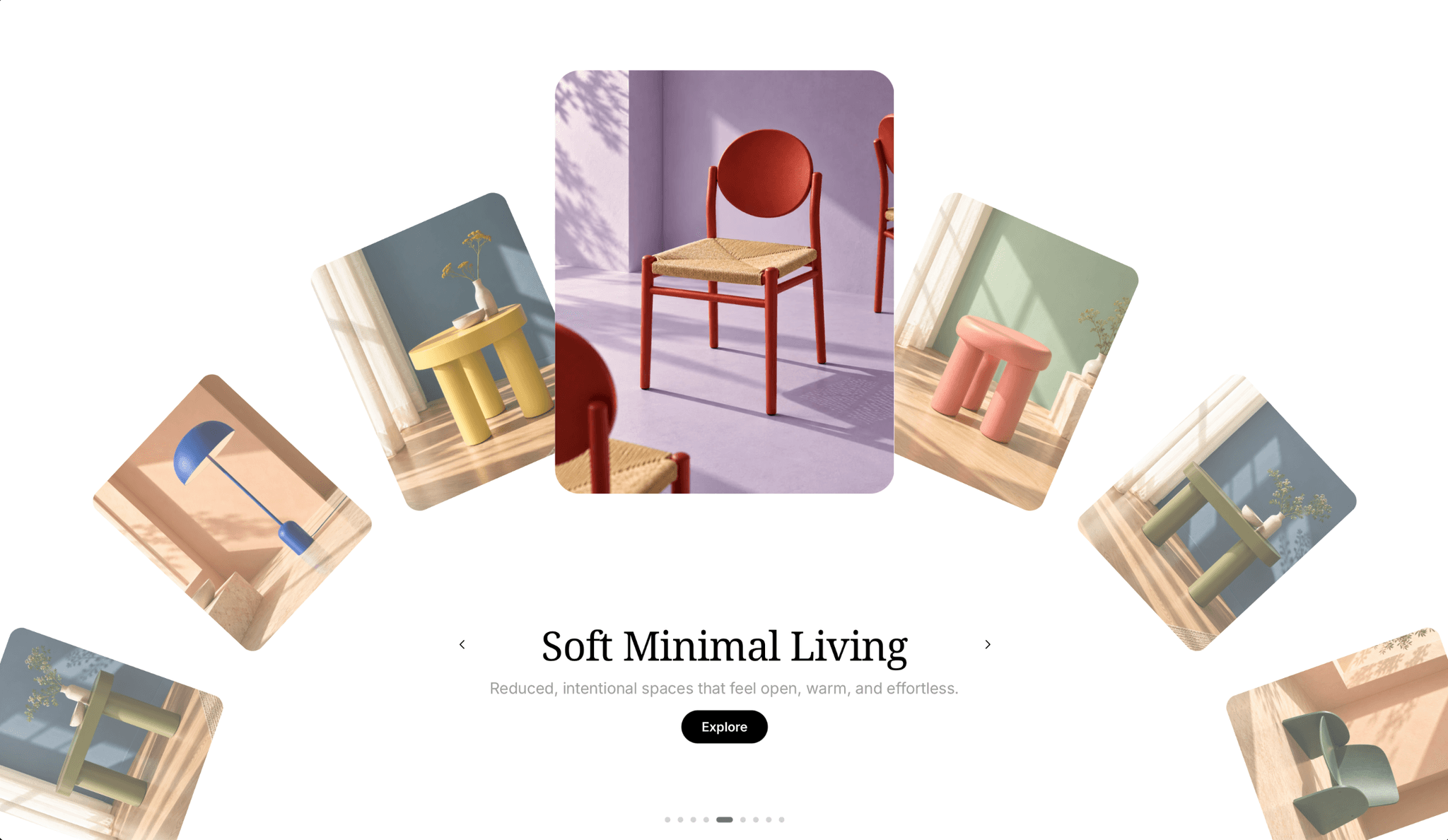
✦ Give your content a fresh perspective.
Create elegant arc-shaped carousels with a centered focus, smooth interactions and a clean editorial look. Fully responsive, easy to customize and ready to use in seconds. Make it completely your own with flexible controls for layout, styling and motion :)
⚙ What you can customize
Easily adapt every part of the component to match your own brand and style.
Images ✦ Titles ✦ Subtitles ✦ CTA labels ✦ Links ✦ Text styling ✦ Button styling ✦ Background color ✦ Border radius ✦ Shadows ✦ Active & inactive scale ✦ Opacity ✦ Lift ✦ Spacing ✦ Arc positioning ✦ Drag sensitivity ✦ Scroll sensitivity ✦ Spring timing ✦ Card ratio ✦ Scroll on/off
🎯 Perfect for
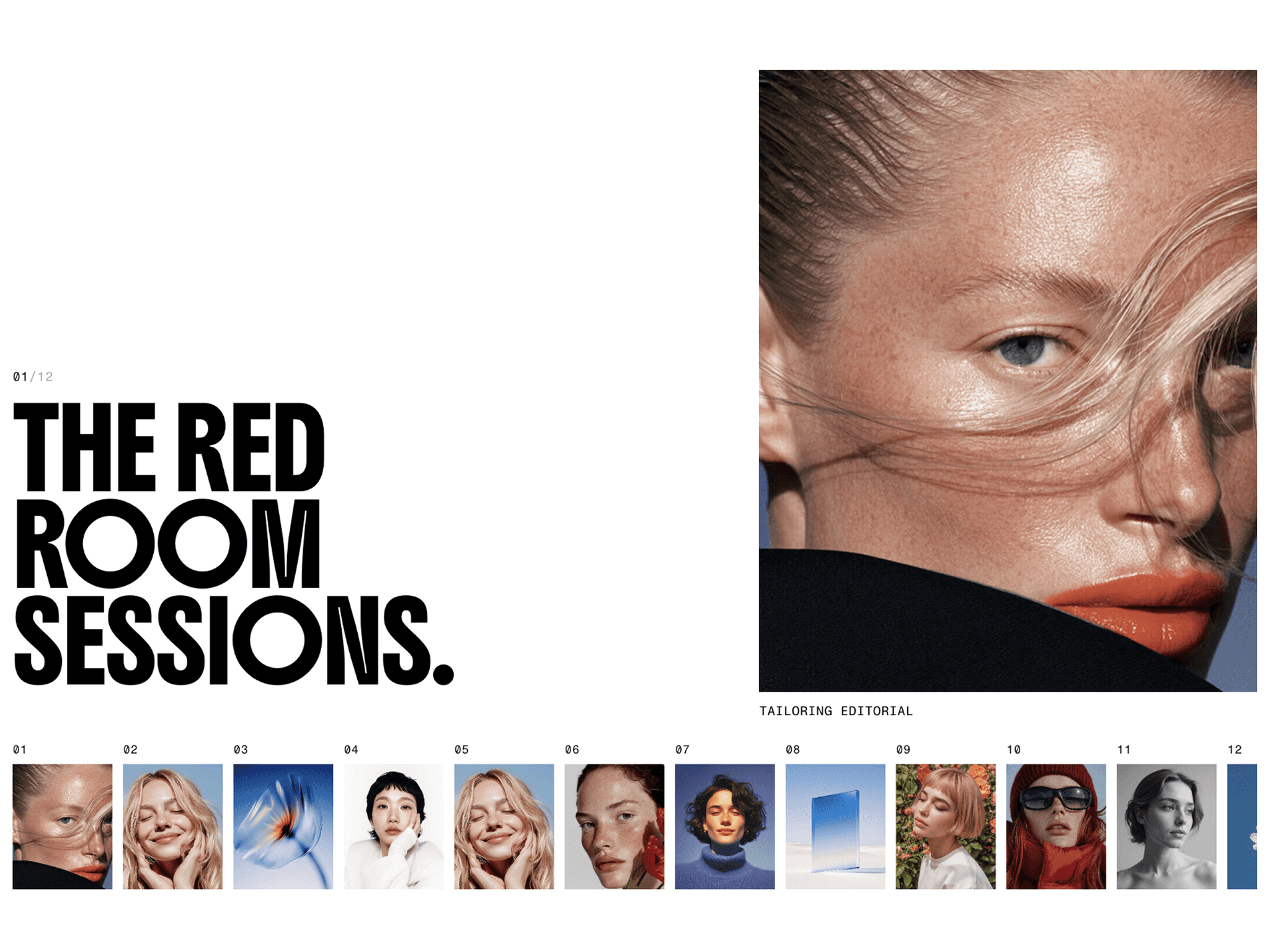
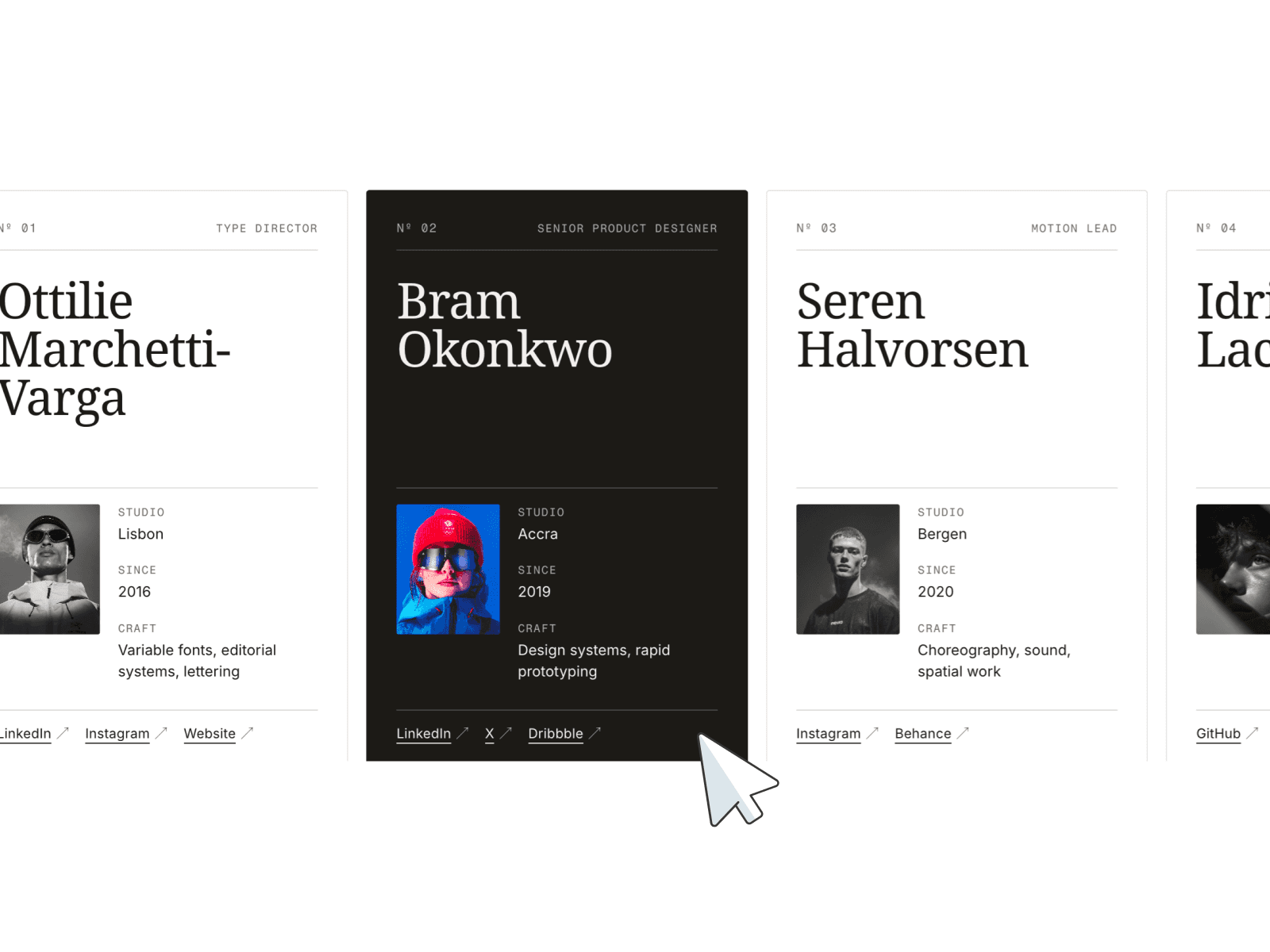
Portfolios ✦ Lifestyle showcases ✦ Service highlights ✦ Case studies ✦ Editorial landing pages ✦ Product storytelling ✦ Brand presentations ✦ Creative projects
📱 Responsive by default
Optimized layouts for Desktop, Tablet and Mobile with adaptive arc layouts and smooth touch interactions.
🖱 Included interactions
Drag & swipe ✦ Scroll navigation ✦ Arrow controls ✦ Click to focus ✦ Linked CTAs ✦ Smooth spring animations
🔗 Live Preview
https://just-yards-913081.framer.app/
––––––––
❤ Thank you so much for your support! I genuinely appreciate every download. I hope you have fun customizing this component and making it your own. Happy building!