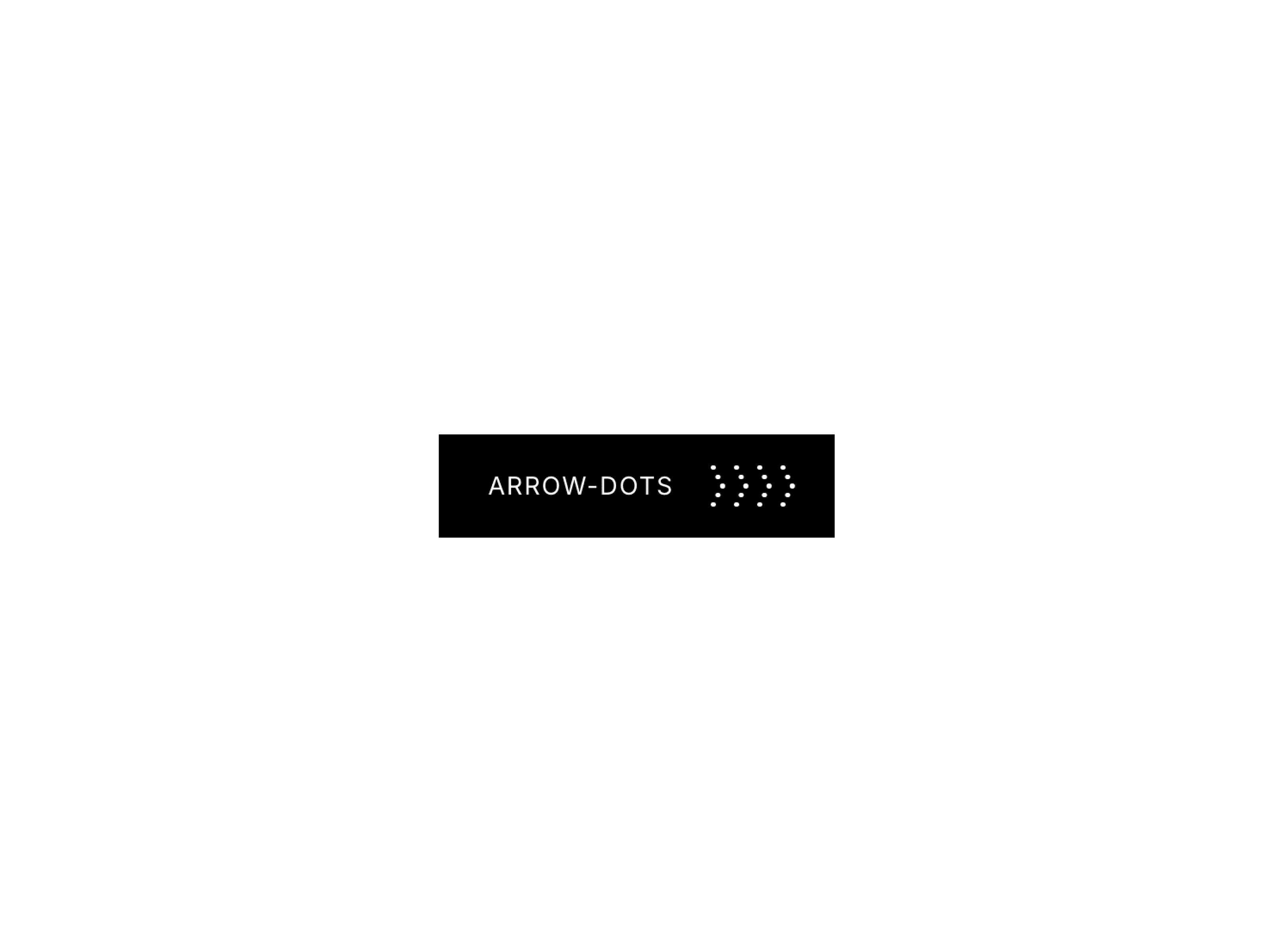
Arrow Dots Button is a refined, motion-first CTA component built for modern web experiences. It combines a smooth background sweep, horizontal text slide, and a dynamic dot-based arrow animation to create a button that feels responsive, intentional, and alive.
Every interaction is designed to guide the user’s attention forward — making it perfect for call-to-actions, navigation prompts, and conversion-focused sections.
Directional Dot AnimationA unique arrow made of animated dots that shift on hover, subtly guiding user focus and reinforcing direction.
Smooth Background SweepA fluid fill animation that transitions from one side to the other, adding depth and visual feedback.
Text Slide TransitionText seamlessly slides horizontally on hover, creating a polished and modern interaction.
Fully Customizable StylingEasily control colors, typography, padding, radius, and scale directly from Framer’s panel.
Responsive & ScalableWorks beautifully across layouts with adjustable scaling for different screen sizes.
Link + Action ReadySupports navigation links, new tab behavior, or custom tap actions for full flexibility.
Button text
Background + hover background colors
Text + hover text colors
Padding (X & Y)
Border radius
Typography (font, size, weight)
Scale (for responsive sizing)
Link + open in new tab
Tap actions
Landing page call-to-actions
Product showcase buttons
Portfolio navigation
Hero section interactions
Conversion-focused UI elements
Most buttons feel static this one communicates movement and intent.The combination of text motion + directional dots + background sweep makes interactions feel deliberate and premium without being overwhelming