About Copy Code Button
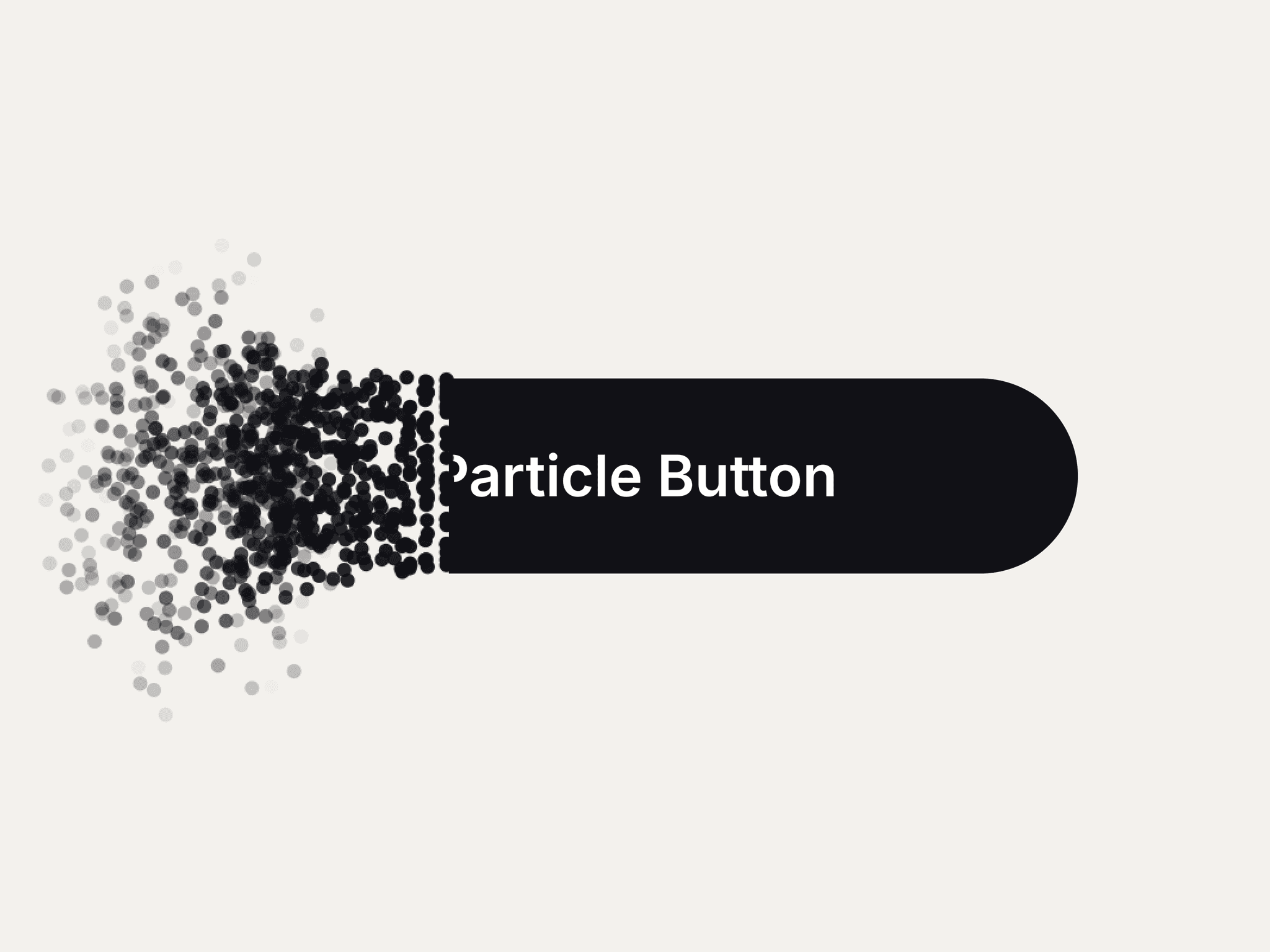
The Interactive Copy Button is a modern React component built for Framer and web projects to provide a seamless copy-to-clipboard experience. Its animated progress bar and confirmation feedback create a smooth, intuitive interaction for users, while dark and light theme support ensures it fits any design.
Features:
Clipboard Copy: Copies any code or text with a single click.
Animated Feedback: Progress bar and blur/fade effects provide visual confirmation.
Success Indicator: Check icon and “Code Copied!” message appear after copying.
Dark/Light Mode: Automatically adapts colors based on the theme.
Custom Font Styling: Control font size, weight, family, and style for code display.
Responsive Design: Fits naturally in various container sizes.
Custom Duration: Adjust the length of the success confirmation animation.
How to Use:
Import CopyCodeButton into your React or Framer project.
Pass the codeText prop with the text/code to copy.
Optionally configure font, duration, and isDarkMode.
Place the component anywhere in your layout; it automatically adapts to width and height.
Users click the “Copy” button, see progress animation, and get a confirmation message.
Best For:
Promo codes and referral codes in apps or websites
Developer dashboards or design tools for easy code sharing
Framer prototypes needing interactive copy functionality
Any scenario requiring a modern, user-friendly copy button