About Article TOC Island
TOC Island is a floating, Dynamic-Island-style table of contents for blog posts and long-form pages. It reads the H2 and H3 headings of your article and builds the outline automatically, so every post gets its own table of contents. No CMS wiring, no manual links.
Setup (takes a minute):
Give the frame that holds your article a Scroll Target name, e.g. "article" (lowercase, no spaces).
Add TOC Island to your post template and enter the same name in Content ID.
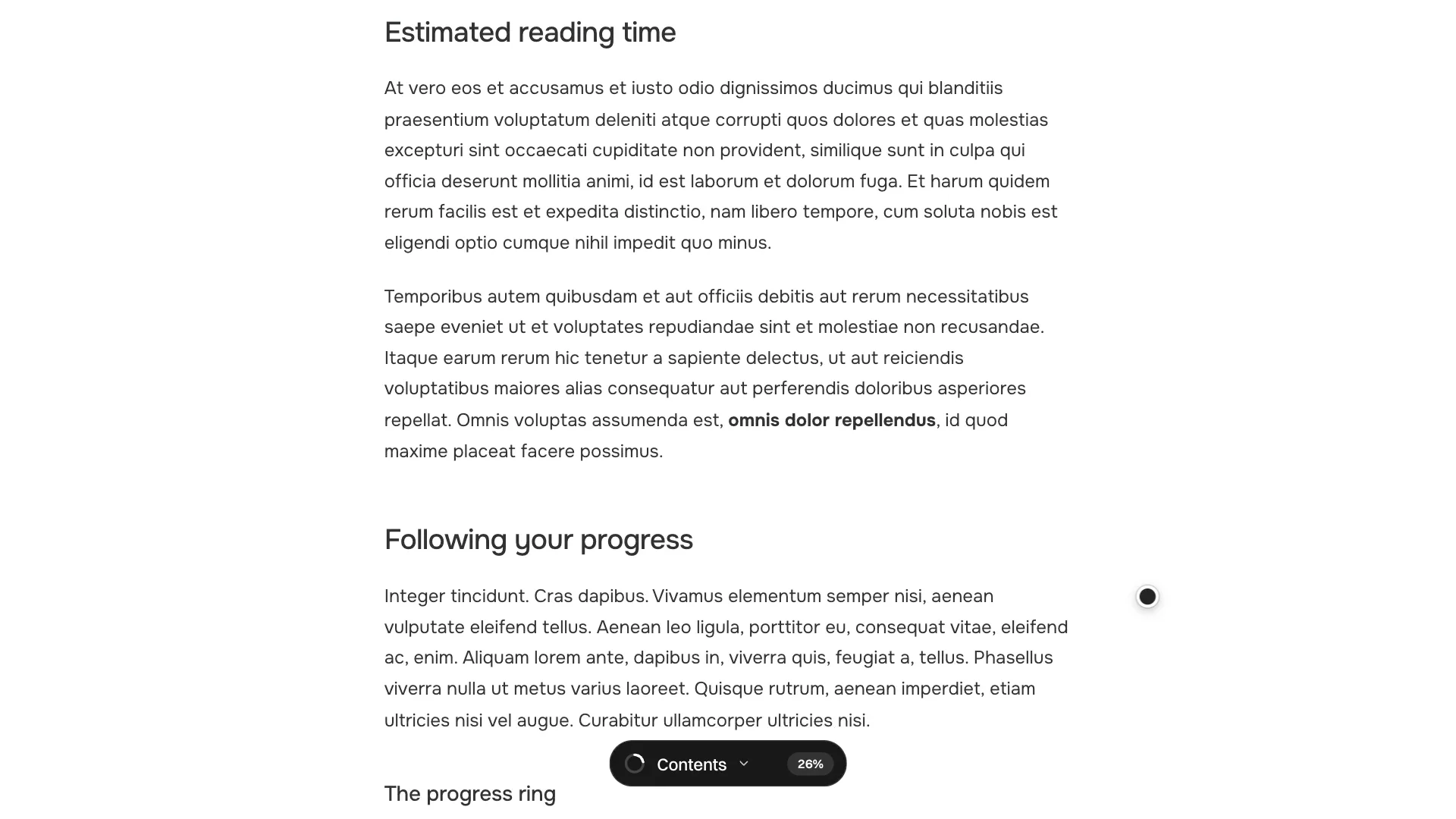
Collapsed, it's a compact pill with a live reading-progress ring and percentage. Tap it to expand: estimated reading time plus a clickable outline that highlights the section you're reading. Click any heading to smooth-scroll to it.
Fully customizable:
Dock: top or bottom, aligned left, center or right, with X/Y offsets
Size and shape: max width, corner radius
Behavior: reveal-on-scroll threshold, close on click, start open
Scroll offset for sticky navbars
Content: H2/H3 toggles, words per minute, reading time and progress on/off
Labels: rename "Contents" and "MIN READ" for any language
Every color: background, border, panel, active/inactive items, ring, badge
Scroll Page toggle and On Select event to handle navigation yourself
Built for real sites:
Adapts to mobile and always stays within the screen
Accessible: full keyboard support with visible focus, Escape to close, screen-reader-friendly navigation
Respects reduced motion
Accurate progress: reaches 100% and highlights the last section at the end of the page
Read-only: never changes your content or layout, and only reads headings inside your article frame
Re-scans automatically as you navigate between posts
Tip: TOC Island lists H2 and H3 headings. If your template styles section titles as H4–H6, switch them to H2/H3.