About Hinge Menu
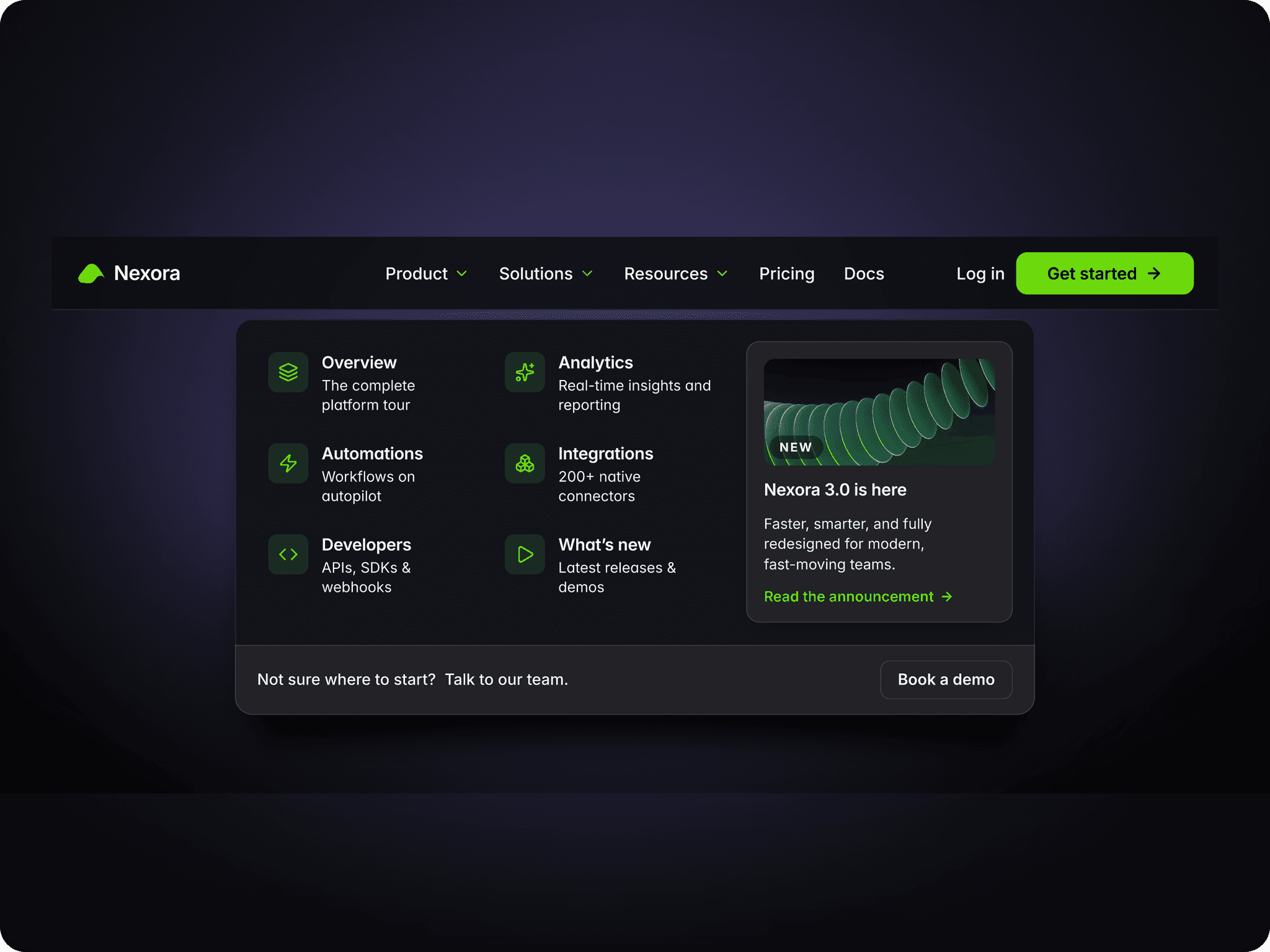
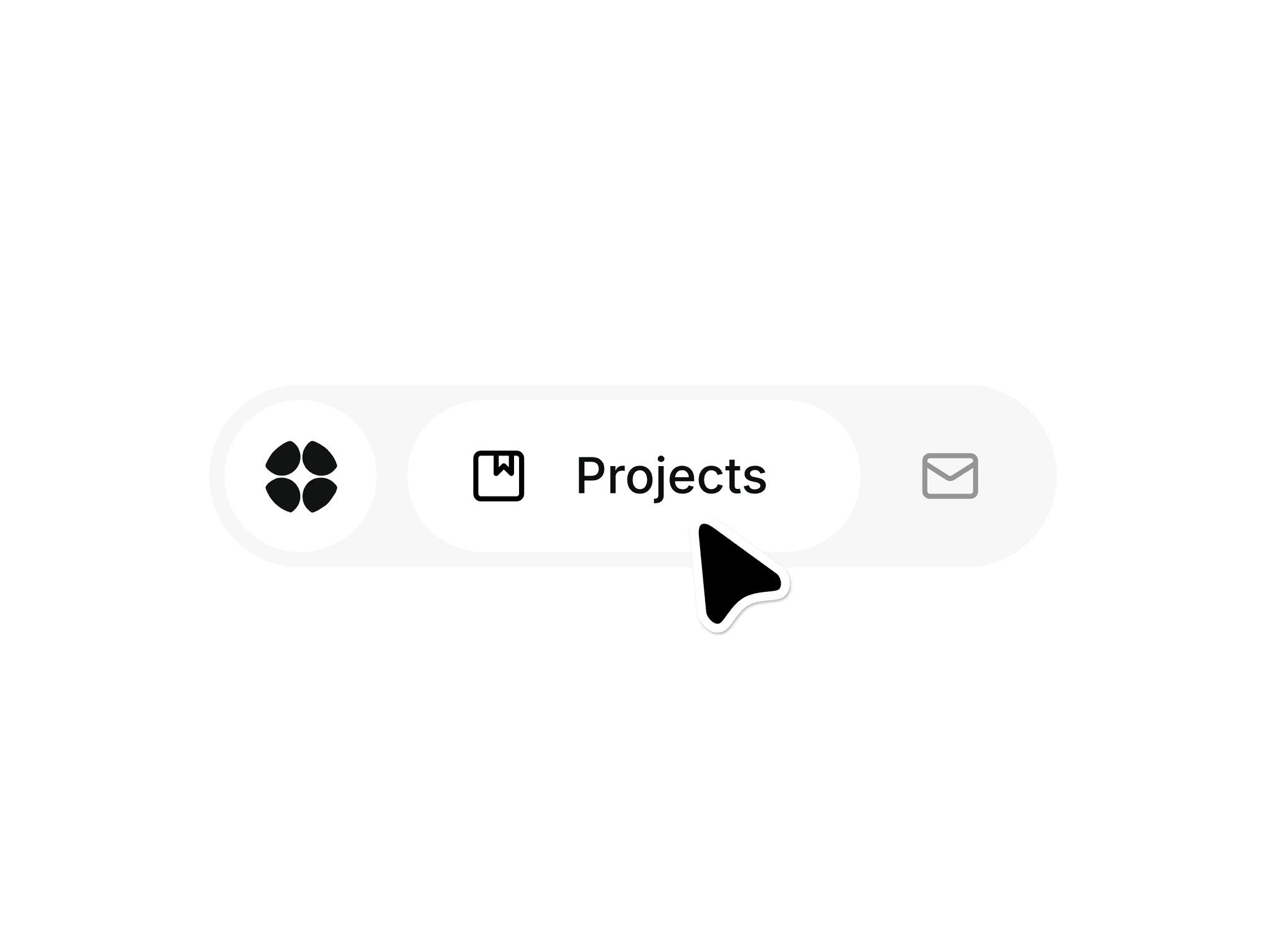
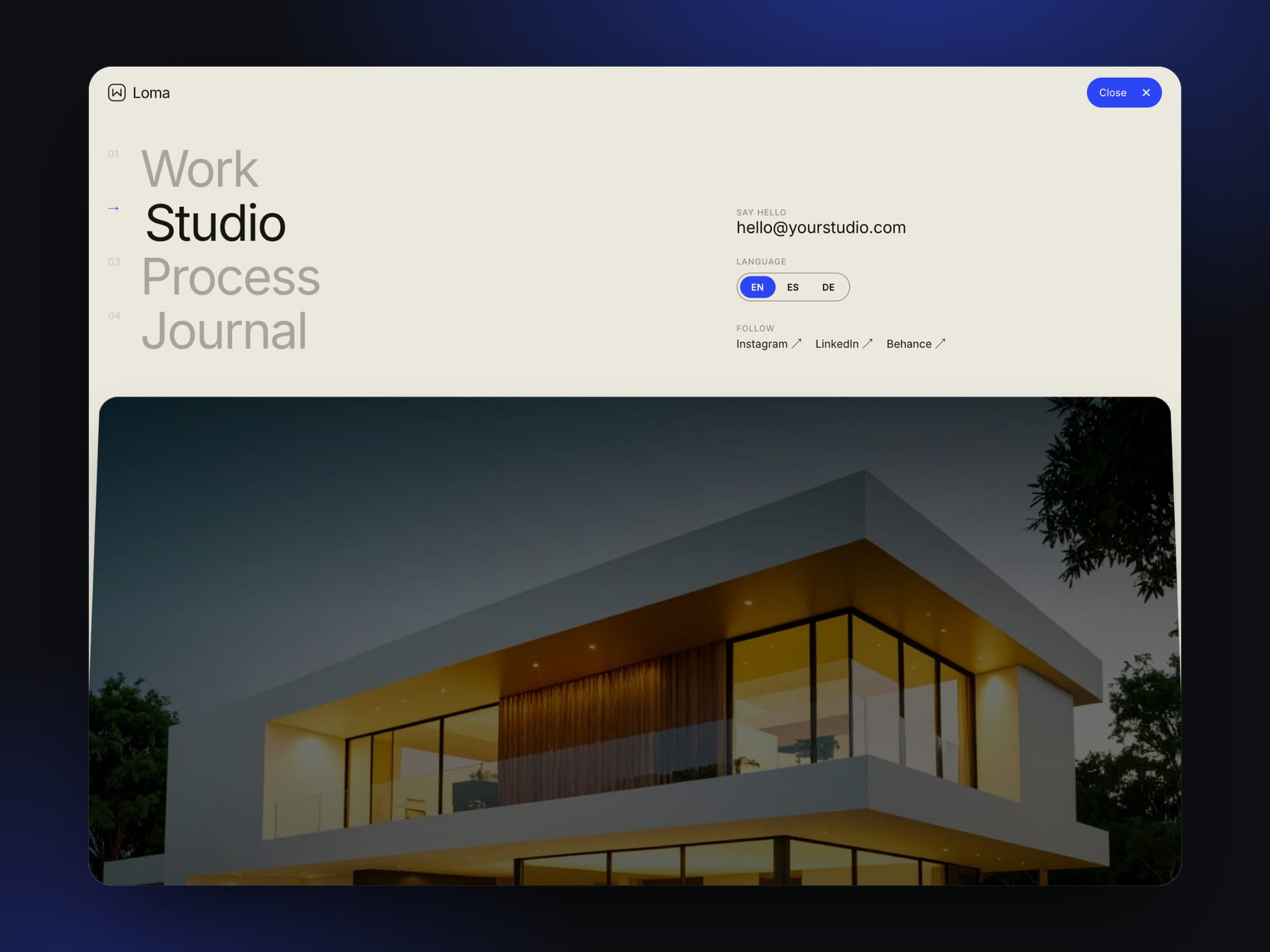
Hinge Menu is a full-screen header for portfolios, studios and agency sites. Click Menu and your page tips back like a hinged lid, then drops below a menu with big numbered links, an email, a language switch and social links. Close it with the button, the Escape key or a tap on the page.
Features
• The page leans back in 3D and lands right under the menu, with rounded corners and a soft dim
• Big numbered links. Hover one and the others fade while its number rolls into an arrow
• A Menu pill whose label rolls to Close as its two lines turn into an X
• Email, a sliding language switch and social links
• Connect any frame as the page, or use the built-in hero with your own photo and headline
• Works on desktop, tablet and phone. On small screens the menu stacks and the page peeks in below
• Keyboard and screen reader friendly. Escape closes the menu, focus moves into it, and every link has a clear name
• Open on Canvas shows the open menu while you design. The canvas stays still and fast
• Uses Framer fonts and your color styles, with no extra libraries
Easy to customize
• Links, email, languages and social links
• Display font, text font and link size
• Panel, ink, muted, accent and text colors
• Tilt, corner radius, gap, peek, dim and the open transition
Setup
1. Add Hinge Menu to the top of your page. Set the width to Fill and the height to 100vh.
2. Connect your hero frame in Page, or edit the built-in hero.
3. Add your links, email, languages and social links.
4. Turn on Open on Canvas to style the menu, then turn it off before you publish.
Photo: Unsplash, free to use under the Unsplash License.