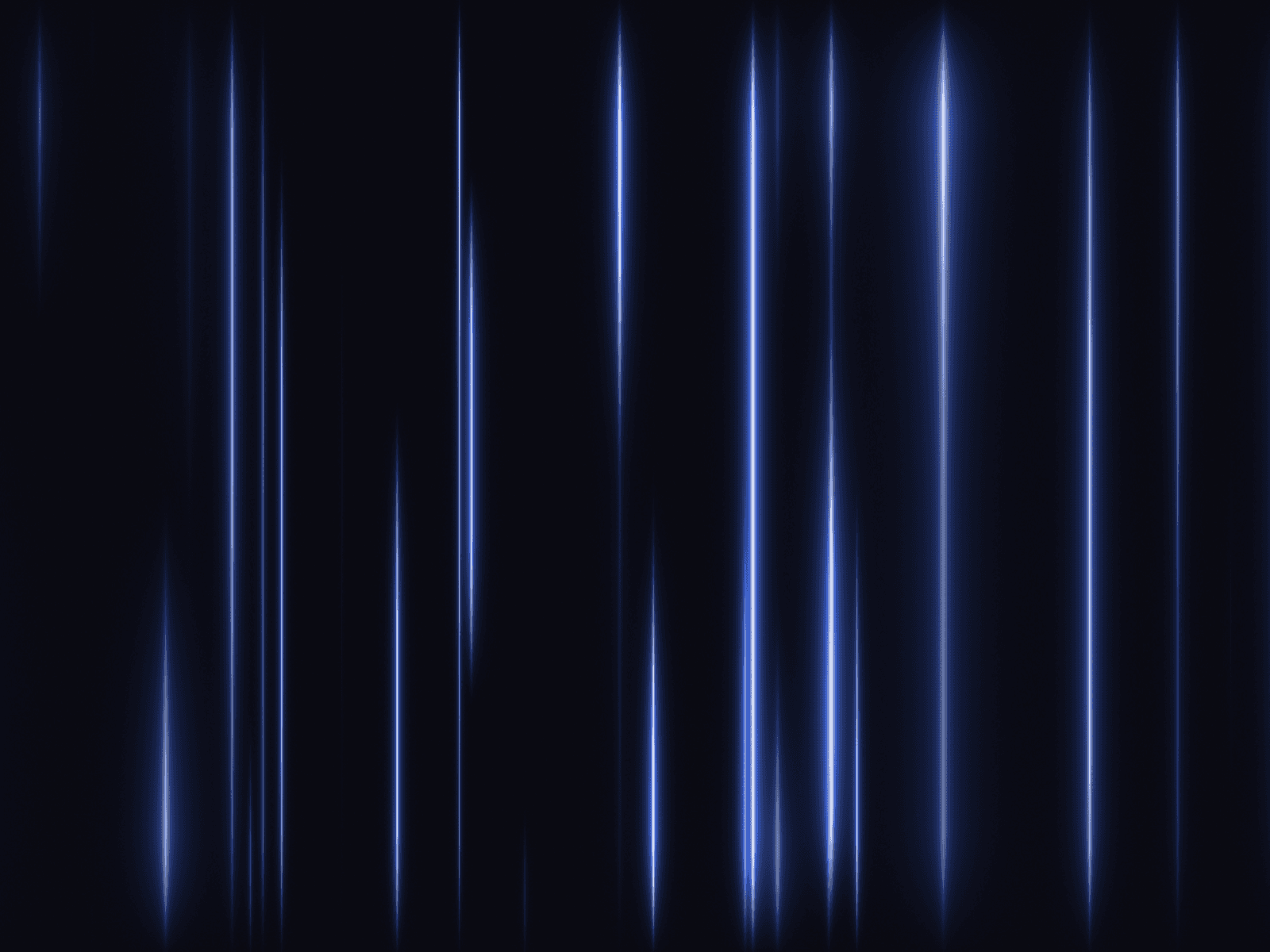
About Aurora Background
Bring the magic of the polar sky to your website with the Aurora Background. This high-performance WebGL component uses advanced noise algorithms (FBM) to render organic, flowing curtains of light that mimic the real-life Northern Lights.
Unlike static images or heavy video loops, this generative shader creates a unique, non-repeating atmosphere that runs smoothly on the GPU. It is perfect for meditation apps, weather interfaces, nature portfolios, or any design seeking a calm, ethereal vibe. You have full control over the light spectrum, blending three distinct color layers against a custom night sky.
Functions (Key Features):
🌌 WebGL Powered: Renders natively on the GPU for 60fps performance with mathematical precision.
🎨 Tri-Color Gradient: Blends Low, Mid, and High colors to create deep, realistic light transitions.
🌊 Organic Physics: Uses Fractal Brownian Motion to simulate the natural, unpredictable waviness of gas curtains.
🎛️ Atmosphere Control: Adjust Intensity, Scale, and Height to go from a subtle glow to a vivid light show.
🚀 Performance Optimized: Lightweight code that creates complex visuals without weighing down your site load time.
How to Use:
Insert: Drag the Aurora Borealis Shader component onto your canvas.
Sizing: Set Width and Height to "Fill" (100%) for a full-screen immersive background.
Colors: Set the Background to a deep dark blue or black. Then, pick neon greens, purples, or pinks for the Low/Mid/High colors.
Movement: Tweak the Flow Speed (0.5 for calm, 1.5 for active) and Waviness to define how "curvy" the lights appear.
Visibility: Adjust Height and Scale to position the aurora perfectly behind your text or foreground content.