About BeforeAfter Compare
Before / After Image Comparison
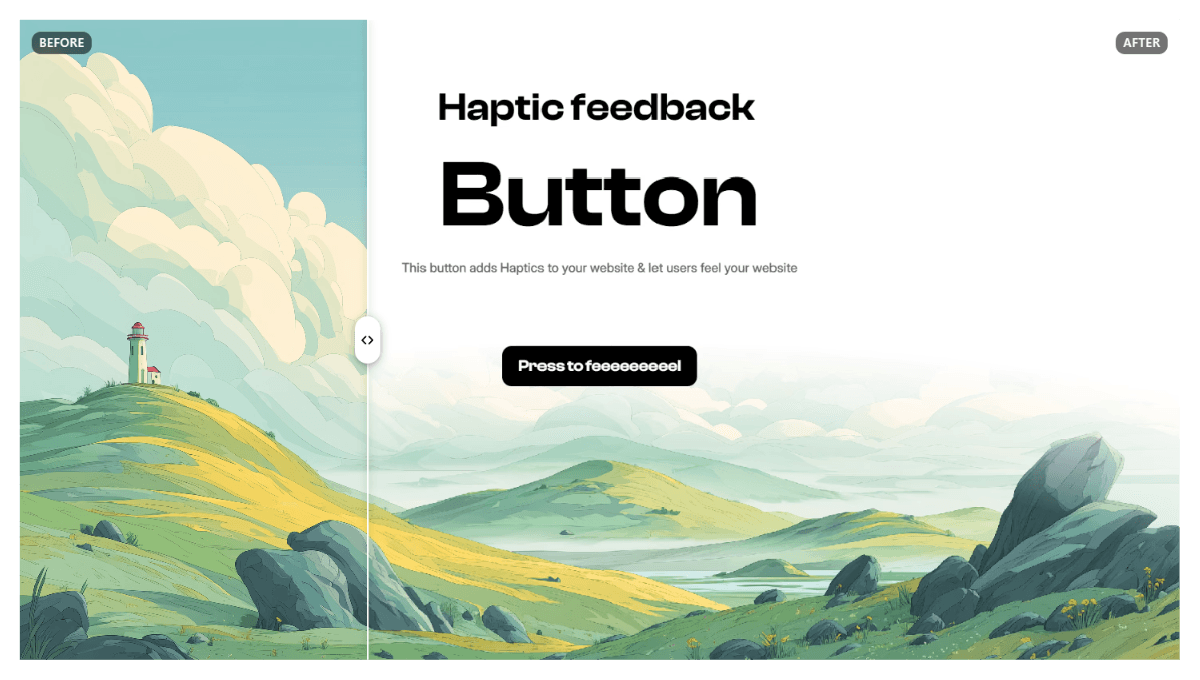
Showcase transformations with an interactive before-and-after slider. Perfect for design portfolios, photography, websites, product showcases, renovations, and visual case studies.
Features
Customizable Handles: Choose Circle, Pill, or Minimal styles. Adjust size, color, background, border, radius, and shadow.
Smooth Animations: Click anywhere to move the divider with Instant, Smooth, or Spring motion.
Flexible Interactions: Drag the handle or anywhere on the comparison area. Enable click-to-position and reset controls.
Independent Labels: Customize Before and After text, font families, colors, backgrounds, positions, padding, and corner radius.
Haptic Feedback: Optional vibration feedback for supported devices, including center and edge interactions.
Flexible Layout: Horizontal or vertical comparison with adjustable image fit, positioning, and initial divider position.
Keyboard Accessibility: Navigate the slider using your keyboard with configurable steps and focus indicators.
Detailed Customization: Control divider width, color, opacity, shadow, handle appearance, animation behavior, and more directly through Framer’s property controls.
Motion Accessibility: Supports reduced-motion preferences.
How to Use
Add the component to your Framer canvas.
Upload your Before and After images.
Customize the slider, handle, labels, animations, and interactions.
Preview and publish your page.
Whether you're revealing a website redesign, comparing photo edits, presenting architectural transformations, or highlighting product improvements, this component makes visual comparisons interactive and engaging.
Built for Framer. Designed for smooth, customizable comparisons.