About Haptic-feedback btn
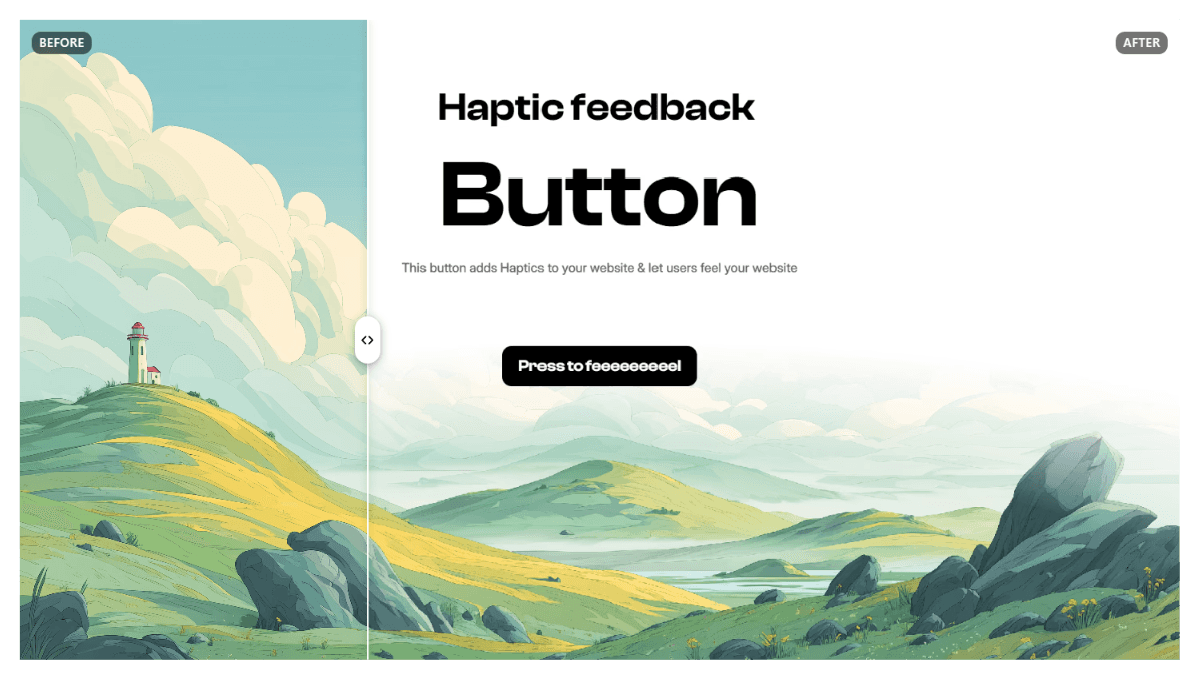
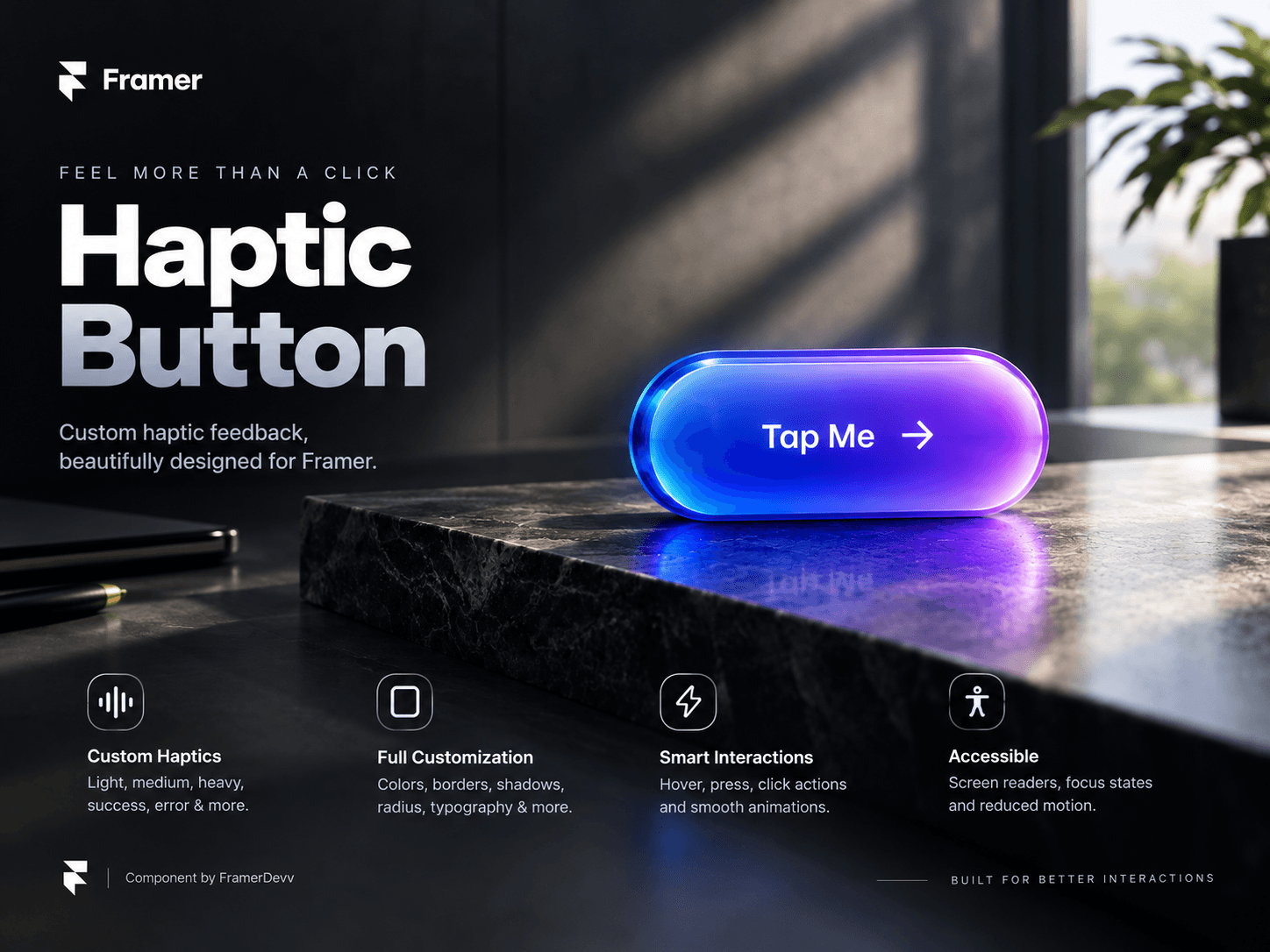
Haptic Button — Custom Haptic Feedback for Framer
Give your buttons an extra layer of interaction with Haptic Button by FramerDevv — a customizable Framer Code Component with a built-in haptic feedback engine, smooth animations, and extensive visual controls.
Features
Custom Haptic Engine — Choose from Light, Medium, Heavy, Success, Error, or create your own vibration pattern.
Haptic Controls — Enable or disable haptics, configure click and mouse-hover feedback, and set a maximum duration for custom patterns.
Solid & Glass Styles — Create clean solid buttons or translucent glass-style designs.
Complete Visual Customization — Adjust colors, opacity, borders, corner radius, shadows, padding, spacing, typography, and alignment.
Interactive Animations — Customize hover and pressed scaling, opacity, shadows, and transition timing.
Flexible Click Actions — Open a URL, trigger a Framer click event, combine both actions, or use the button without a click action.
Icon Support — Add a character or emoji before or after the button label.
Responsive Design Workflow — Use Framer’s breakpoint-specific component controls to configure instances for different layouts.
Accessibility Support — Configure accessible labels, disabled states, keyboard focus indicators, and reduced-motion behavior.
Graceful Fallback — The button remains functional when the browser or device does not support the Vibration API.
No-Animation Static Rendering — Includes support for Framer’s static renderer.
Important Compatibility Note
Haptic feedback depends on browser and device support for the Vibration API. It is not available on every device or browser, including iOS Safari in typical configurations. The button continues to work normally when vibration is unavailable.
Built for Framer
Add the component to your canvas, customize it through Framer’s property controls, connect your desired click action, and tailor its appearance to your design system.
Component by FramerDevv.