About BeforeAfterCompare
Before After Slider
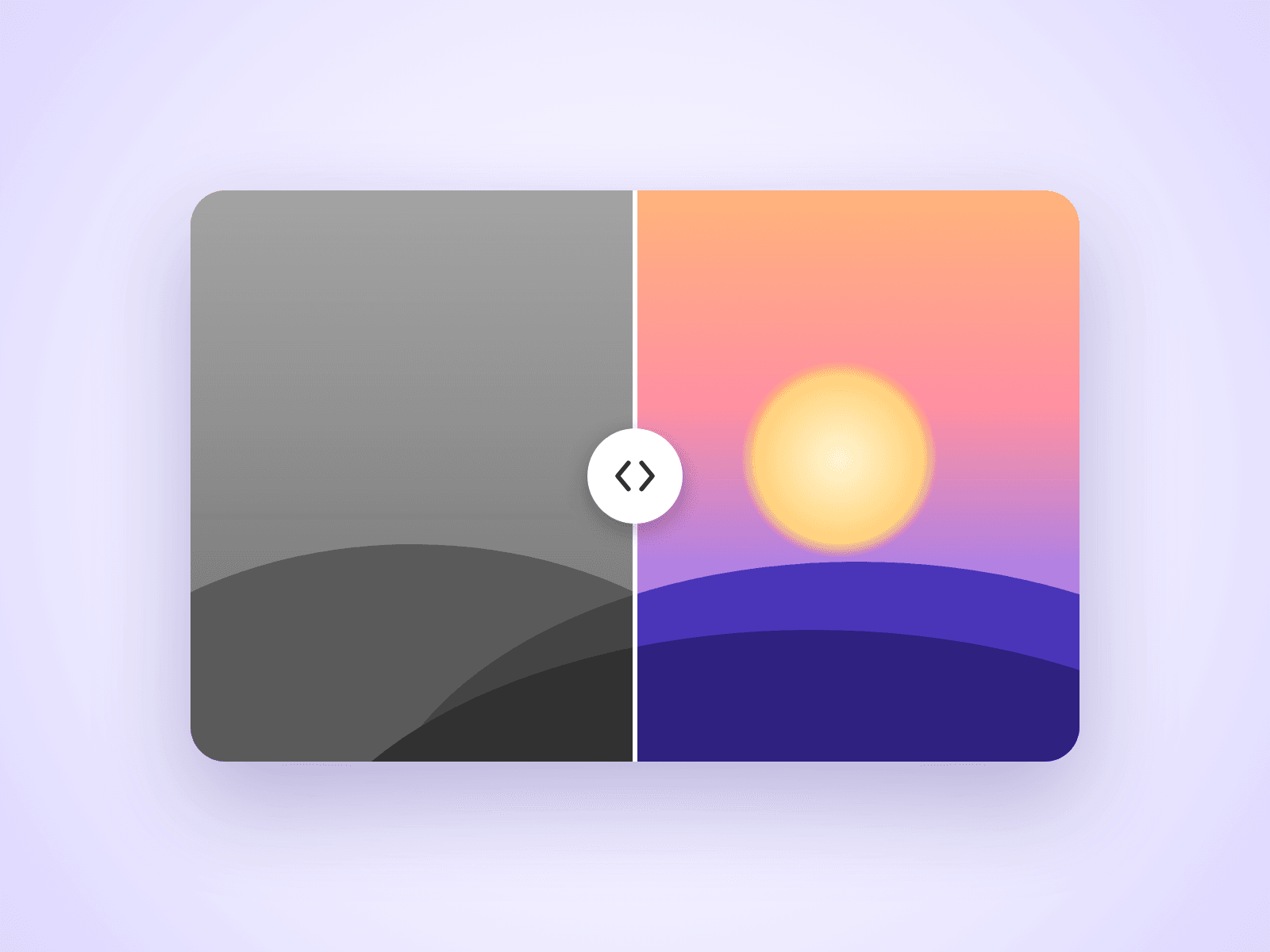
An image comparison slider for Framer sites. Visitors drag the handle to reveal one image over the other, which makes it ideal for retouching, redesigns, renovations and any before and after story.
Customizable Properties
Everything is set from the property panel, with no code editing.
- Before and After: the two images to compare
- Direction: horizontal or vertical
- Move On: drag the handle, or follow the mouse on hover
- Start: where the divider begins
- Handle: size, color, line thickness and arrows
- Labels: text, colors and size, or hide them
- Radius: corner radius
Details
Works with mouse, touch and keyboard. A horizontal slider still lets the page scroll up and down on phones. Images use Framer's responsive image control, so they load at the right size.
How To Use
Drop the component on your page, pick a Before and an After image in the property panel, and resize the component to match your images.
About The Code
This is a code component, but no coding is needed. To keep quality consistent and deliver updates, unlinking is not available, so the source code cannot be viewed or edited. When an Update button appears next to the component, apply it to get the latest version.
Need Help?
Email joviseo1106@gmail.com. Questions are usually answered within 3 business days.
More Resources
More components by Joviseo, including four free ones: https://joviseo.vercel.app