About Live Pricing Slider
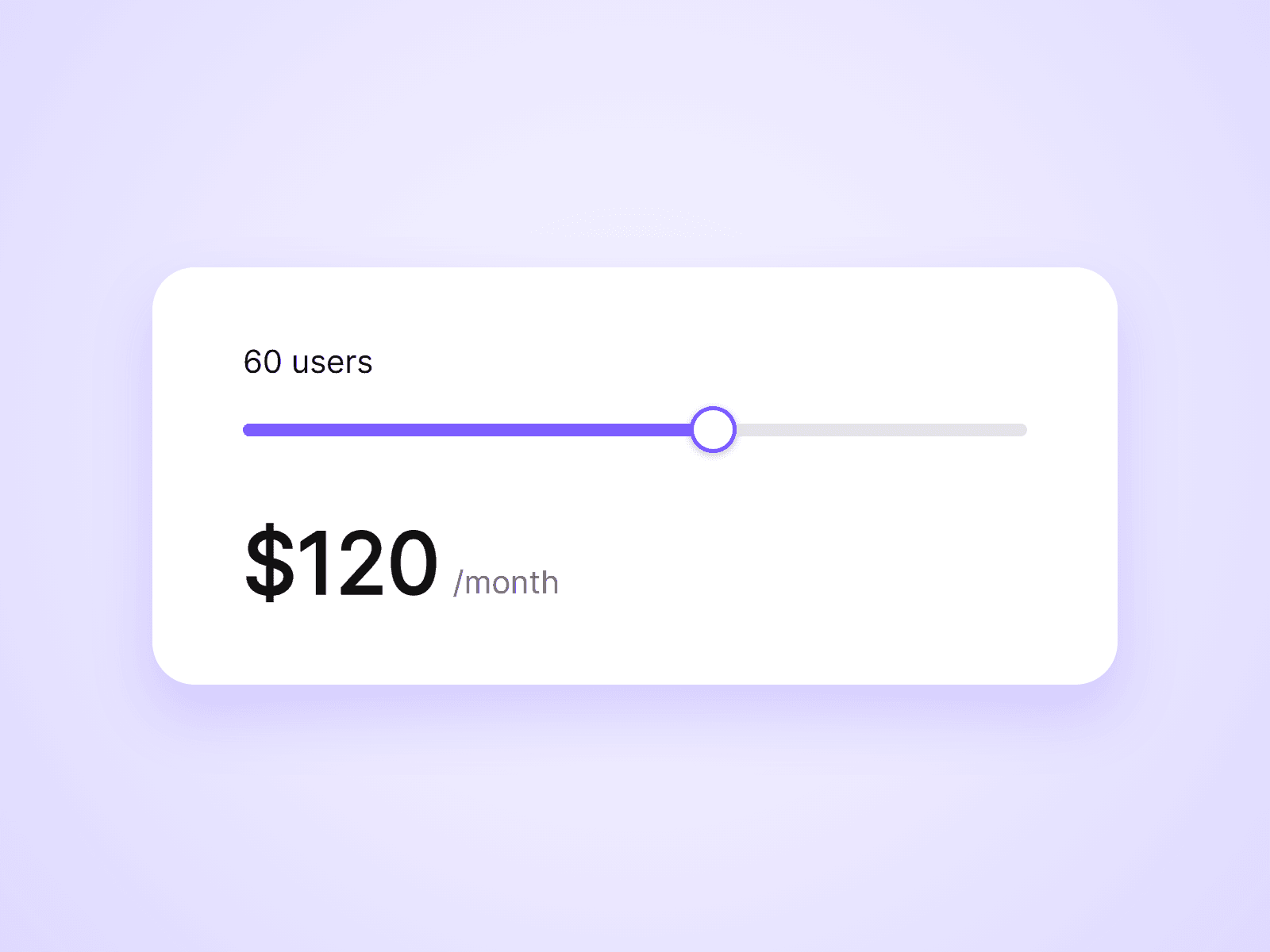
A pricing slider for usage-based pricing. Visitors drag the slider to pick an amount, such as a number of users, and the price updates as they drag. No formulas to write.
What you can customize
Everything is set from the property panel. No code needed.
- Type: Slider or Price, from the same component
- Minimum, maximum, step and default value
- Value label with your own prefix and suffix, such as " users"
- Track, fill and handle colors and sizes
- Pricing: Per Unit (base price plus a price per unit) or Tiers (a price for each range)
- Text to show at the maximum, such as Contact us
- Price prefix, suffix and decimal places
- Price, suffix and label fonts and colors
Details
- A slider changes every price on the page with the same Group name, so each plan card can calculate its own price from one slider.
- Use different Group names to run separate calculators on one page.
- Works with mouse, touch and keyboard. On phones, dragging sideways moves the slider and dragging up or down still scrolls the page.
- Pairs with Live Pricing Toggle, sold separately. Give both the same Group name and each price applies its Yearly Discount when the toggle is on Yearly.
- The component shows a price. It does not change checkout links.
How to use
Add the component to your page and set its width. That is your slider. Then drag another copy to where the price should be, set its Type to Price, and choose Per Unit or Tiers. On the canvas the slider cannot be dragged. Change its Default to see other prices while designing, or open the preview.
Code
This is a code component. Unlinking is not available, so the source cannot be viewed or edited. When an update is released, an Update button appears next to the component in your Assets panel.
Support
Email joviseo1106@gmail.com. Replies usually take up to 3 business days.
More components, including four free ones, are at https://joviseo.vercel.app