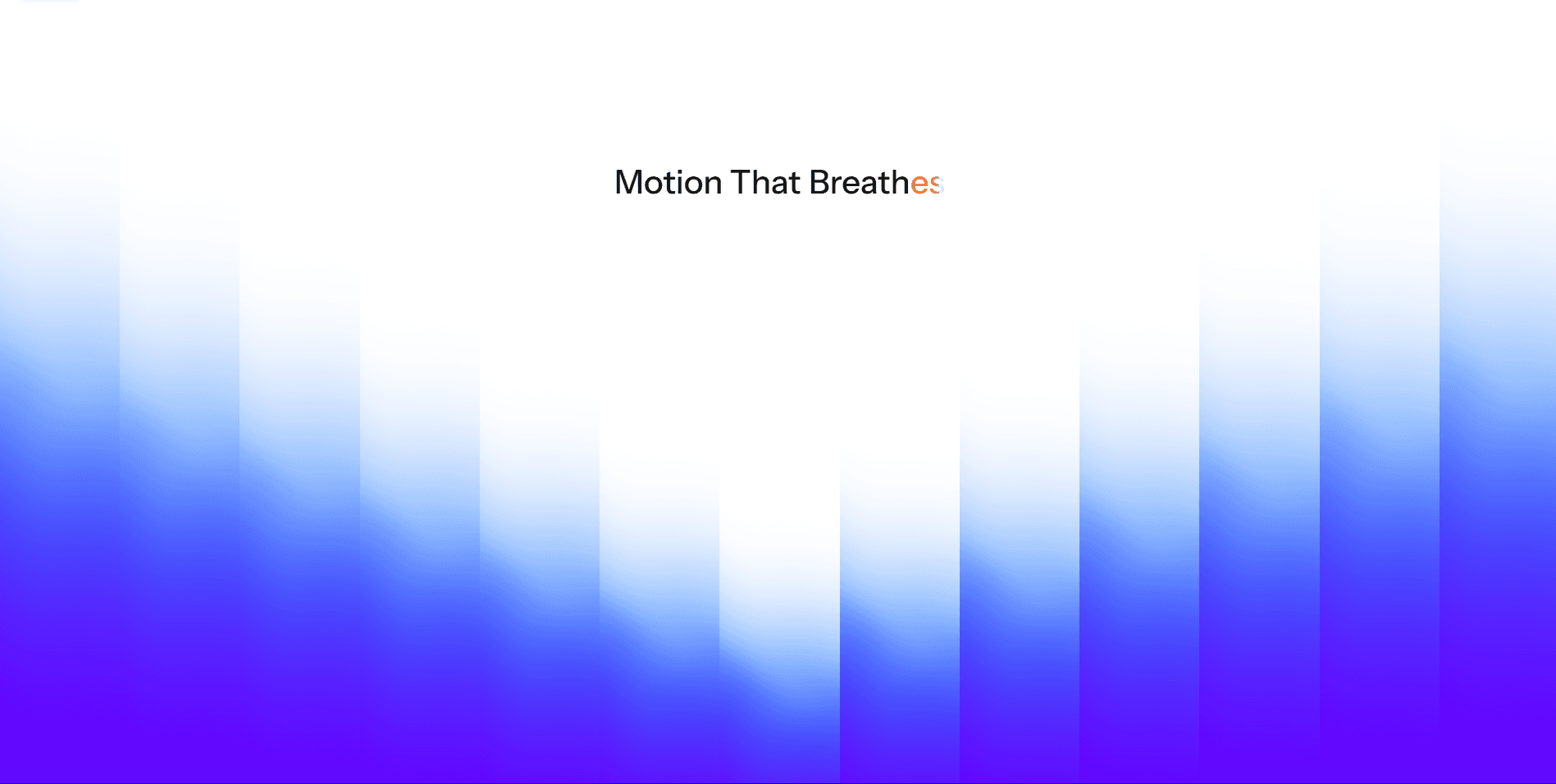
About Blend Text
Check LIVE DEMO
Blend Text is a multi-layer text component that adds depth, motion, and gradient blending to your typography.
What it does
Creates a 3D‑style blend effect by duplicating your text into multiple offset layers, producing depth and motion .
Flexible styling options: choose between 3 modes Solid fill, Outline, or a Mixed, Face colour plus a outlined trail, note that face and trail colours can be different for added depth.
Three interaction modes:
Static – the layered text remains fixed.
Mouse follow – the trail shifts toward your pointer, either on the text itself or across the whole viewport.
Scroll – layers collapse or expand back to the origin as you scroll.
Full control over typography: set font size, family, weight, line height, letter spacing and alignment.
Adjustable trail layers: control the number of layers (Steps), their direction and the distance. A performance monitor automatically caps layer counts on lower‑end devices .
Accessibility‑aware: respects reduced motion and high contrast settings , and includes ARIA labels for screen reader support.
Key highlights
Automatic performance adaptation – detects device capability and adjusts layer counts and smoothing.
Scroll behaviours – collapse or expand layers as you scroll.
Mouse‑follow options – restrict motion to the text only or the entire viewport; optional cursor reversal.
Colour gradient control – invert gradient direction and tweak distance and angle for creative effects.
High‑contrast & reduced‑motion friendly – automatically reduces steps or disables motion when needed .
Suggested Use Cases
Hero headlines with layered depth
Landing page titles with interactive motion
Portfolio typography that feels alive
Scroll-animated editorial text reveals
Marketing sites needing cinematic or playful motion