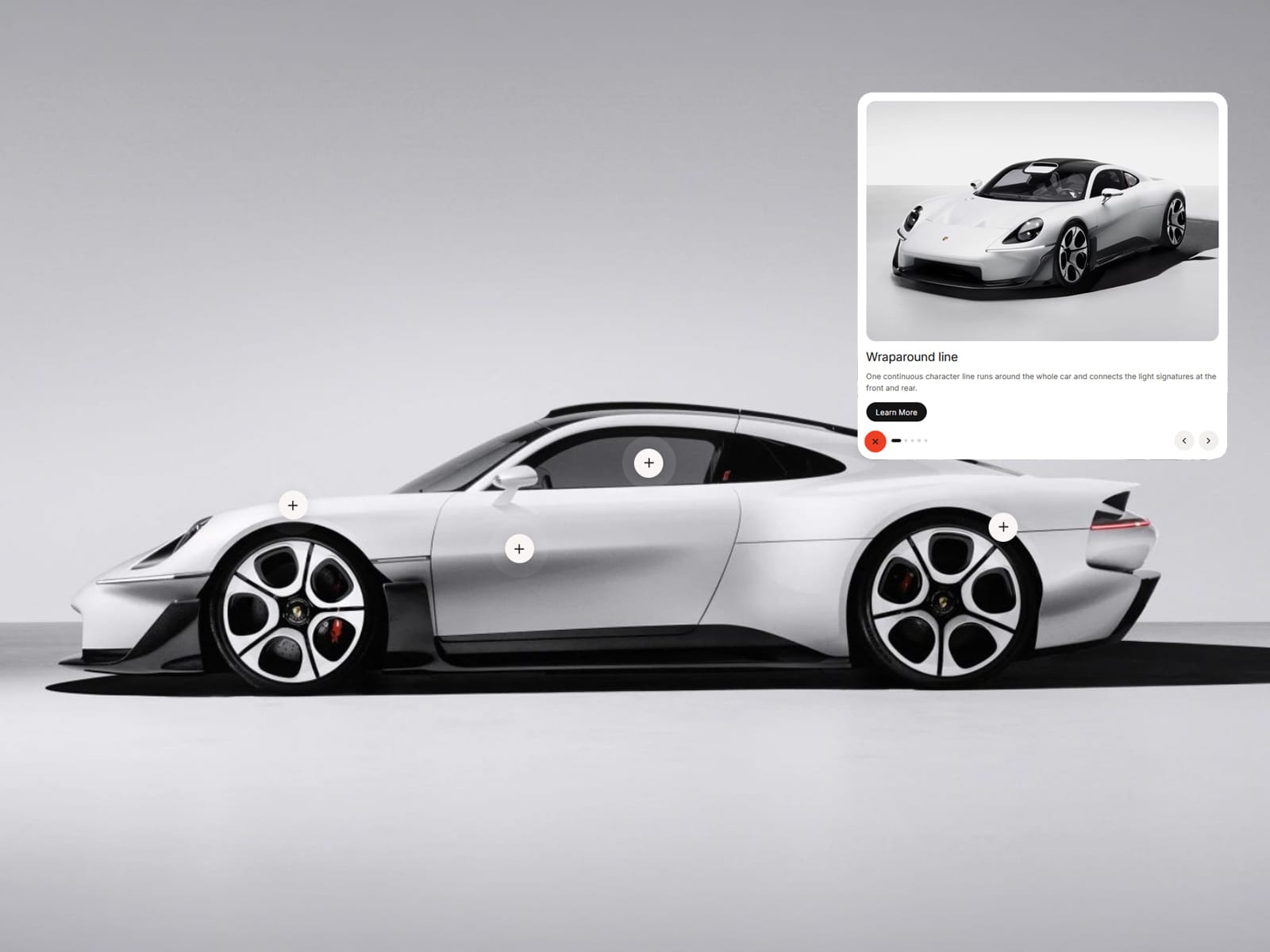
About Bloom Hotspots
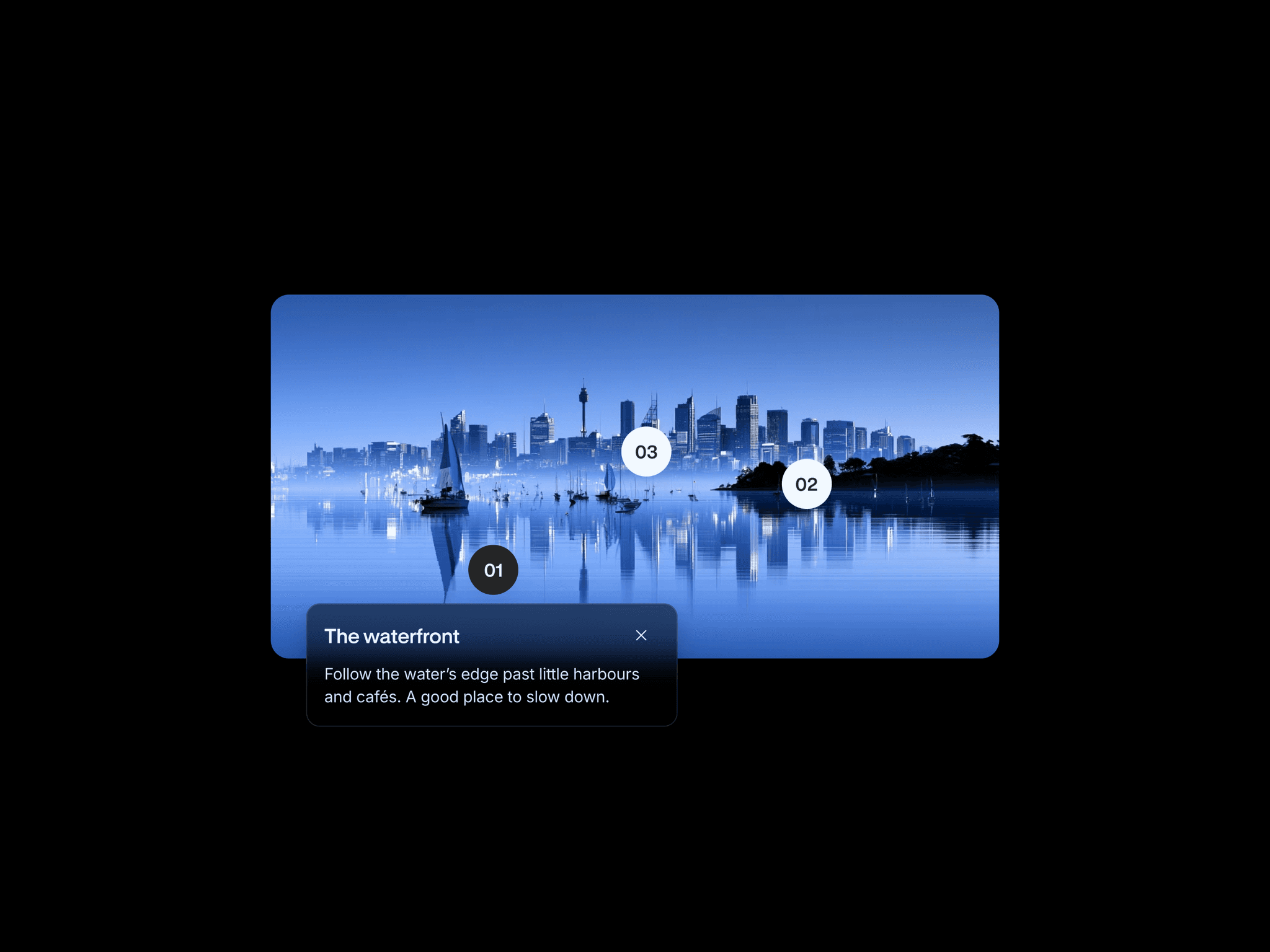
Bloom Hotspots turns any product shot into an interactive tour. Place a few pins on your image and every pin opens a card with photo, headline, text and a button.
The signature move: the pin blooms into the card. The "+" morphs into the close "×" and stays where the pin was, while the card springs open around it. Prefer a classic panel? Let cards slide in from the right, left, top or bottom, globally or per hotspot.
Pins are placed in percent of the image, so they stay glued to the product at any screen size. Placement Mode lays a grid over your image: click in the preview and the exact X/Y coordinates are copied for you.
Perfect for product pages, car and bike showcases, furniture, real estate and feature tours.
Highlights
Bubble-to-card morph with a smooth spring animation
5 card directions: From Bubble, Right, Left, Top, Bottom
Smart close corner that opens towards the side with more room
Prev / next arrows and dots to step through all hotspots
Placement Mode with click-to-copy coordinates
Preview Card to style any card right on the canvas
Image fit independent of the cards: Cover, Contain or Fixed, plus scale and position
Bottom sheet on mobile, swipe down to close
Optional pulse and hover labels
Keyboard support and Reduced Motion
Demo content included
Fully customizable Hotspots (position, title, text, image, button, link, direction), size S/M/L, pin colors for default, hover and active, card width and height, animation, card style, fonts, and colors incl. hover for close button, button, arrows and dots.