About Picture Points
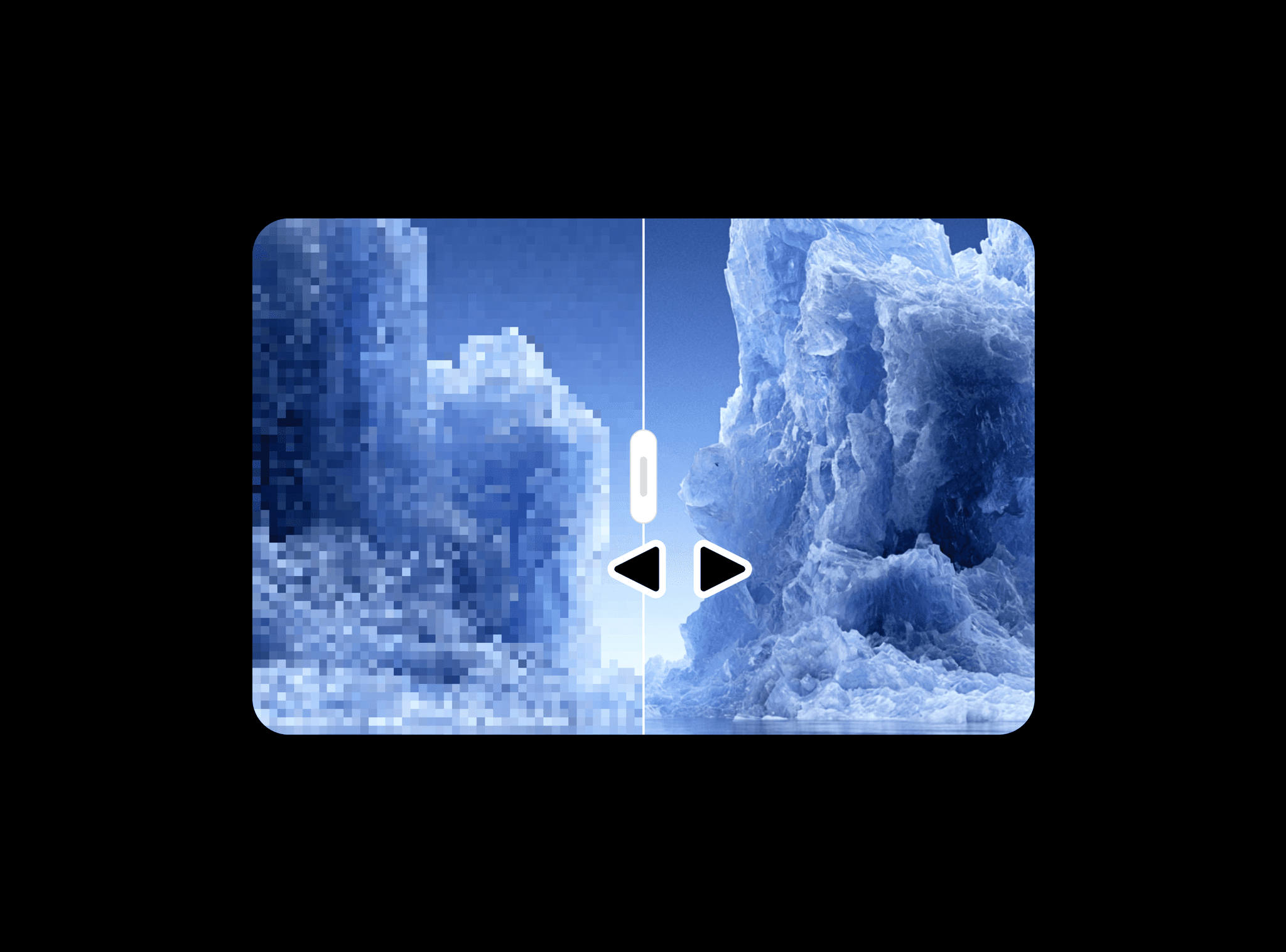
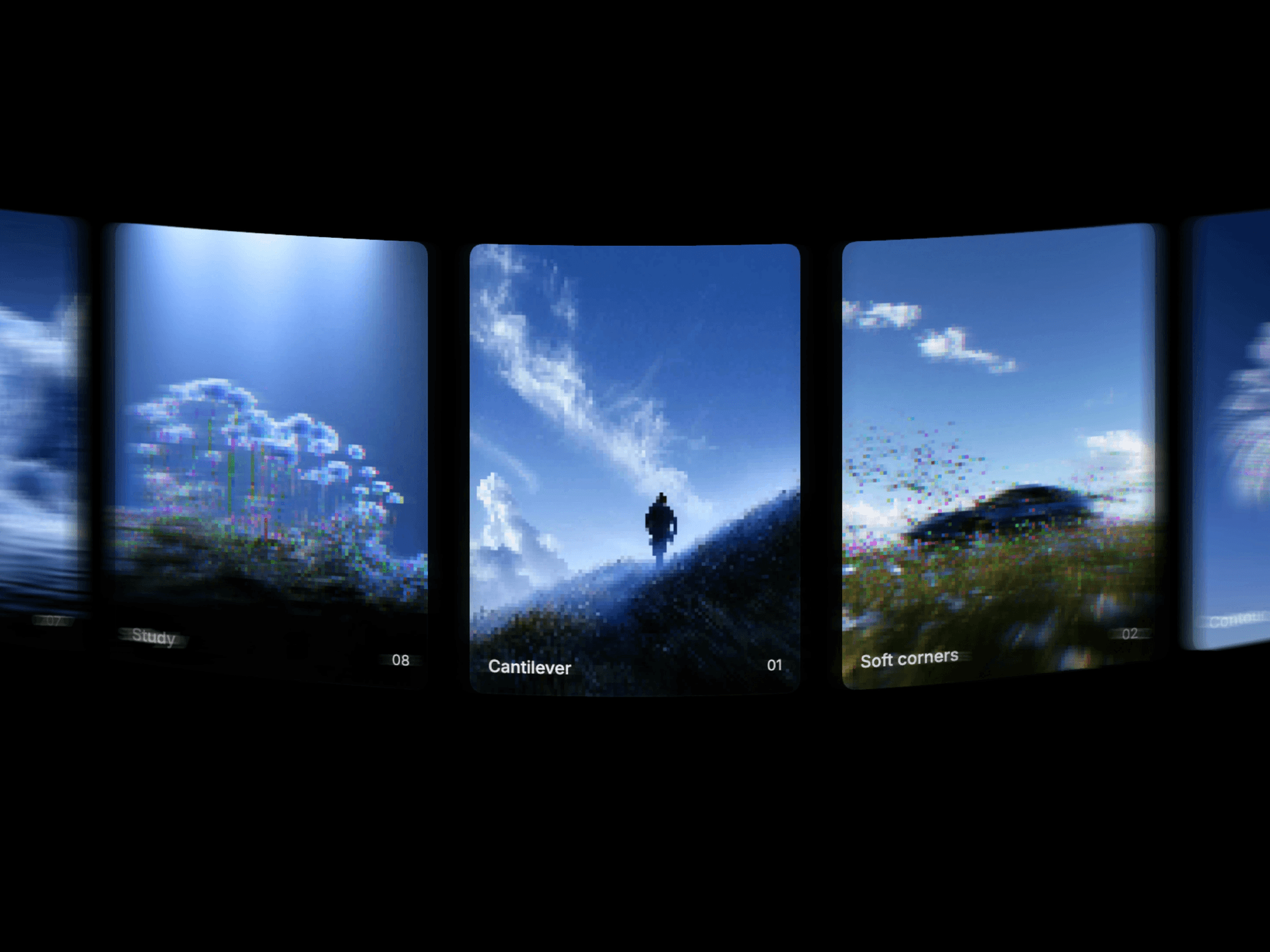
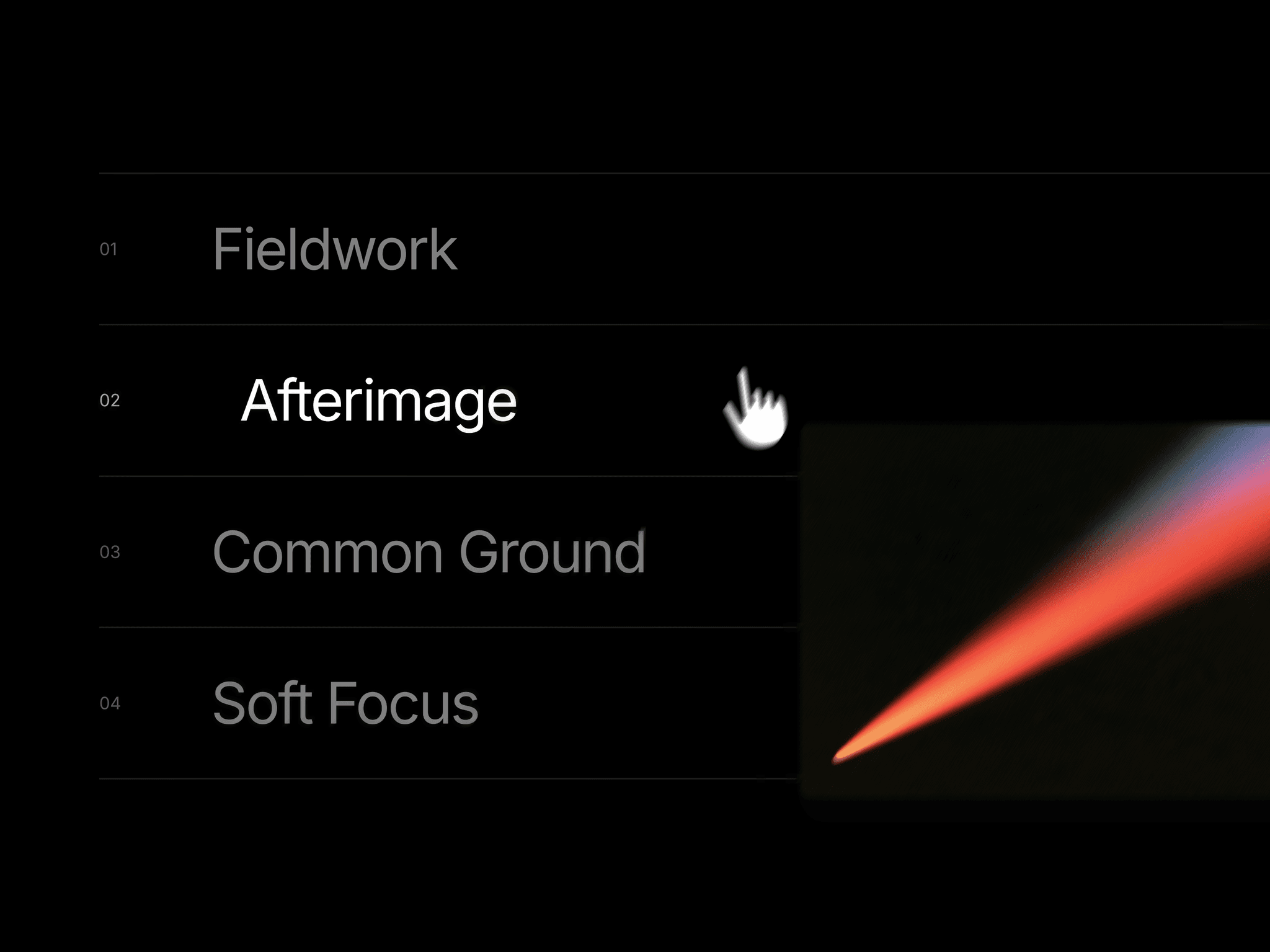
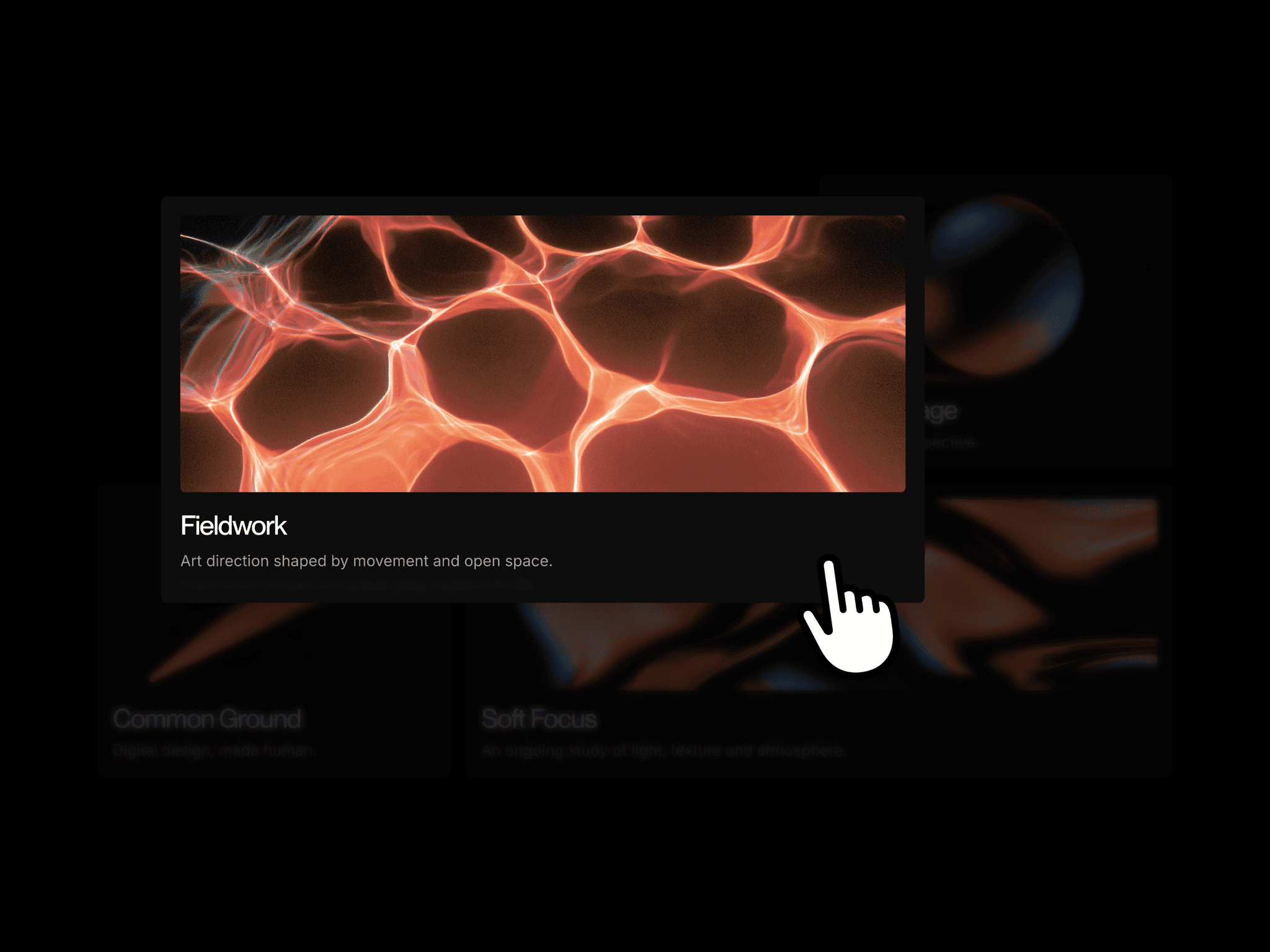
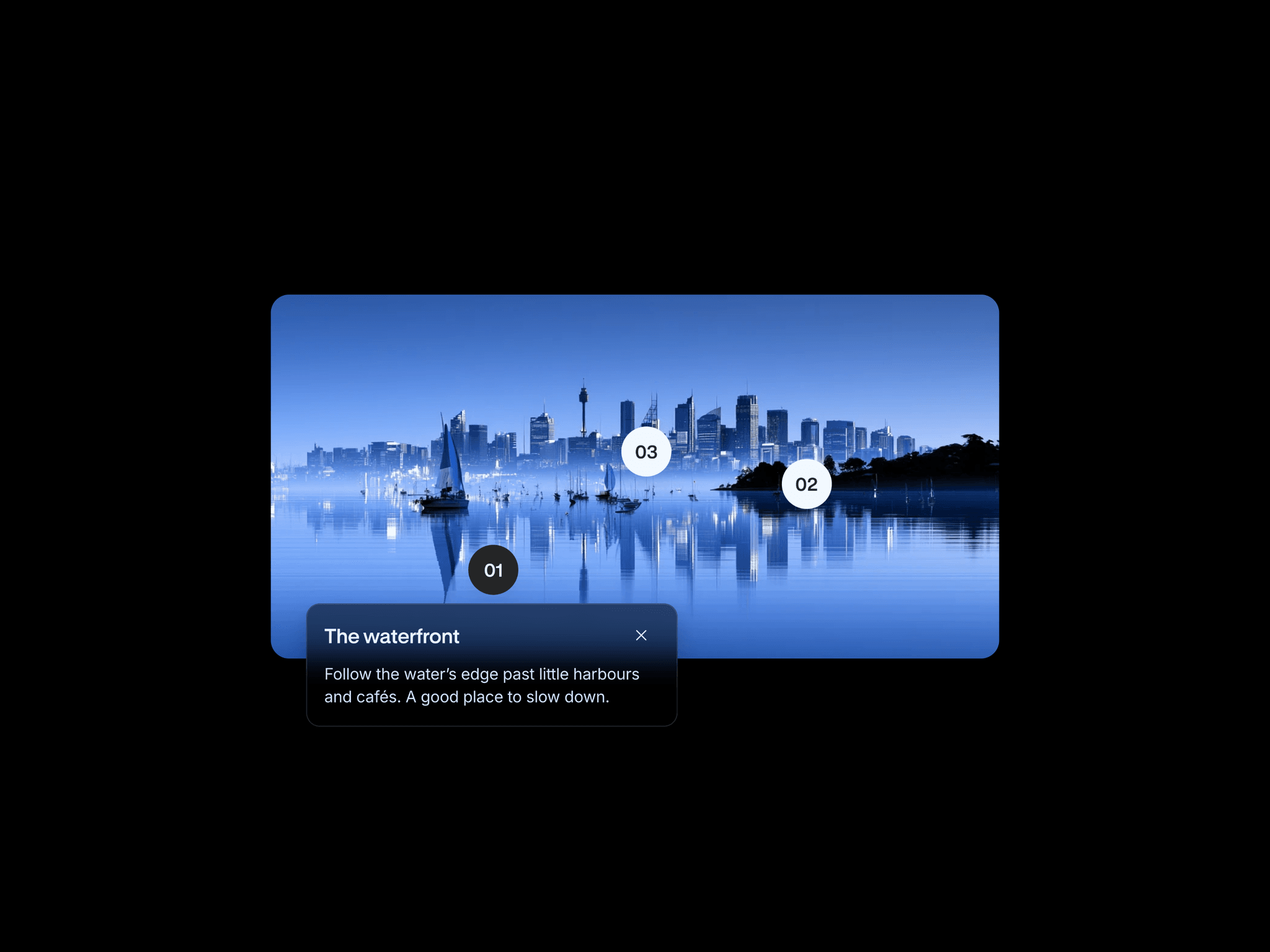
Picture Points adds three numbered markers to an image. Clicking a marker reveals a compact card with a title and note, letting visitors explore individual details while keeping the image in view.
What you can customize
Choose a variant, replace the image, and edit the three spot titles and notes from the property panel. Open Edit Component to reposition the markers directly on the canvas and adjust the component’s layers and variants.
How to use
Copy the component from the Marketplace and paste it onto the canvas
Choose a variant and replace the image
Write a title and note for each of the three spots
Open Edit Component and move the markers onto the details they describe
Preview the page to open and close each info card
Great for
Product feature highlights
Destination guides
Architectural annotations
Project and case study details