About Blur Focus List
BlurFocus List – Hover Image Reveal with Cinematic Blur Focus Effect
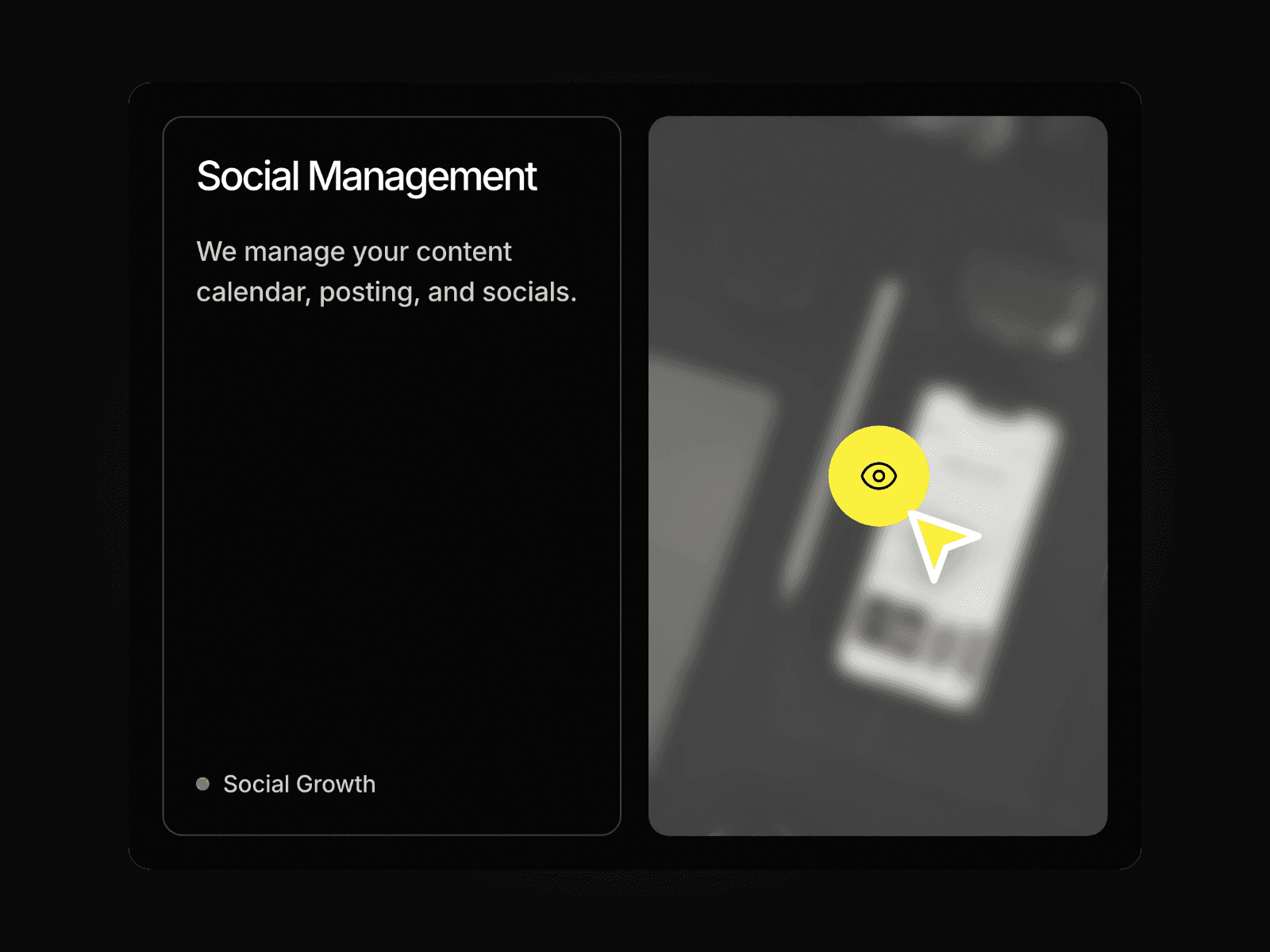
BlurFocus List is a modern, interactive Framer component that transforms a clean list into a cinematic, focus-driven experience.
Hover-to-Focus with Blur Effect
Reveals a bold image on hover for the active list item.
All other items blur and fade simultaneously — keeping focus razor sharp.
Smooth opacity and blur transitions feel cinematic and intentional.
Active item stays crisp and vivid to reinforce visual hierarchy.
Supports any number of list items with consistent hover behavior.
Fully responsive and optimized for modern GPU-accelerated performance.
Customizable Design Controls BlurFocus List includes full Framer property controls so you can instantly match it to your brand or layout.
Customize
List Items – Add, remove, or reorder as many items as needed.
Title & Label – Edit item name, category, or supporting text per row.
Image – Assign a unique image to each list item.
Image Size & Position – Control how the image appears within the row.
Blur Intensity – Adjust how strongly inactive items blur on hover.
Inactive Opacity – Fine-tune how faded non-hovered items appear.
Typography – Customize font size, weight, color, and spacing.
Divider Style – Adjust line color, thickness, or remove entirely.
Arrow/Icon – Toggle and restyle the directional indicator per item.
Transition Speed & Easing – Control blur and reveal animation timing.
Active & Inactive Colors – Set distinct styles for hovered vs. idle states.
How It Works BlurFocus List tracks the cursor's hover state across each list item. When a visitor hovers over a row, the component instantly brings that item into sharp focus — revealing its image and lifting its text to full opacity and clarity.