About Bounce Pills CMS
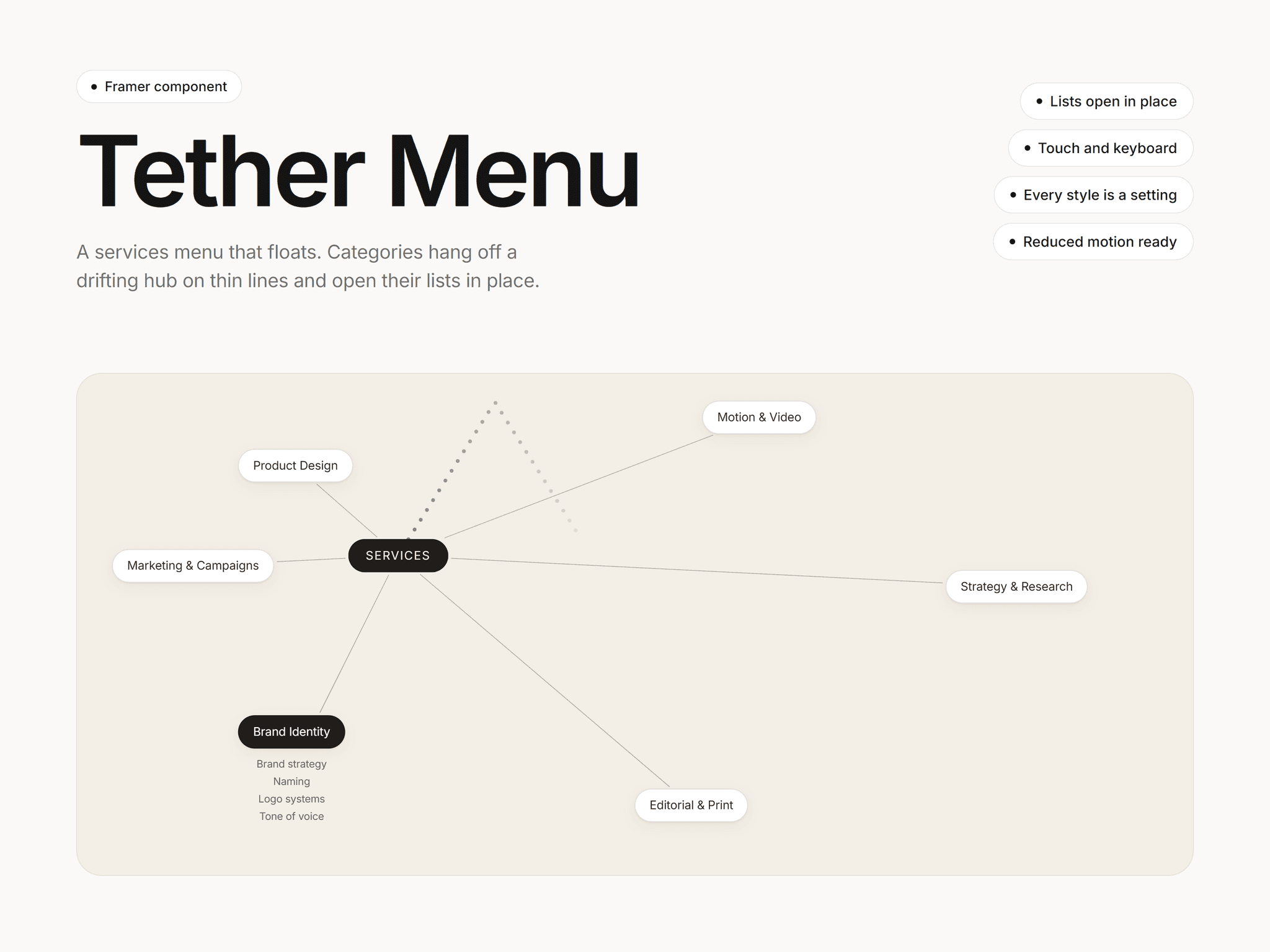
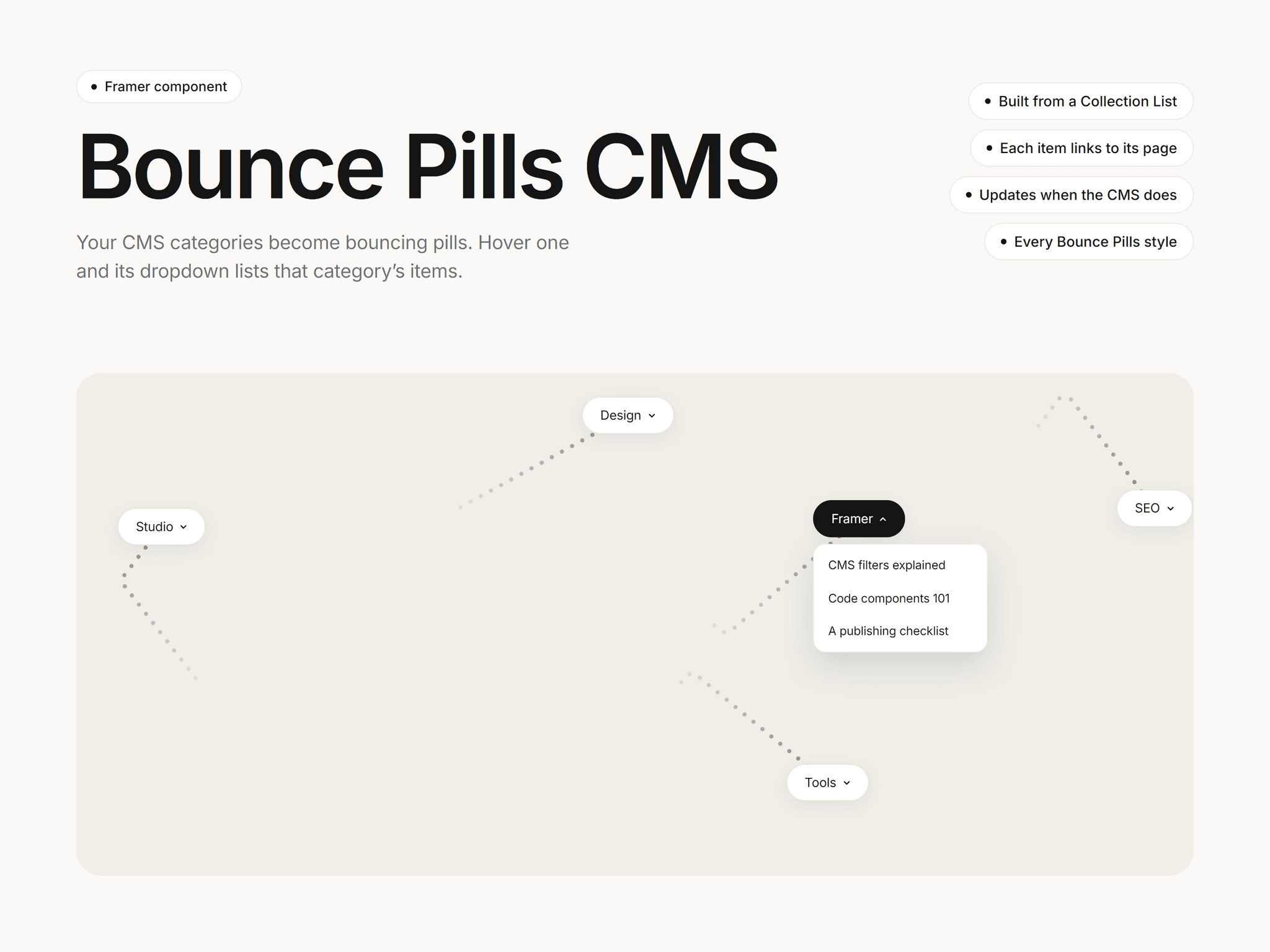
Bounce Pills CMS builds its pills from your Framer CMS. Connect a Collection List and every category becomes a pill that drifts around the frame and bounces off the edges and the other pills. Hover a pill and its dropdown lists that category's items, each linked to its own page.
How it works:
Add a Collection List with two text layers named Title and Category inside a link to each item
Connect it to the component's Collection List setting
New, edited or deleted CMS items show up on their own, and an item in two categories appears under both
CMS settings:
Pill order: as in the list, A to Z, or most items first
Items per pill: how many items each dropdown shows
Pill link: an optional pattern like /blog?category={slug}, plus a View all link at the bottom of each dropdown
It also has every Bounce Pills setting: fonts, colors, hover colors, borders, radius, padding, shadows, speed, collisions, pause on hover and the full dropdown style. It works on phones (the first tap opens the dropdown) and with a keyboard, keeps dropdowns inside the frame, respects reduced motion and pauses when off screen.
After purchase you get a link that adds the component to any Framer project. No code needed.