About Bouncing Box
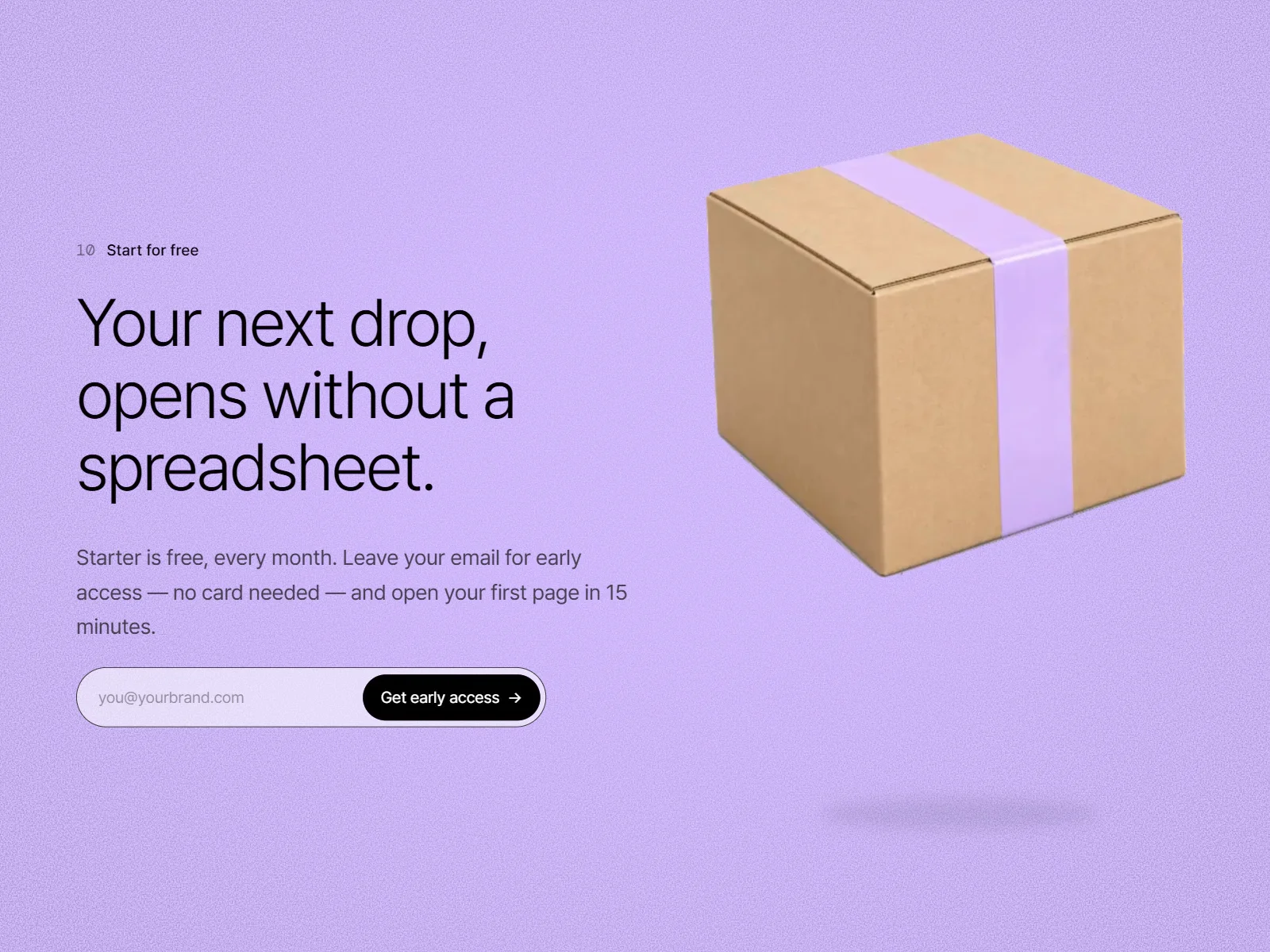
Framer hero section feels flat? Bouncing Box is a bounce animation component for Framer that makes one product image bounce in place. It squashes on landing, stretches on lift-off, and tilts near the top, with a soft shadow drawn in code.
Watch the 40-second walkthrough on YouTube: https://youtu.be/VffltLJq-6A
What you get
The Bouncing Box component with 11 controls: Image, Image Width, Duration, Bounce Height, Tilt Direction (left, center, right), Tilt, Ground Offset, Keep Inside, Shadow, Shadow Color, Playing
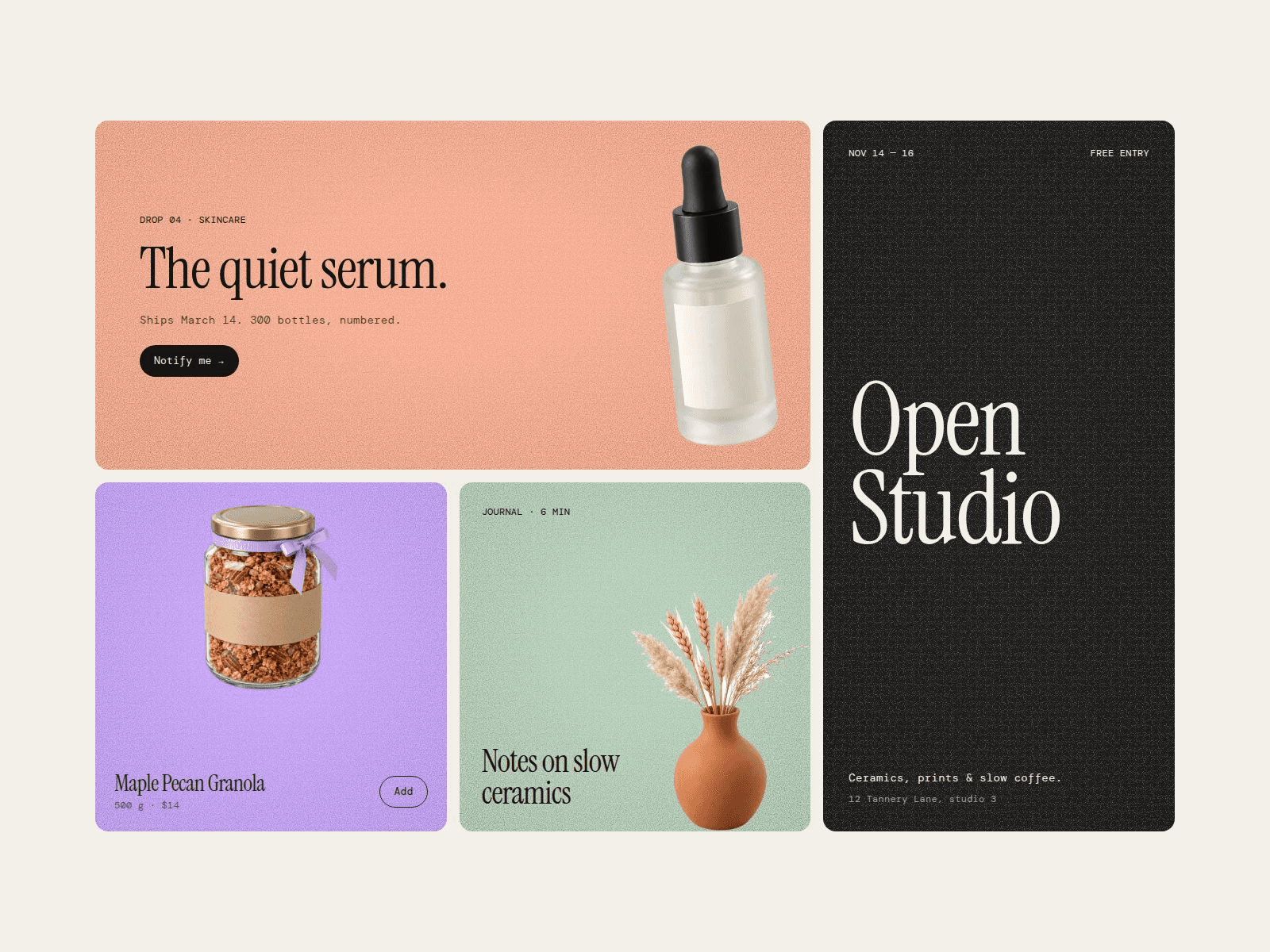
A remix of the full demo page: 3 sections (email signup hero, pre-orders, group buys) with desktop, tablet and phone layouts
Grain Surface, the grain background used in the sections
How it works
After purchase you get a Framer remix link. Click Copy to add the demo page to your workspace, select a bouncing image and adjust it in the right panel. Turn on Keep Inside to fit the image, tilt and bounce inside the component in tight spots.
Need it in React or plain HTML? A separate code version (ZIP) is available on the same Polar store. Demo copy, numbers and the signup form are design examples; form submission and pre-order functionality are not included. Demo images are AI-generated. The animation pauses for visitors with reduced motion turned on.
License: use and modify it in your own projects. Redistribution or resale is not permitted.
Refunds: change-of-mind refunds are not available for this instantly delivered digital product. If it doesn't work as described, email hello@bokmanhi.com within 14 days. We'll help you fix it first, and if we can't, you'll get a full refund.