About BulgeDistortion
What it does
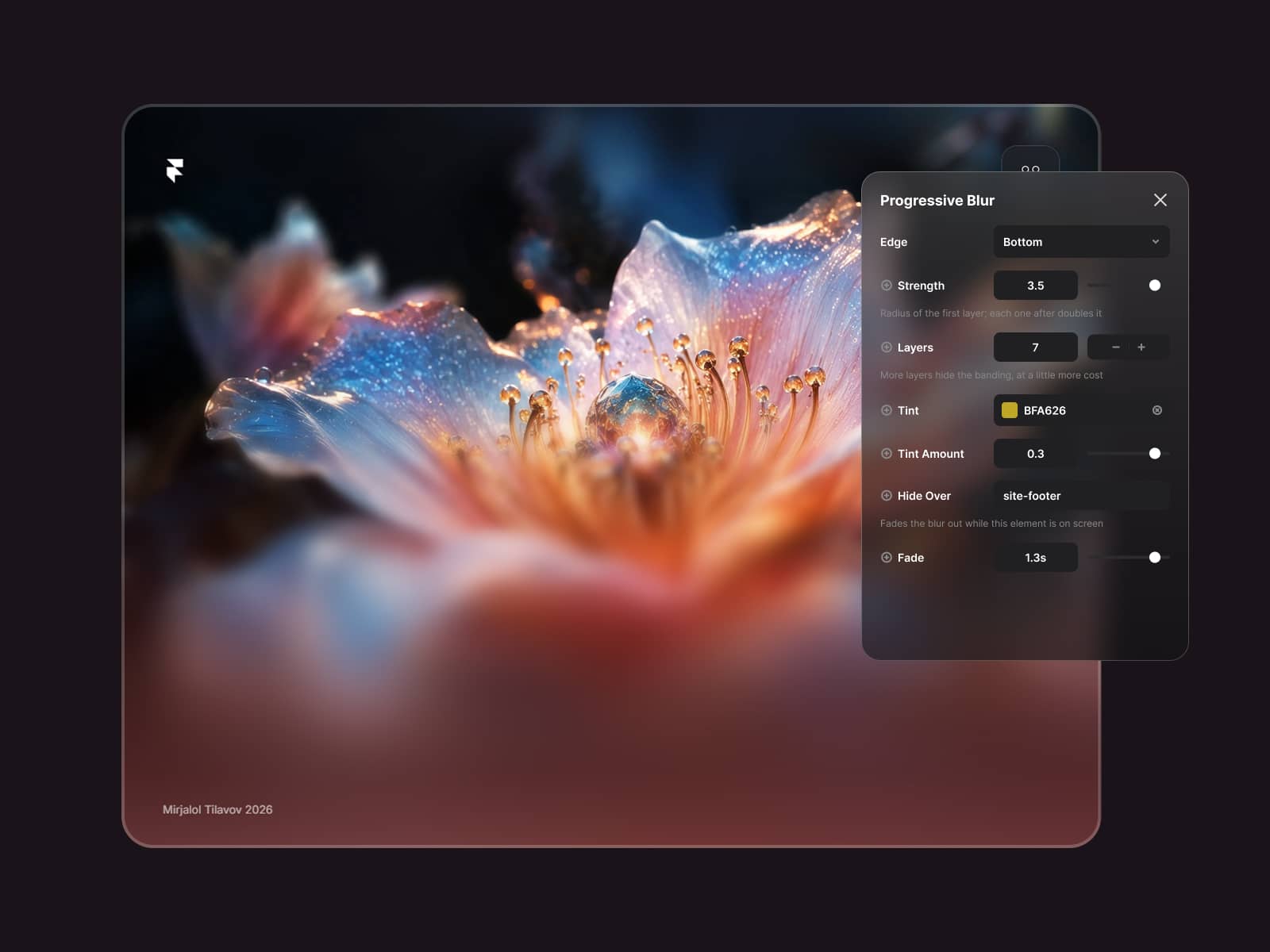
BulgeDistortion applies a GPU-accelerated WebGL bulge effect to any image. When the thumbnail enters the viewport it starts in a distorted state and smoothly relaxes back to its natural form — replicating the exact easing that happens when a mouse lifts off a hovered card.
Features
WebGL shader distortion with expo.out easing — the original Codrops curve
Scroll-triggered reveal with threshold, stagger, and replay on revisit
Hover interaction — cursor-tracked bulge that relaxes on mouse leave
Click / tap distort — great for touch devices
UV Zoom — texture zooms in sync with the bulge
Grayscale → color transition on reveal
Hover tint overlay for duotone-style effects
Image fit: Cover, Contain, or Fill
8 CSS entry presets: Fade, Slide Up, Zoom In, Tilt In, Float Up and more
Shared animation loop — one rAF drives all instances, stays fast with 6+ cards on screen
Pauses automatically when the browser tab is hidden
Respects prefers-reduced-motion
Shows the real image in the Framer canvas and on export
How to use
Go to Assets → Code → New File
Paste the component code and save
Drag BulgeDistortion onto any frame
Assign an image and configure in the right panel
Controls
Initial bulge · Intensity · Falloff radius · Focus X / Y · Settle duration · Easing · Stagger slot · Scroll reveal · Replay on revisit · Entry style · UV Zoom · Hover distort · Cursor smoothing · Click / tap · Grayscale → color · Hover tint · Image fit · Corner radius