About Cal UI
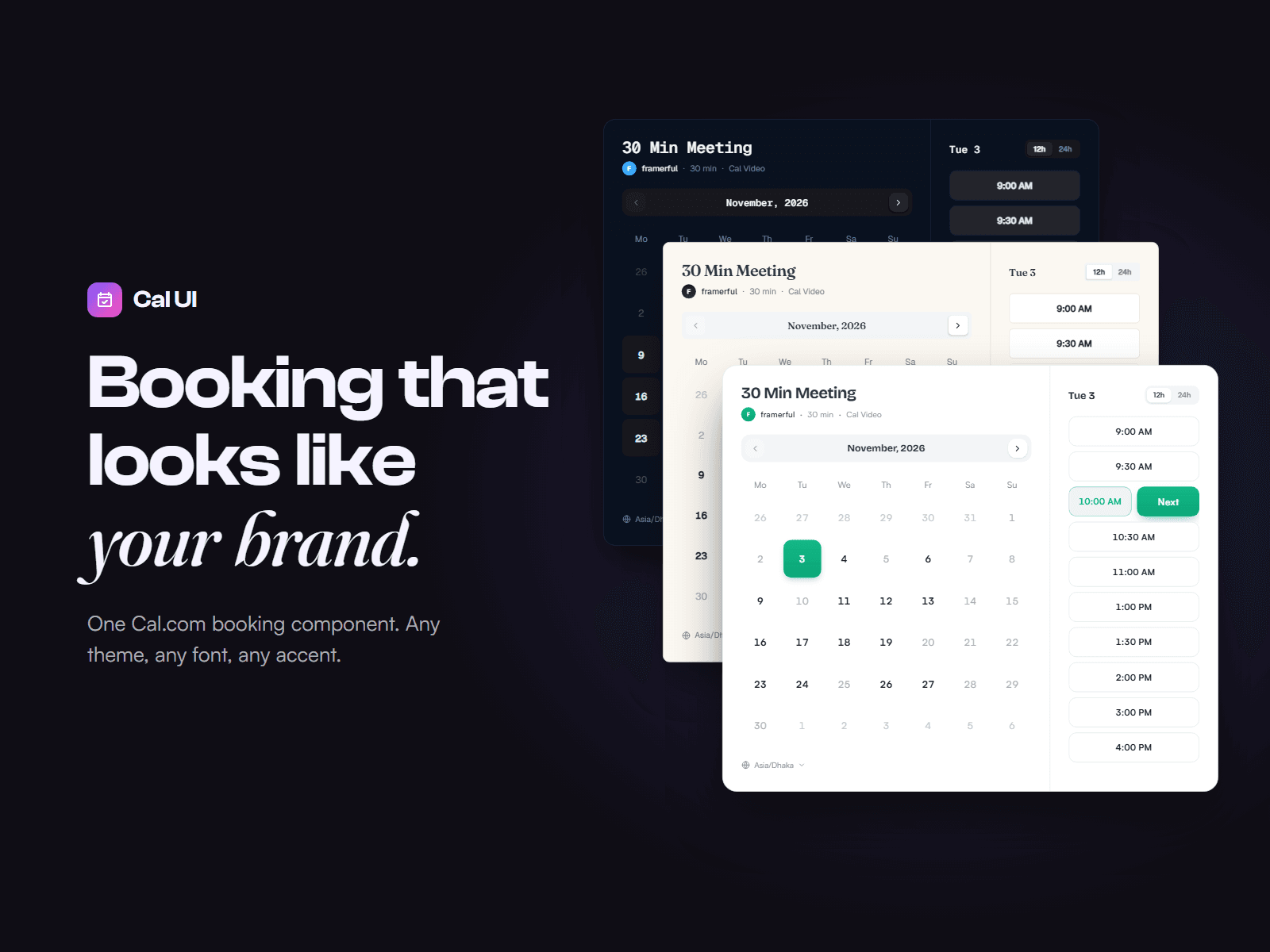
Cal UI is a Cal.com booking calendar you design yourself, right in Framer. No more boxed-in embeds that clash with your site: every color, font, corner and label comes from the property panel, so your booking flow looks like the rest of your brand.
What you get
Live availability. Open days and times come straight from your Cal.com event, shown in each visitor’s own time zone.
A complete booking flow. Visitors pick a day, choose a time, add their details and confirm, all without leaving your page.
A proper confirmation screen, with Add to Google Calendar, Apple and Outlook buttons, plus a link to reschedule or cancel.
Built for every screen. Side by side on desktop, neatly stacked on tablets and phones.
Smooth motion. A sliding day selection, a springy time picker and soft step transitions, all respecting reduced-motion settings.
Make it yours
Light or dark theme
Any accent color or gradient
Your own fonts for titles and body text
Corner radius, spacing and padding
Tiled or minimal day style
12h/24h clock with an optional visitor switch
Time zone picker, end times, grouped time slots
Custom labels for every button and message
Setup
Add Cal UI to any page.
Enter your Cal.com username and event slug.
Style it and publish.
Refunds Because this is a digital product, sales are final. If Cal UI doesn’t work as described, contact me within 14 days and I’ll fix it or refund you.
Support Questions or setup help: hello@buildershub.sh. I usually reply within 1–2 business days.
Cal UI is an independent product, not affiliated with Cal.com.