About Card Swipe Effect
About
This component a part of the 400+ components, layouts, templates, UI Kits and code overrides from SegmentUI PRO. Click here to see the full library
Instructions
Paste the component to your file
The layers you want swipable must be outside the canvas
Using the drag handle, connect the layers to the component
Preview
How It Works
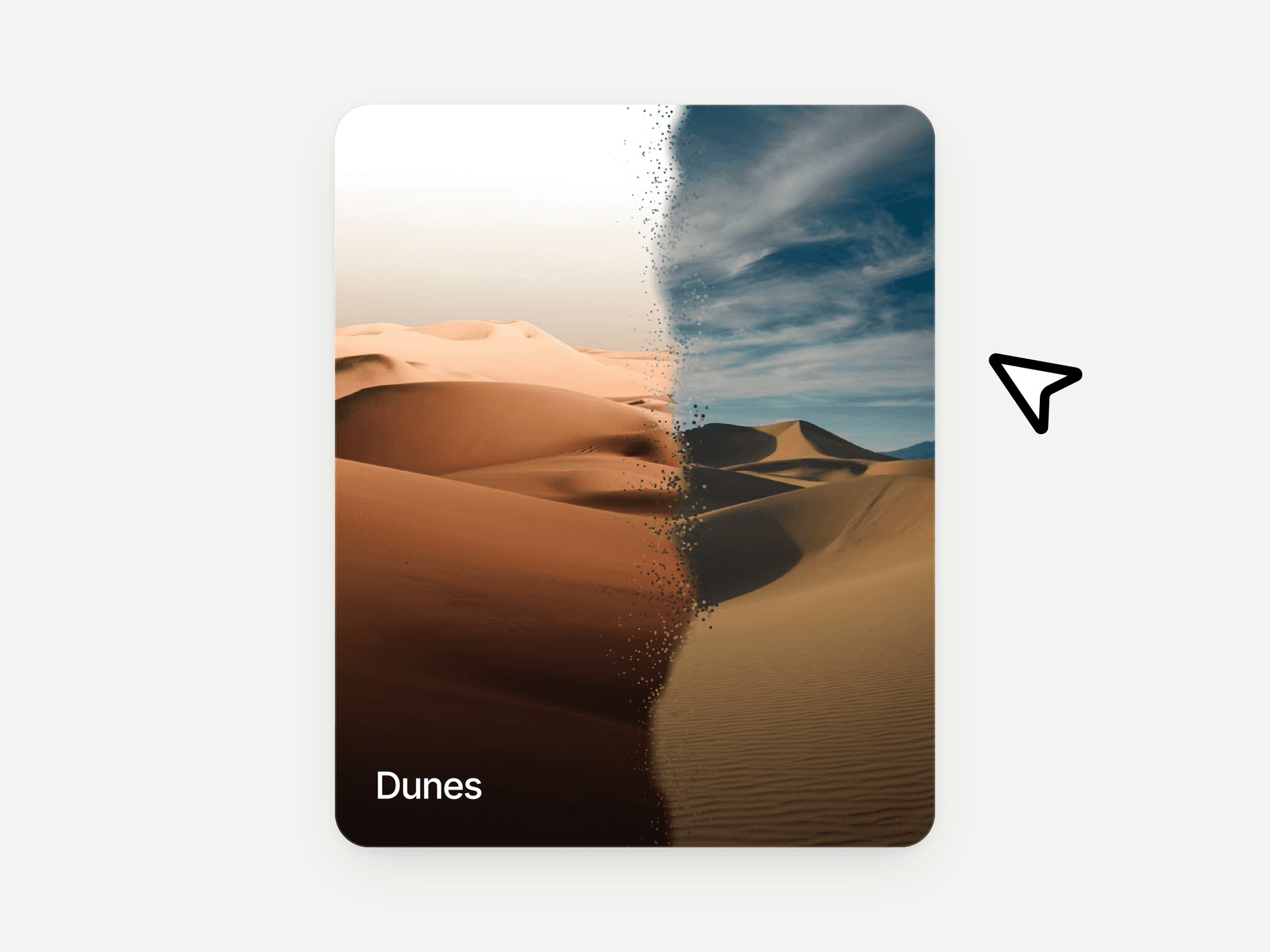
To set up the component, you need to provide an array of layers to be displayed to the component. The component handles the swiping interaction and transitions between instances automatically. Left for previous card and right for next card.
Support
For any queries and help setting up the component, contact hello@segmentui.com
Refund Policy
If a component does not function as advertised and the issue cannot be resolved, you are eligible for a full refund under our quality guarantee. Refunds will not be provided for any other reasons, including change of mind, accidental purchase, lack of use, or expectations of features not explicitly advertised.