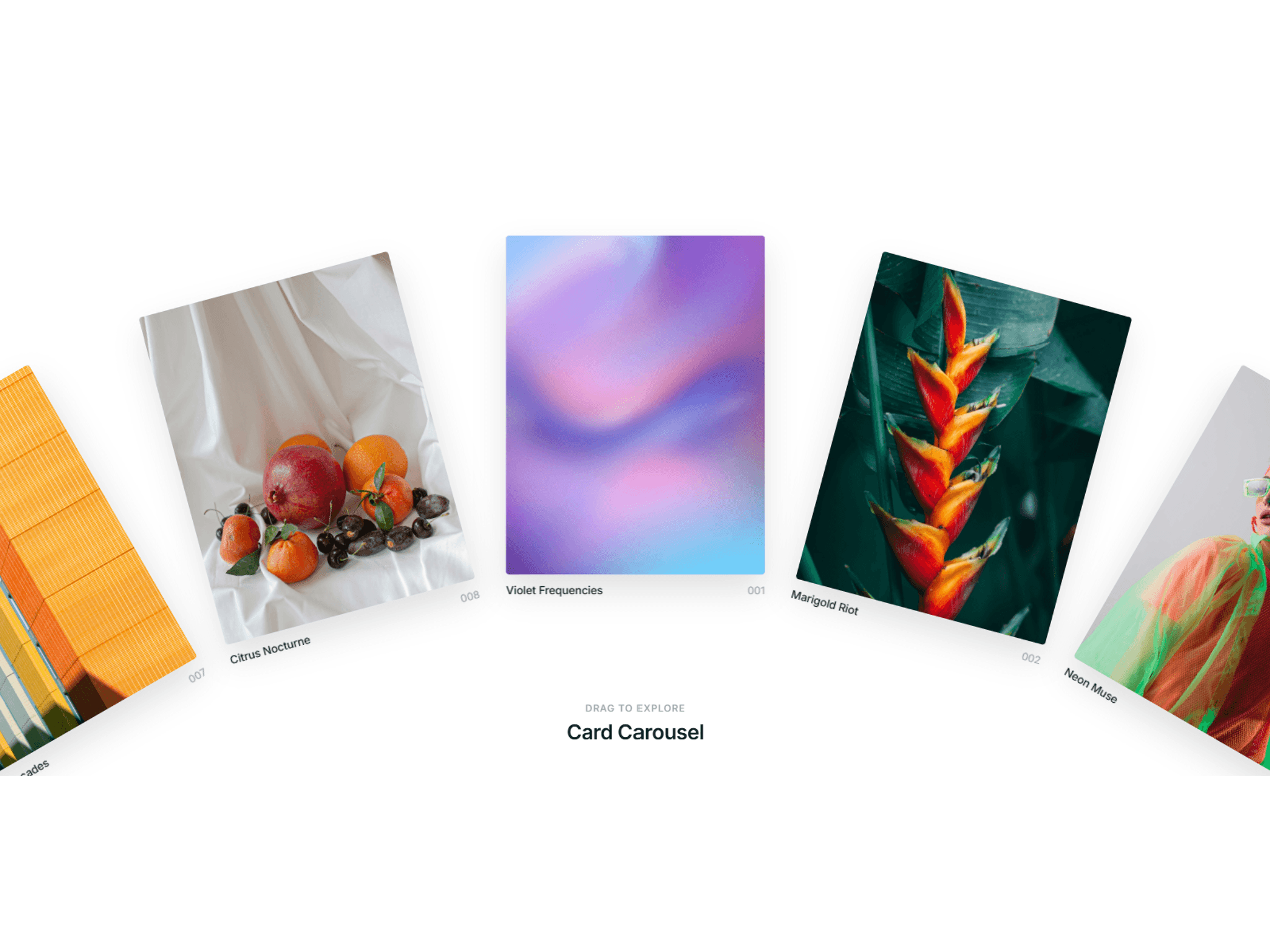
About Carousel Preloader
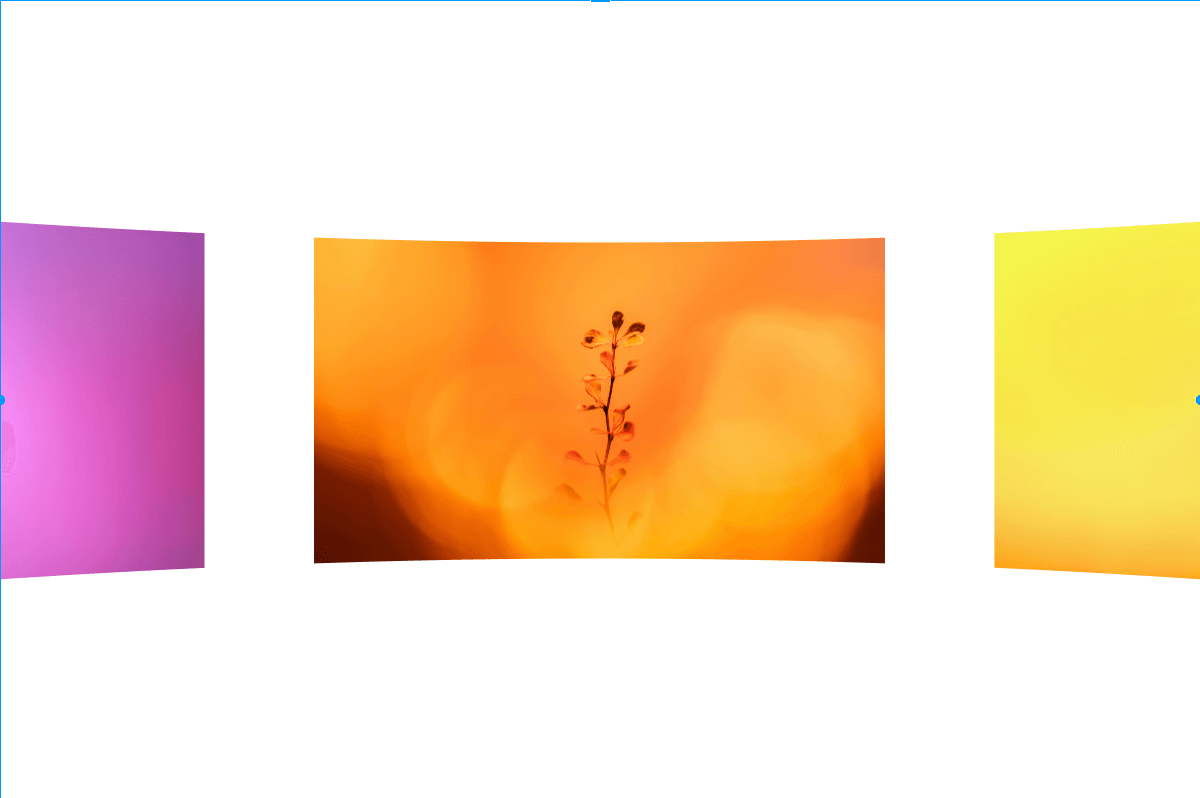
Carousel Preloader turns a set of images into a cinematic intro. A row of 16:9 images sweeps across the screen on a smooth 3D curved surface, settles on your main image, pauses, then expands it edge-to-edge to open your page.
Bend the row into a convex barrel or concave wrap, or keep it flat — the curve is a genuine 3D arc, seamless and glass-smooth at any strength, not a flat tilt. Choose how the other images exit when the hero expands (flow aside or fade away), and tune the slide, pause, and expand timing for anything from a quick flash to a slow reveal. Point the On Complete event at whatever comes next.
Features
Full-screen reveal — the main image expands edge-to-edge
3D curved surface — convex, concave, or flat, with adjustable amount
Two expand styles — Flow (images push aside) or Fade (dissolve)
Independent slide, pause, and expand timing
Pick the hero image and sweep direction; optional loop
On Complete event to trigger any Framer action
Responsive, locked 16:9 ratio; static canvas preview, live in production
Customizable gap, slide width, radius, and background.
How to use
Drag it onto your page or a full-screen frame at the top of your layout.
Add your images in the Images list — swap the placeholder gradients for your own (16:9 works best).
Set Main Image to the one that expands.
Choose Shape (Convex / Concave / Flat) and adjust Amount.
Set Direction and Expand style, then tune Slide, Pause, and Expand times.
Optional: point On Complete at a section reveal or next animation.
Preview, then publish.
Tip: keep Radius at 0 while a curve is active — rounded corners are for the Flat shape.