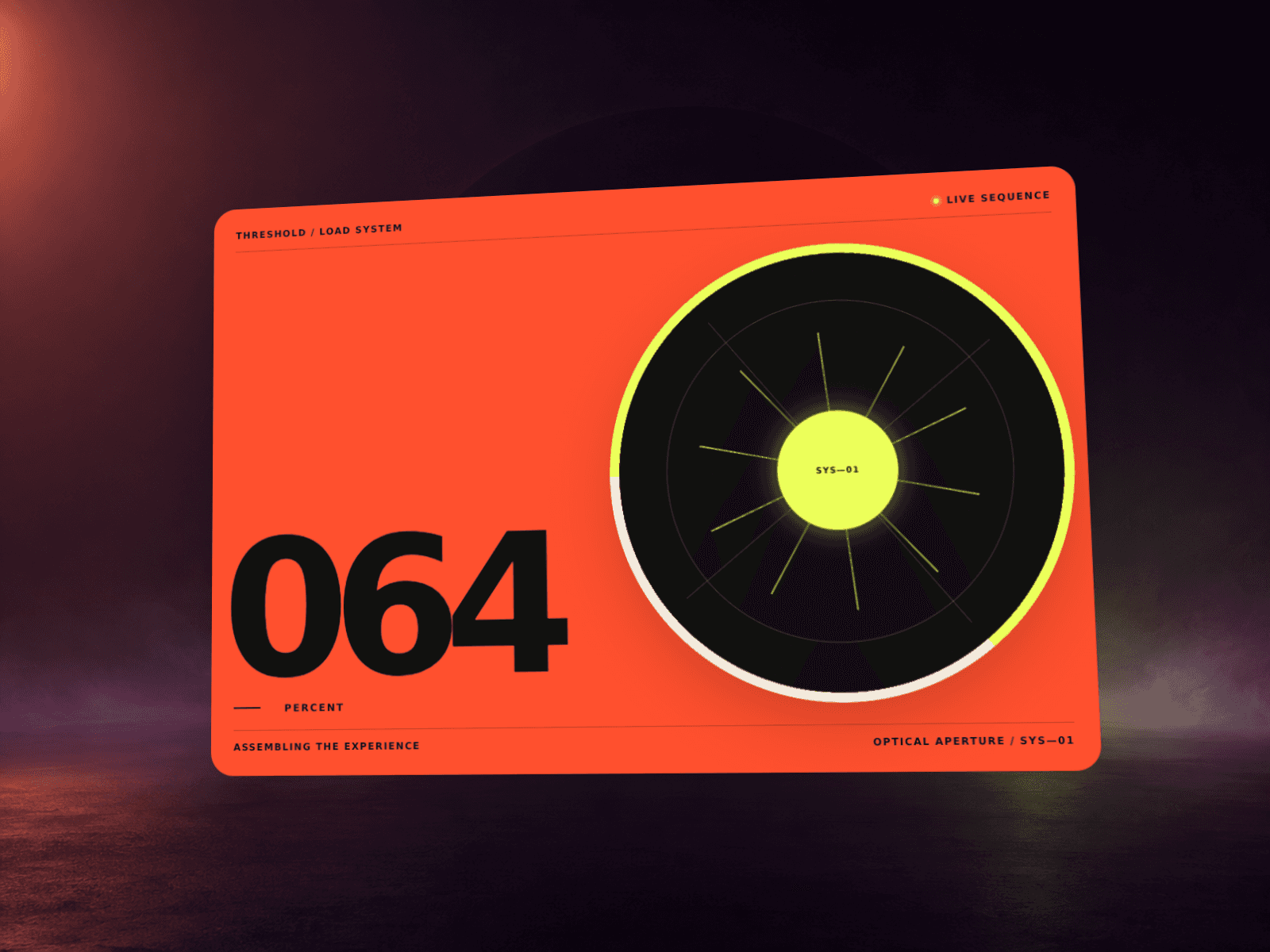
About Cinematic PageLoader
A sleek and customizable page loader component for Framer that displays animated words with fade effects, optional logo, and a cinematic page-reveal split (vertical, diagonal, or fade-out). Perfect for creating high-end brand intros and immersive website experiences.
✅ Features
Customizable Word Sequence – Add 3–4 words (or more) that fade in/out sequentially.
Final Logo/Text – Show your brand logo or a final tagline.
Split Animations – Choose between Vertical, Diagonal, or Fade-out page reveal.
Background Options – Change background color and opacity.
Typography Controls – Customize font family, font size, and text color.
Homepage or All Pages – Choose whether to display only on the homepage or across the site.
One-time Load Option – Option to show the loader only once per visitor (via localStorage).
Smooth Scroll Reveal – Background splits into two parts (top/bottom or diagonal) that animate away smoothly.
Framer Native – 100% built for Framer with property controls.
💡 Use Cases
Branding intros for agencies, startups, or creative studios.
High-end product websites requiring a cinematic first impression.
Personal portfolios that want a signature entrance animation.
Event or campaign sites where storytelling starts at page load.
🛠 Built For
Framer Sites
Modern landing pages, portfolios, and SaaS startups.
Designers & developers who want polished intros without custom coding.
📖 Instructions
Install Component into your Framer project.
Select the component on the canvas.
In the right-hand panel, configure:
Words → Add up to 4 words to animate.
Final Text/Logo → Add your brand name/logo to display at the end.
Background → Choose background color & opacity.
Text Styling → Set font family, font size, and font color.
Split Animation → Pick Vertical, Diagonal, or Fade-out.
Show Once → Toggle if you only want the loader to show once per user.
Pages → Choose whether loader shows on homepage or all pages.
Preview → Test the animation. On scroll, the loader will split and reveal your site.