About Clean Futuristic Btn
Overview
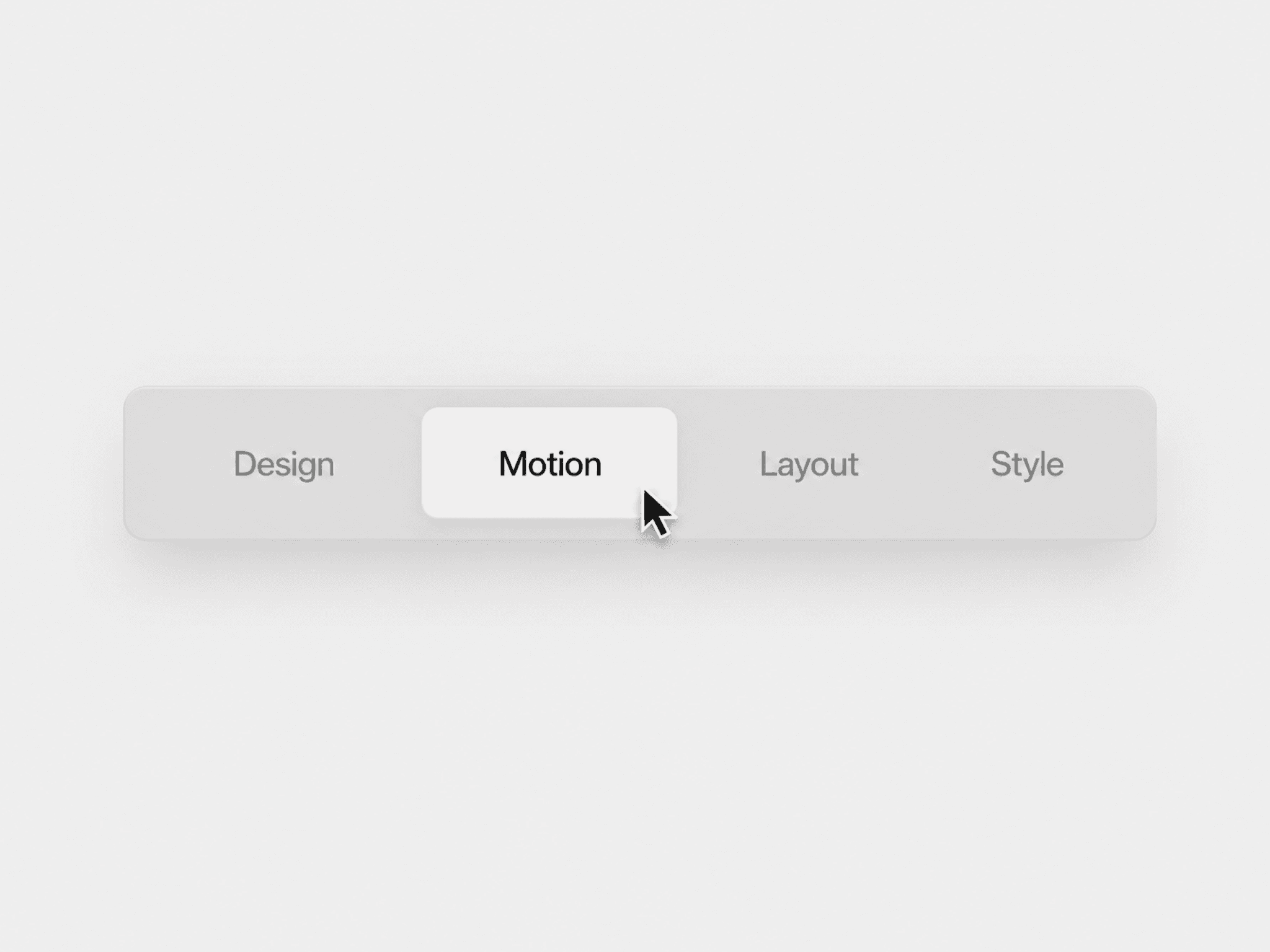
A sleek, modern button with a soft neumorphic feel and a glowing cyan gradient border that makes it stand out without being aggressive. Perfect for hero sections, contact CTAs, or anywhere you want a polished, high-tech aesthetic that feels premium yet minimal.
What's Included
This component comes in two functional behaviors, split across three variants:
The Auto-Switching Button (Base & Temporary Highlight) — Both of these variants automatically animate the button between its resting and highlighted states — this includes both the text color cycling between the base and temporary highlight color, and the gradient border animating alongside it. The only difference between them is the starting state — Base begins in the gray resting color, while Temporary Highlight begins already in the highlighted state. Pick whichever starting state fits your layout best.
Fixed Version — A calmer alternative that disables all automatic animation entirely. The text stays permanently in the base color, the gradient border stays static, and the only interaction that occurs is on hover. Use this when you want a refined, understated button that doesn't draw unsolicited attention.
Settings
Property Description Text The button label. Defaults to "Contact Us" — change it to anything. Text Base Color The resting text color (default #80878A, soft slate gray). Also the permanent color in the Fixed Version. Text Hover Color The color the text shifts to when hovered (default #82BDCF, bright cyan). Temporary Highlight Text Color The color the text cycles to during the automatic animation in the Base and Temporary Highlight variants (default #82BDCF). Can be set independently from the hover color. Link Optional URL the button navigates to on click. New Tab Toggle whether the link opens in a new browser tab. Smooth Scroll Enable smooth scrolling when linking to an anchor on the same page.