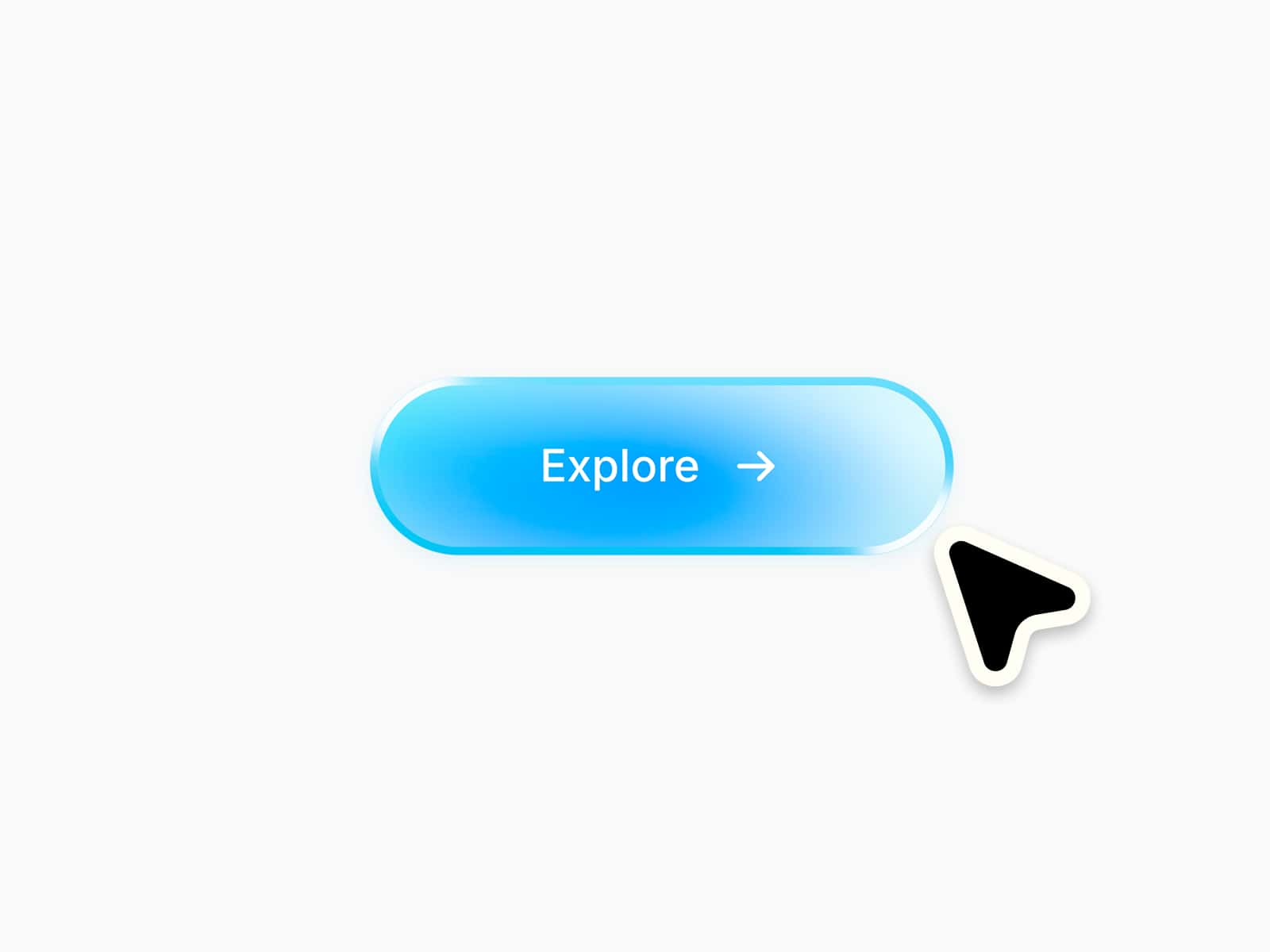
About Soft Spot Button
✦ A little personality in every click.
Soft Spot combines a clean button with a colorful icon circle, smooth hover transitions and subtle press feedback. Make it completely your own with flexible controls for layout, styling and motion :)
⚙ What you can customize Adapt the button directly from the properties panel.
Button text ✦ Link ✦ Open in new tab ✦ Six icons ✦ Icon position ✦ Background color ✦ Text color ✦ Circle colors ✦ Icon color ✦ Focus color ✦ Typography ✦ Border radius ✦ Circle size ✦ Icon size ✦ Padding ✦ Hover scale ✦ Animation duration ✦ Disabled state
🎯 Perfect for
Portfolio websites ✦ Creative studios ✦ Agency websites ✦ Landing pages ✦ Contact sections ✦ Product pages ✦ Personal websites
📱 Responsive by default
Flexible sizing for Desktop, Tablet and Mobile, with touch-friendly press feedback and a static canvas preview for easy editing.
🖱 Included interactions
Hover to slide the icon out and bring a fresh one in ✦ Subtle circle scaling and color transition ✦ Gentle press feedback ✦ Visible keyboard focus ✦ Reduced-motion support
The arrow points right in both states, while the circle keeps its round shape throughout.
🔗 Live Preview
https://formal-sparrow-053535.framer.app/
–––––––––––––––––––––––––––
Thanks for checking out Soft Spot! I had fun finding that balance between a clean button and a playful little interaction. I hope you enjoy using it in your own projects :)