About Cloudinary Uploader
Cloudinary Uploader
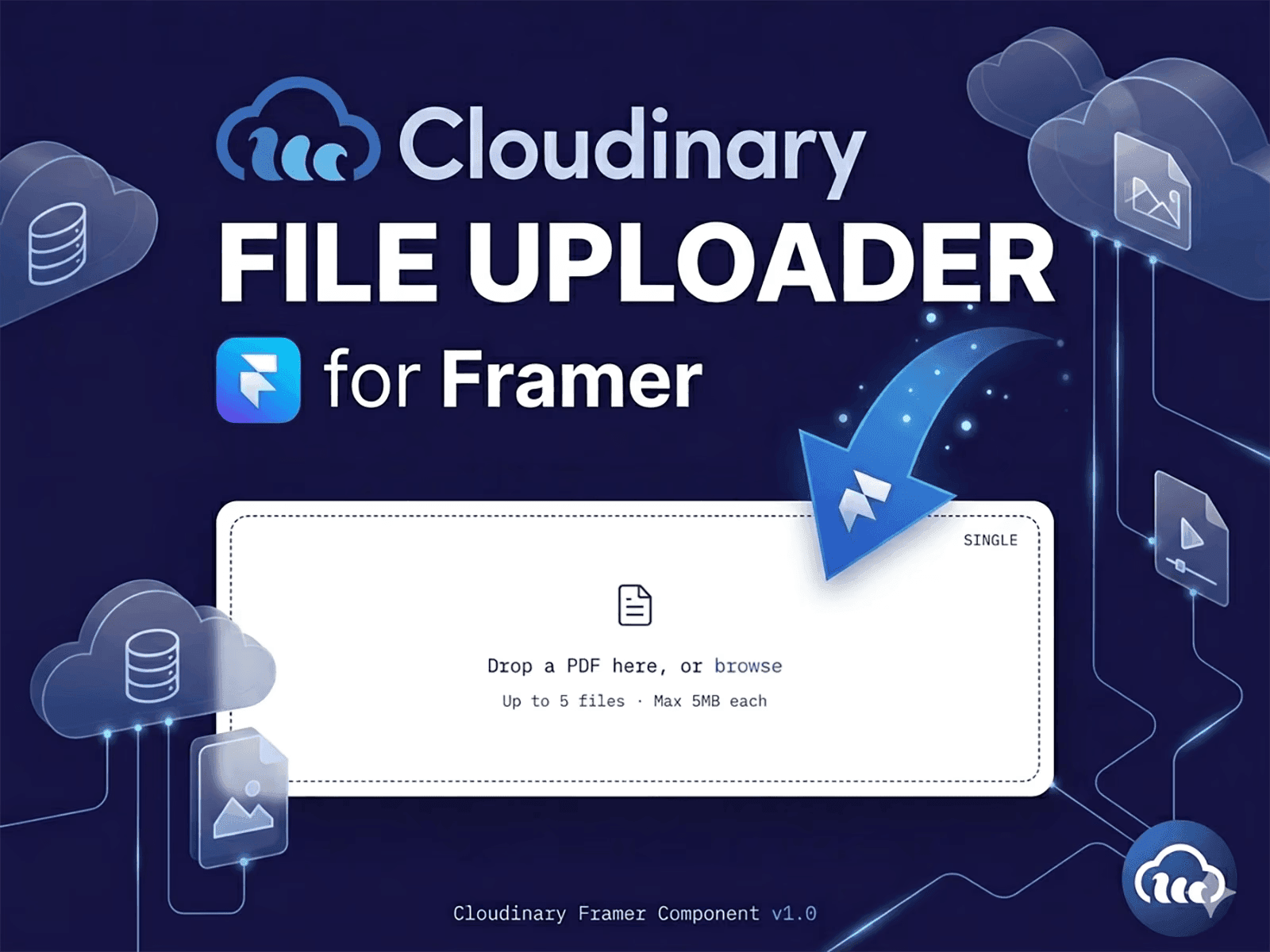
A production-ready file uploader for Framer that lets you upload files directly to your Cloudinary account. With a clean drag-and-drop interface, support for images, videos, PDFs, and more, it provides a fast, secure, and reliable upload experience—without requiring a custom backend.
Features
Direct uploads to your Cloudinary account
Drag-and-drop and file picker support
Images, videos, PDFs, and other file types
Single or multiple file uploads
Automatic or manual upload modes
Real-time upload status
File size and type validation
Image previews and PDF support
Responsive and accessible design
Framer Forms compatible
No API keys exposed
Easy setup with just two Cloudinary values
Setup
Copy the Cloudinary Uploader component into your Framer project.
Select the component and open the Properties panel.
Enter your Cloud Name and Unsigned Upload Preset under the Cloudinary section.
You're ready to upload files directly to your Cloudinary account.
Create an Unsigned Upload Preset
If you don't have one:
Sign in to Cloudinary.
Go to Settings → Upload → Upload Presets.
Create a new preset and set it to Unsigned.
Copy the preset name into the component.
Your Cloud Name is available on your Cloudinary Dashboard.
Notes
Uses your own Cloudinary account.
No credentials are included.
API Secrets are never exposed.
Files remain under your ownership.
The component does not store or proxy uploads.
Requirements
Cloudinary account
Cloud Name
Unsigned Upload Preset
Perfect For
Contact forms, portfolio submissions, job applications, client uploads, CMS workflows, user profiles, and business websites.
Cloudinary Uploader delivers a seamless, secure, and professional file upload experience that integrates naturally into any Framer project.
For Support
injamulhaquesomrat@gmail.com