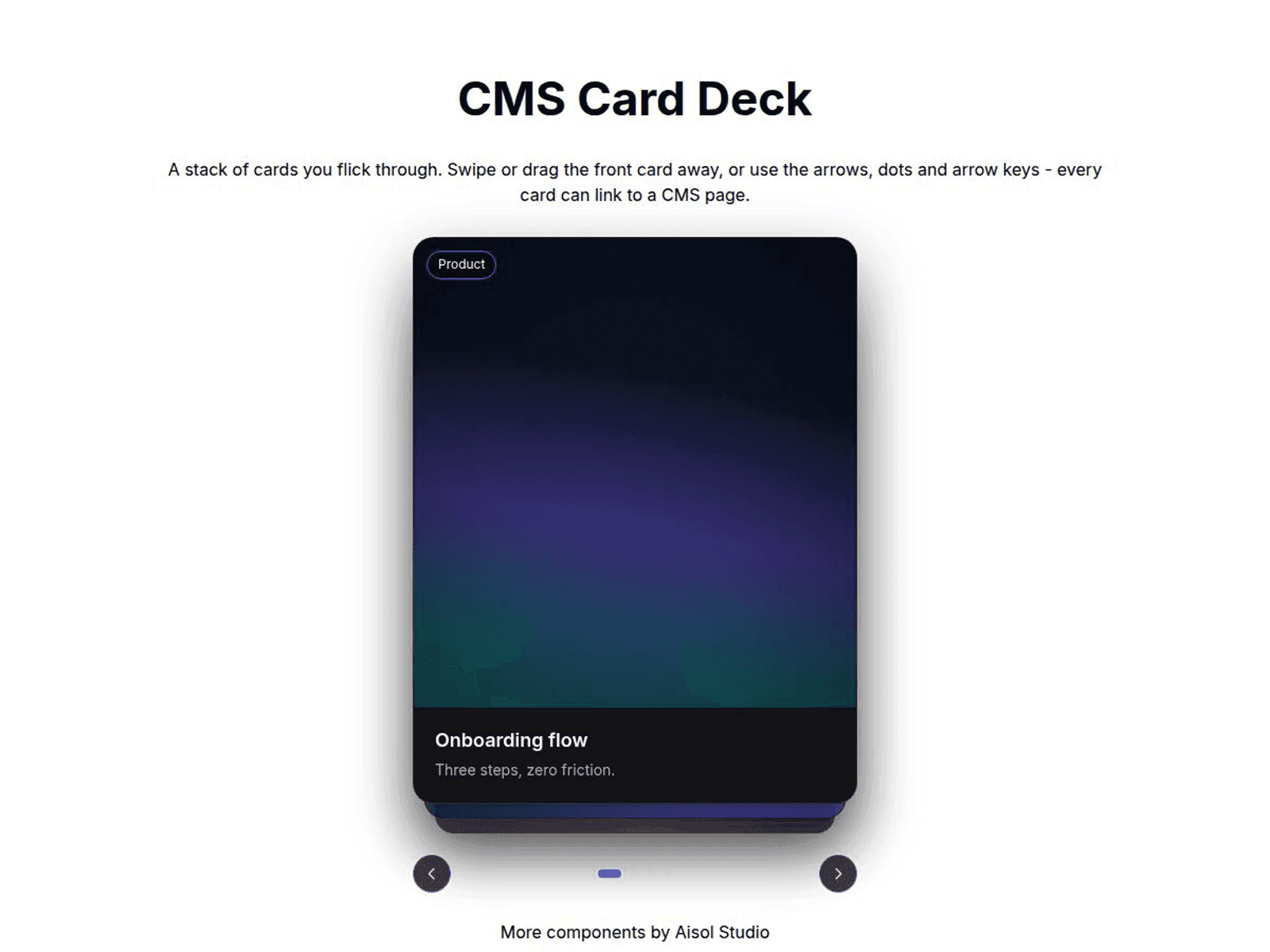
About CMS Card Deck
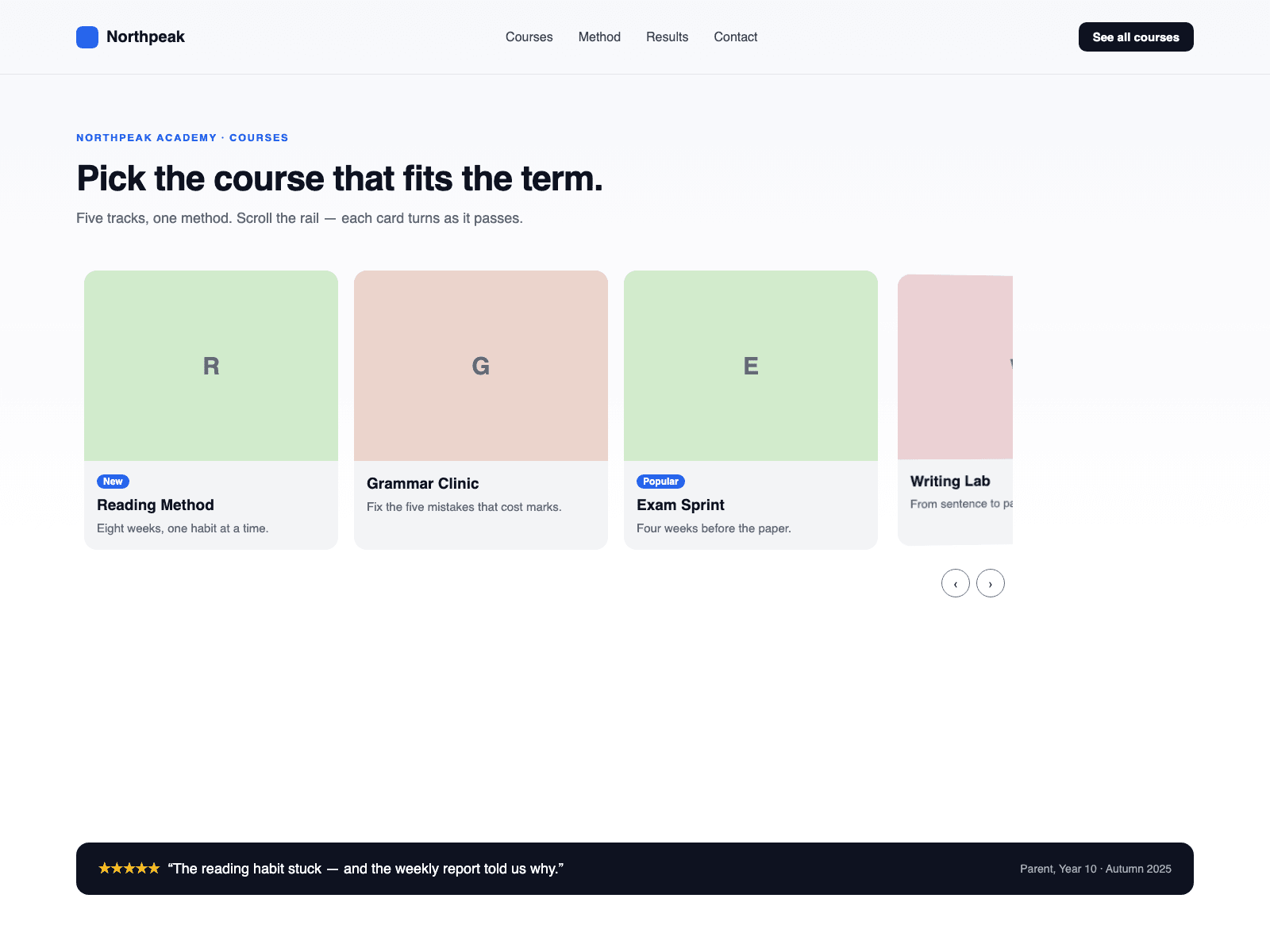
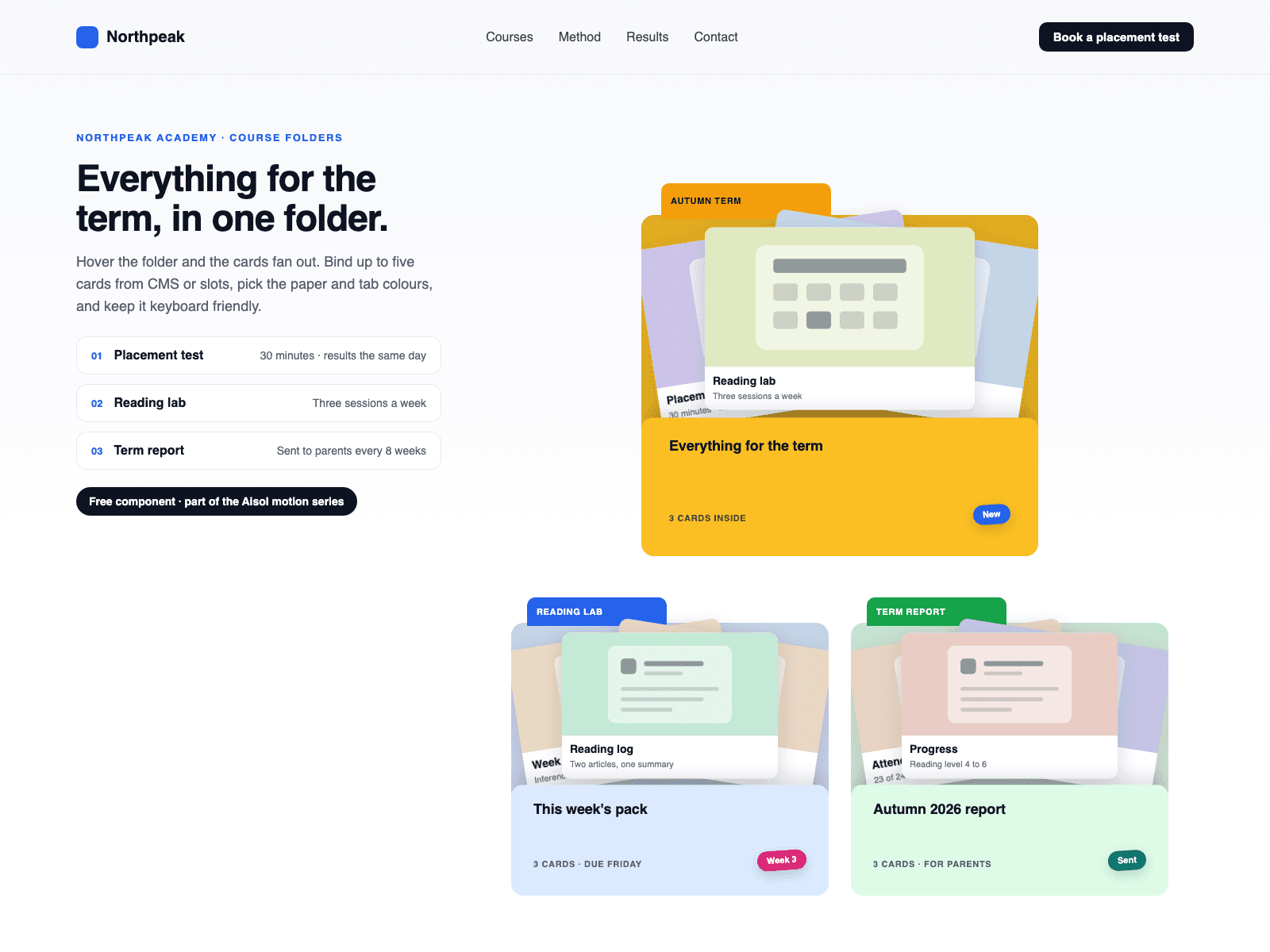
Use it with CMS in three steps: 1. Drop a Collection List into Cards (CMS) and turn off its Pagination. 2. Every loaded item becomes a card in the deck, and the dots, arrows, keys and swipe follow the item count. 3. Name the layers inside the item Title and Image; the deck puts the image on top, styles the title and reads it for screen readers.
A stack of cards you flick through: swipe the front card away and the next steps forward, while the cards behind peek out.
Key features
- Real CMS cards. Each Collection List item becomes its own card, and the deck updates when the list changes. A Load more button is not shown.
- The deck shows copies of your CMS items. Links inside an item still work, but Framer hover and press effects and interactive components inside an item do not run in the deck.
- Turn off Style CMS Layers to keep your own card design.
- Swipe, drag, arrow keys, dots and arrow buttons, with endless looping.
- Optional autoplay that pauses on hover, focus and background tabs.
- Reduced motion respected. Cards change without animation.
What you control
- Cards (CMS) slot, or hand-made Cards with image, title, caption, badge, link and new tab
- Visible cards, offset, peek, scale step, tilt and radius
- Arrows, dots, autoplay and interval, colours, font, empty text and screen reader labels
The canvas shows the Collection List as you built it; the deck runs in Preview and on the published site. Give the component a fixed height.